Figma is used for designing and prototyping interfaces.
Webflow is used for building and publishing live websites.
Figma handles visual design, while Webflow handles development and hosting.
Both tools work best together in a single workflow.
The Figma to Webflow plugin helps transfer designs quickly.
Webflow includes CMS, SEO, and responsive control features.
Figma focuses on collaboration and UI consistency.
Webflow is ideal for SaaS and B2B website projects.
Figma supports Auto Layout for responsive design planning.
Webflow allows fine-tuning responsiveness for real websites.
Webflow doesn’t replace Figma; they serve different stages.
Using both tools reduces handoffs and speeds up website production.
If you're getting into web design, Figma and Webflow are probably the first tools you'll come across. And if you're wondering "Should I use Figma or Webflow for my website?" the answer is less straightforward than it used to be.
Figma has moved well beyond design. With the launch of Figma Sites, Figma Make, and a CMS in beta, you can now go from idea to live website without ever leaving Figma. Webflow, meanwhile, has doubled down on what it does best, giving you full control over production websites with a mature CMS, built-in SEO, and clean semantic code.
So, are they competitors now? Partially, yes. But they're still strongest at different things. And for most professional web projects, using both together is still the smartest approach.
We'll look at when to use each tool and how combining them can make your life a whole lot easier. Whether you're a designer, a developer, or just someone who wants to create cool websites, this blog is for you.
Ready? Let’s begin
Understanding Figma and Webflow
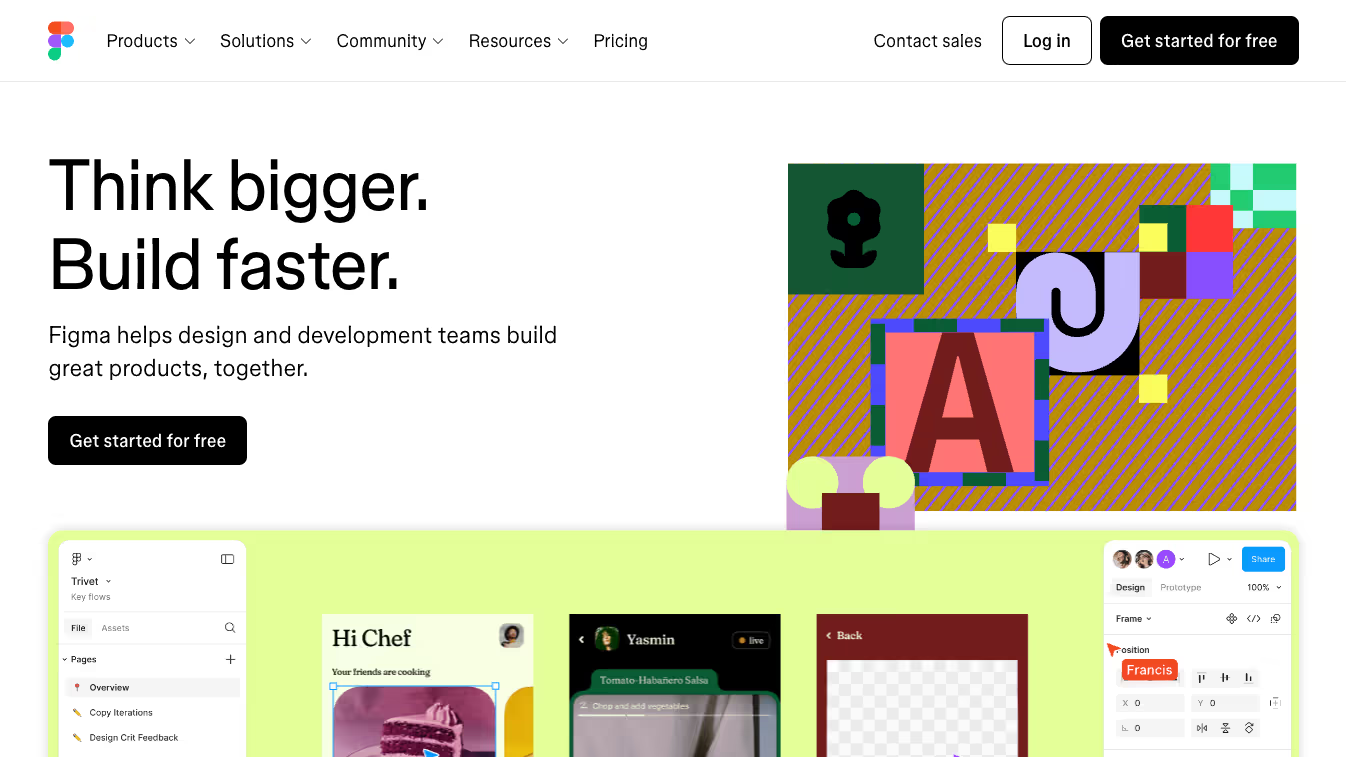
Figma: Design, prototype, collaborate
When it comes to web design, Figma is often where the process starts. It's built to make the design process as intuitive and collaborative as possible, enabling designers of all levels to bring their website ideas to life with precision and creativity. Here’s what makes Figma a go-to for web designers:
Streamlined Design Tools: Figma offers all the tools you need to create comprehensive layouts, from wireframes to high-fidelity designs, all within a single interface. This includes frames, vector tools, constraints, and auto-layout features that simplify the creation of responsive designs suitable for both mobile and desktop views.
Interactive Prototyping: With Figma, you can turn your static screens into interactive prototypes without any coding. This feature allows you to simulate the flow of your website, making it easier to visualize how users will interact with your content.
Real-Time Collaboration: One of Figma’s great features is its ability to let teams collaborate in real-time. Whether you’re co-designing with another designer or gathering feedback from a client, Figma makes it easy so that everyone is on the same page.
Webflow: Where designs come to life
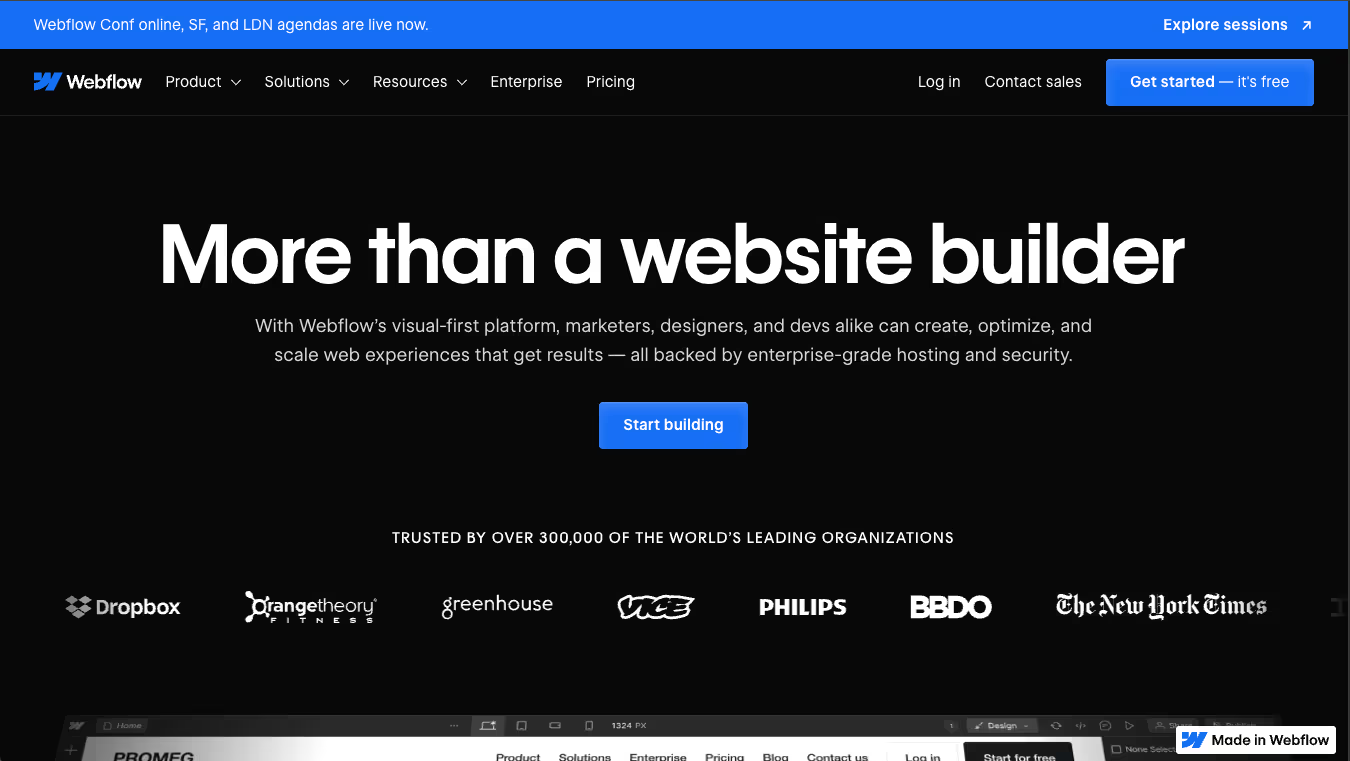
After you are done with designing your website in Figma, Webflow helps you turn it into fully functional website. It’s a powerful tool for visually building, launching, and hosting a website without needing to write any code. Here’s why Webflow stands out:
Visual Development Interface: Webflow provides a visual interface that lets you build complex interactions and animations for your website. It translates design decisions directly into clean, semantic HTML, CSS, and JavaScript.
CMS and Dynamic Content: Beyond static sites, Webflow is also great for managing dynamic content. Its CMS capabilities are perfect for blogs, e-commerce sites, and other applications where content needs to be updated regularly.
Seamless Publishing: From SEO tools to server configuration, Webflow handles everything you need to get your site up and running. Its hosting solutions ensure that your site is fast, secure, and scalable, right from the moment you publish.
Feature / Dimension
Figma (incl. Figma Sites)
Webflow
Primary Purpose
UI/UX design, prototyping, design system management
Visual web development, design-to-live site building
Basic preview/interactions but not focused on full prototyping workflows
Output / Code
Exports design assets & specs. Figma Sites publishes live websites but outputs non-semantic HTML (divs/spans). Code Layers (Aug 2025) enable React-based interactivity with npm imports. No code export — hosting is Figma-only.
Generates clean production HTML, CSS, and JavaScript; full code export for hosting elsewhere
CMS & Dynamic Content
Figma Sites CMS (public beta, Nov 2025): collections, dynamic pages, CMS lists. Limitations: no nested URLs, no API access, no staging, no granular permissions. Figma acquired Payload CMS (June 2025); more capability expected.
Full CMS with collections, relational fields, live content, scheduling, and API access
SEO & Site Performance
Minimal SEO capability; lacks control over meta tags, structured data, and optimization
Strong built-in SEO tools (metadata, alt text, schema, clean code, hosting optimizations)
E-commerce / Transaction Support
None currently
Native e-commerce: product catalog, checkout, payments, cart, and order management
Hosting & Security
Figma Sites hosts published pages (beta) with limited hosting control
Per seat: $16–18/mo (Professional). Figma Sites publishing included on paid plans.
Per site: $14/mo (Basic, no CMS), $23/mo (CMS plan). Hosting included. Costs scale with number of sites, not team size.
Learning Curve & Usability
Shallow learning curve for designers already using Figma
Steeper curve due to box model and CSS logic, but highly flexible once mastered
Ideal Use Cases
Wireframes, UI systems, rapid prototyping, design handoff, small static sites
Full websites, marketing sites, content-heavy projects, e-commerce, scalable builds
Limitations / Trade-offs
No dynamic content, limited SEO, less control over code, publishing still in beta
Requires understanding of web fundamentals; setup can be complex for beginners
Figma Sites: What It Can (and Can't) Do
Figma Sites lets you take a design in Figma and publish it as a live website — no handoff, no separate tool. You get 50+ templates, basic animations like hover effects and parallax scrolling, responsive layouts through Auto Layout, custom domains, and built-in hosting on .figma.site.
The CMS launched in public beta in November 2025. It supports collections, dynamic pages with unique URLs, and CMS lists for repeating content blocks. And with Figma's acquisition of Payload CMS in June 2025, there's clearly more coming on the content management side.
Then there's Code Layers, which launched in August 2025. These let you drop React-based code directly onto the canvas — forms, API calls, even shaders — giving Figma Sites a level of interactivity it didn't have before.
For a portfolio, a landing page, or an internal tool, Figma Sites works. It's fast, and it keeps everything in one place.
But there are real limitations once you move beyond simple sites:
Non-semantic HTML. Figma Sites renders everything as <div> and <span> elements. No proper <nav>, <section>, or heading tags. Links sometimes appear as divs with JavaScript handlers instead of actual <a> tags. This hurts SEO, accessibility, and AI search visibility.
Limited CMS. No nested URL structures (you can't do /blog/category/post-title), no API access, no content staging, and no granular editor permissions.
No e-commerce. No shopping cart, checkout, or payment processing.
No 301 redirects, sitemap control, or schema markup. The SEO controls you'd expect from a production website simply aren't there yet.
Accessibility gaps. Improper ARIA usage and inconsistent element implementation can create real issues for screen readers.
No code export. You can only host through Figma — there's no way to export the underlying code and host it elsewhere.
In short, Figma Sites is a strong option for simple, design-forward pages. But the moment you need content at scale, organic traffic, or production-grade code, Webflow is still where you'll end up.
Figma Make: AI-Powered Website Generation
Figma Make is where things get interesting. Type a prompt, something like "create a SaaS landing page with pricing and testimonials", and Figma generates a responsive, interactive site you can refine visually, tweak in code, or prompt again to explore a different direction.
It's genuinely fast for getting from zero to something tangible. And as of April 2026, Make Kits and Make Attachments let your prompts pull in real components, data, and constraints from your design system, so the output isn't generic.
Figma Make also integrates directly with Figma Sites. Select any frame, prompt it to life with Make, and publish. The whole loop stays inside Figma.
The catch? The sites Make produces still run through Figma Sites. So you inherit the same limitations - non-semantic HTML, basic SEO controls, and a CMS that's still in beta. It's a great tool for rapid prototyping, MVPs, and early-stage ideas. But for a website that needs to rank, convert, and scale, you'll still want to build in Webflow.
AI Workflows: MCP Servers and What They Mean for You
Both Figma and Webflow now support MCP (Model Context Protocol) servers, which let AI tools like Claude, Cursor, and VS Code interact directly with your projects through natural language.
Figma's MCP server launched in beta in June 2025. It gives AI agents read and write access to your Figma files- components, variables, layout data, and auto layout structures. Combined with Code Connect, the AI generates code using your actual components and imports, not generic markup. It's focused on bridging design systems and development.
Webflow's MCP server launched in April 2025 and connects to both the Data API (CMS items, pages, assets) and the Designer API (elements, styles, components on the live canvas). In February 2026, Anthropic released an official Webflow connector for Claude, making it even easier to manage sites through conversation. You can bulk-update CMS content, run SEO audits, scaffold page structures, and migrate content between collections, all through prompts.
The difference in focus is clear: Figma's MCP is about getting from design to code. Webflow's MCP is about managing and operating a live website. If you use both tools together, the two MCP servers actually complement each other well, design-to-code through Figma, site operations through Webflow.
Why People Get Confused Between Figma and Webflow
It's easy to see why people compare them directly. Both have visual interfaces, both are marketed as all-in-one solutions, and both attract designers looking for streamlined workflows. The confusion has only grown now that Figma Sites lets you publish live websites, something that used to be Webflow's territory alone. But the tools still serve different needs, and understanding where each one excels is what matters.
When to Use Figma
Figma is primarily used to streamline various aspects of the web design process. Here’s how you can use Figma effectively:
Brainstorming and Wireframing: Start your project in Figma to sketch out initial ideas and wireframes. It’s great for laying out the basic structure of your pages, allowing you and your team to visualize concepts and make quick adjustments.
Creating High-Fidelity Designs: Once your wireframes are ready and approved, use Figma to develop detailed, high-fidelity designs. This is where you add color, typography, and other visual elements that define the look and feel of your website.
Prototyping: Figma allows you to create interactive prototypes without needing to code. This is useful for testing how your designs work in practice. You can simulate user interactions and make sure everything flows as intended before handing off designs for development.
Collaboration: Figma shines in collaborative environments. You can share your designs with team members or clients in real time, gather feedback directly on the platform, and make instant revisions. This speeds up the review process and ensures everyone is aligned.
Presentations: Use Figma to present your designs to stakeholders. You can create professional presentations within the tool(thanks to Figma Slides), making it easy to showcase your work during meetings or through shared links.
Webflow is a powerful platform that allows you to turn your design concepts into functional, interactive websites. Here are some practical ways to use Webflow effectively:
From Design to Development: Once your design in Figma (or any other design tool) is complete, use Webflow to bring these designs to life. Webflow allows you to build the website visually, which means you can see the changes as you apply them, without writing code. This is especially useful for designers who are not familiar with coding.
Implementing Interactions and Animations: Webflow excels at adding sophisticated animations and interactions to your website without coding. This can significantly enhance the user experience, making your site more dynamic and engaging.
Launching and Hosting Websites: With Webflow, you can go from design to live site all within the same platform. Webflow hosts your site for you and provides all the tools you need to launch a website, including domain connection, SSL certificates, and scaling options. This makes it easy for anyone to get their site up and running quickly.
Managing Content with CMS: For websites that need regular content updates, like blogs, news sites, or e-commerce platforms—Webflow's CMS (Content Management System) is invaluable. You can design your templates in Webflow and then use the CMS to manage the content without ongoing design adjustments.
SEO Optimization: Webflow also provides SEO tools to help improve your site’s visibility on search engines. You can edit meta tags, alt text, and other SEO elements directly in the platform, ensuring your site is optimized from the start.
SEO isn't just about Google anymore. AI tools like ChatGPT, Perplexity, and Google AI Overviews pull answers from websites with clean semantic HTML, structured data, and well-organized content. This is what's known as AEO - Answer Engine Optimization.
Webflow is well-positioned here. Its semantic markup, schema support, clean heading hierarchy, and metadata controls give AI crawlers exactly what they need to surface your content as an answer.
Figma Sites, on the other hand, outputs non-semantic HTML - generic divs and spans without proper heading tags or structured data. Until that changes, sites built on Figma Sites are unlikely to appear in AI-generated answers. If AI search visibility is part of your content strategy, Webflow is the only viable option right now.
Best Practices: Transitioning from Figma to Webflow
Now that you understand what each tool is and where each works best, let’s go through some best practices you should follow when transitioning from Figma to Webflow.
Transitioning your designs from Figma to Webflow efficiently requires a blend of planning, tool proficiency, and best practices. Here are key strategies to ensure you make a smooth transition and maintain the integrity of your designs:
Prepare Your Design Assets: Before you start the transition, ensure all design assets are optimized for the web. This includes scaling images appropriately, converting icons to SVGs for better scalability and quality, and organizing layers and components in Figma for easier reference.
Consistency in Design Elements: Establish a consistent style guide in Figma that includes fonts, colors, and layout structures. This will make it easier to replicate the design accurately in Webflow, reducing the need for adjustments during the development phase.
Use Figma’s Export Features: Take advantage of Figma’s ability to export assets directly in formats that Webflow supports. Properly labelled and formatted assets simplify the import process into Webflow and help maintain design fidelity.
Leverage Webflow’s CMS for Dynamic Elements: If your design includes dynamic content such as blog posts or product listings, set up the CMS collections in Webflow early in the process. This allows you to design around real content structures and ensure that the CMS setup in Webflow mirrors your design intent in Figma.
Iterate on Interactions: Since Webflow allows you to build complex interactions, start by replicating the basic interactions designed in Figma and gradually enhance them using Webflow’s advanced animation tools. This iterative approach helps in fine-tuning interactions without overwhelming the transition process.
Responsive Design Testing: Once the design elements are imported into Webflow, utilize its powerful responsive design tools to adjust the layout for various devices. Testing the responsiveness as you build ensures that the design adapts well across all device sizes, maintaining a consistent user experience.
Learn more about taking your website from Figma to Webflow here.
Who Should Use What
Solo designers and freelancers building portfolios or personal sites: Figma Sites is a solid choice. It's fast, it lives in your design tool, and for a static site it does the job.
Early-stage startups that need a landing page up quickly: Use Figma Sites or Figma Make to get live in minutes. When you need a CMS, SEO control, or integrations, migrate to Webflow.
Content-driven businesses — SaaS marketing sites, blogs, media brands: Webflow. The CMS, semantic HTML, and SEO tools aren't optional when organic traffic drives your growth.
Agencies delivering client websites: Webflow. Role-based permissions, staging environments, CMS handoff, and production-grade hosting make it the standard for client delivery.
Teams focused on AI search visibility: Webflow. Figma Sites' non-semantic HTML won't surface in AI-generated answers from tools like ChatGPT or Perplexity.
Conclusion
The line between Figma and Webflow has blurred, but it hasn't disappeared. Figma Sites, Figma Make, and Code Layers have made it possible to go from design to live site without leaving Figma. For simple pages and quick MVPs, that's a real option now.
But for production websites, the ones that need to rank, manage content at scale, and deliver clean, accessible code, Webflow is still where the work gets done.
The strongest workflow in 2026 looks a lot like the strongest workflow in 2024: design and prototype in Figma, build and launch in Webflow. What's changed is that you now have more flexibility in how and when you make that handoff.
CRO is the practice of increasing the share of visitors who take a key action. Here is how conversion rate optimization works for B2B websites in Webflow.
See what Webflow agencies cost in 2026, with real pricing from 12 firms, typical B2B project ranges, what each tier includes, and how to compare proposals.
See what Webflow MCP and Claude can actually do for marketing teams, from CMS updates and SEO audits to content workflows, approvals, and practical automation.
Rajat Kapoor
10
min
Our Portfolio
Explore Our Resource Collections
Amply Academy
Learn Web design, webflow, and web design best practices, all tailored to help you grow your B2B business




.avif)



.avif)