Most teams don’t look for a Framer alternative because of design limits. They look because of scaling friction.
As B2B websites grow beyond 10–20 pages, CMS structure, governance, and SEO control become more important than visual flexibility.
The biggest risk when staying on the wrong platform is delayed rebuild cost, not immediate inconvenience.
Marketing autonomy is a major decision factor. If growth teams rely heavily on engineering for routine updates, velocity slows.
Technical SEO control, structured content modeling, and clean information architecture matter more as organic traffic becomes a core channel.
CRM-first teams may prefer ecosystem-aligned platforms, while developer-led companies may lean toward headless architectures.
For growth-stage B2B companies, the right Framer alternative is the one that supports pipeline, content expansion, and operational independence long term.
Platform decisions compound. Choosing a scalable foundation today reduces rebuild risk in two years.
Framer is excellent at launching modern, design-forward websites quickly.
But when your website becomes core revenue infrastructure, not just a marketing surface, the conversation changes.
The question is no longer “Can we design this beautifully?”
It becomes:
Can this platform support scalable SEO? Can marketing move without engineering? Can our CMS handle 300+ pages without breaking structure? Can we grow without rebuilding again in two years?
This guide evaluates the best Framer alternatives for B2B companies in 2026 through one filter: which platforms function as growth systems, not just website builders.
If your website drives pipeline, content velocity, and long-term organic growth, choosing the right foundation now matters more than ever.
Why Consider an Alternative to Framer?
Framer makes it easy to launch a modern, design-forward website quickly. But as B2B companies scale, the challenges rarely stay at the design layer.
What starts as a smooth build experience can turn into operational friction once marketing, sales, and growth demands increase.
Here are some of the most common reasons B2B teams begin exploring alternatives:
Marketing Becomes Dependent on Engineering: As campaign velocity increases, even small structural changes can require developer involvement. When marketing teams can’t independently launch pages, adjust templates, or modify CMS structures, growth slows down.
CMS Structure Doesn’t Scale Cleanly: Early-stage sites don’t need complex content architecture. But as you add industries, use cases, resources, landing pages, and SEO hubs, structured content becomes critical. Limited modeling flexibility can create workarounds that compound over time.
Technical SEO Control Feels Constrained: B2B SEO often requires granular control over schema, programmatic pages, redirects, multilingual setups, and information architecture. If these require hacks instead of native flexibility, long-term organic growth can suffer.
CRM and Marketing Automation Depth Is Limited: For B2B companies, websites must integrate seamlessly with platforms like HubSpot, Salesforce, and advanced analytics tools. When integrations feel surface-level, attribution gaps and manual work increase.
Multi-Team Governance Gets Complicated: As organizations grow, more stakeholders touch the website: marketing, product, sales, leadership. Permission controls, publishing workflows, and governance systems need to mature alongside the business.
Rebuild Risk Increases Over Time: The biggest issue isn’t immediate frustration. It’s delayed friction. A platform that works well for a 10-page site may struggle when that becomes 300+ pages. Migrating later can impact SEO, pipeline, and brand continuity.
Framer is a powerful design tool. But if your website is becoming core revenue infrastructure, not just a marketing asset, it’s worth evaluating whether your platform can support that level of scale, control, and velocity long term.
What Makes a Great Framer Alternative?
Switching platforms isn’t about finding something “better looking.” It’s about avoiding the same bottlenecks in a different form.
If you’re considering moving away from Framer, the real question isn’t what has more features? It’s what removes friction as your B2B company scales?
A strong Framer alternative should solve the growth constraints that typically surface after launch, not just replicate the design experience.
Here’s what actually matters:
Marketing Autonomy: Your growth team should be able to launch landing pages, update content structures, test messaging, and iterate quickly without waiting on developers for routine changes. A great alternative reduces operational dependency, not increases it.
Scalable CMS Architecture: As your site expands to include industries, use cases, integrations, blog content, resources, and SEO hubs, your CMS should handle structured content cleanly. Strong content modeling prevents messy workarounds later.
Deep Technical SEO Control: B2B SEO often demands control over schema, redirects, metadata, programmatic pages, localization, and information architecture. A serious alternative gives you granular control without hacks.
Native Integration with Revenue Tools: Your website should plug directly into CRM systems, marketing automation, analytics platforms, and data tools. Clean, reliable integrations ensure attribution accuracy and campaign performance visibility.
Governance and Workflow Management: As more teams collaborate on the website, permission controls and publishing workflows become essential. A scalable platform supports multi-team collaboration without chaos.
Performance at Scale: Fast loading times and clean code structure aren’t optional, they impact user experience, conversion rates, and search rankings. The right platform maintains performance as content grows.
Long-Term Flexibility: The best Framer alternatives aren’t just flexible at launch. They remain adaptable through rebrands, product pivots, international expansion, and content growth.
Choosing the right platform isn’t about escaping one tool. It’s about ensuring your next foundation supports pipeline, velocity, and scale without forcing another rebuild two years from now.
A Quick Look: Framer Alternatives Compared
Before we dive into each platform, here’s a quick side-by-side comparison of how the top Framer alternatives stack up.
This will help you get a sense of which one might fit your needs best at a glance.
Platform
Best For
Ease of Use
Pricing
SEO & Performance
Hosting Included
CMS Depth
Plugins Needed?
Webflow
Custom B2B sites, agencies
Moderate
$$
Excellent
Yes
Full CMS
No
WordPress (self-hosted)
Content-heavy, SEO-first sites
Moderate
$–$$
Excellent (if optimized)
No (separate hosting)
Full CMS
Yes
HubSpot CMS
Marketing-led B2B teams
Very Good
$$$
Very Good
Yes
Full CMS
No
Wix Studio
Agencies, structured builds
Very Good
$$
Good–Very Good
Yes
Limited–Mid
No
Contentful
Enterprise, headless builds
Moderate–Advanced
$$$$
Excellent
No (headless)
Advanced structured CMS
Yes (frontend required)
Squarespace
Small B2B, brochure-style sites
Very Good
$$
Good
Yes
Limited CMS
No
Duda
Agencies managing multiple clients
Very Good
$$
Good
Yes
Limited CMS
No
Builder.io
Teams combining visual editing + dev workflows
Moderate
$$$
Very Good–Excellent
No (headless / bring your own)
Flexible visual CMS
Yes (framework integration)
Typedream
Early-stage SaaS & simple marketing sites
Very Good
$–$$
Good
Yes
Limited CMS
No
Dorik
Landing pages & small business sites
Very Good
$–$$
Good
Yes
Limited CMS
No
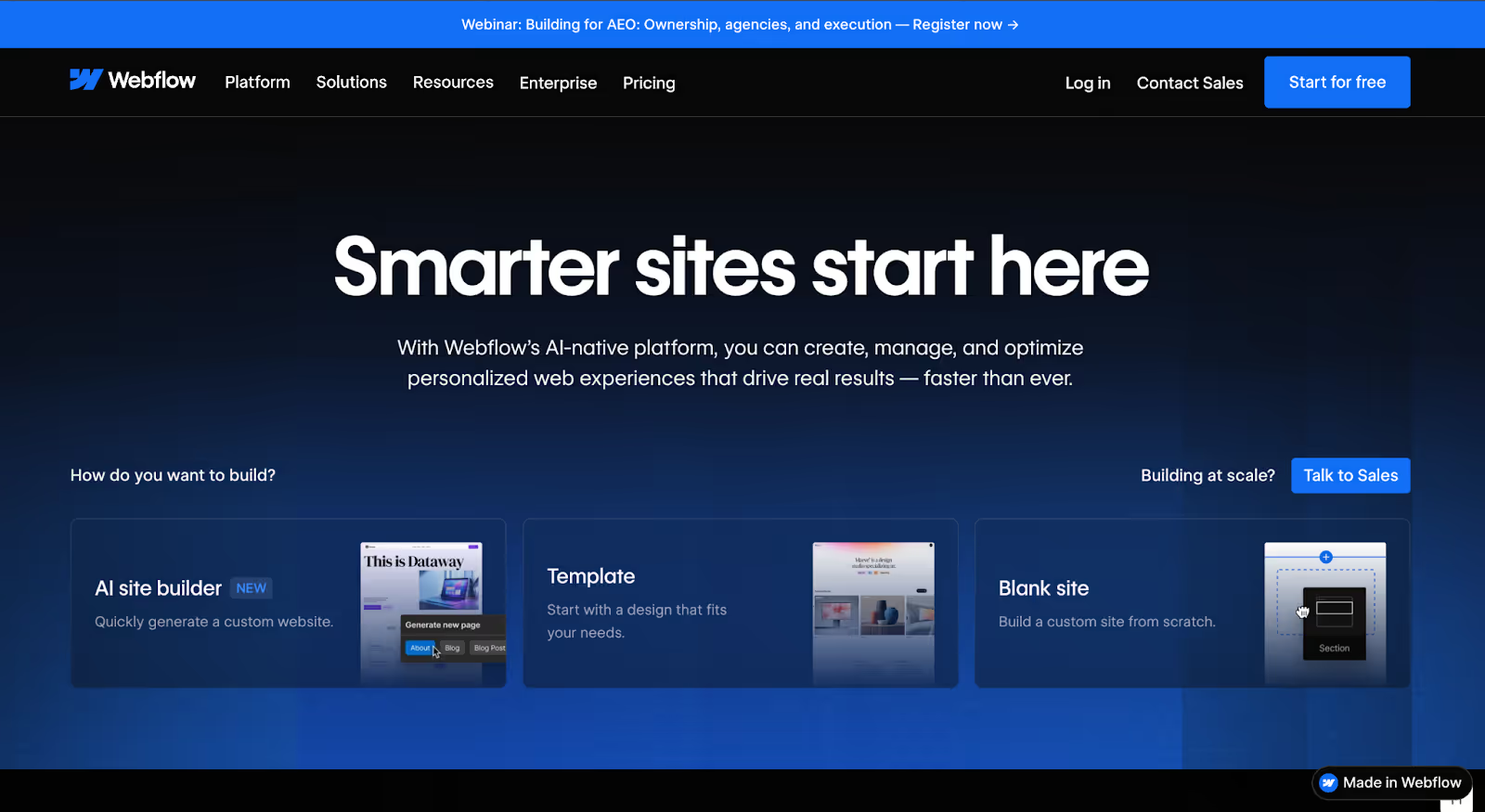
Webflow
Quick Overview
Webflow is a visual web development platform that bridges the gap between design freedom and structured scalability. It allows teams to build fully custom, production-ready websites without writing code while still generating clean, semantic HTML, CSS, and JavaScript behind the scenes.
Unlike simple drag-and-drop builders, Webflow is built for teams that care about structure. It combines a powerful visual designer, a flexible CMS, built-in hosting, and strong SEO controls in one ecosystem. That’s why it’s widely adopted by B2B startups, SaaS companies, and agencies building marketing-driven websites.
Best For
Webflow is best for B2B companies that need full design control, scalable content architecture, and strong SEO performance without relying heavily on plugins or constant developer support.
Why B2B Teams Choose It
B2B companies often turn to Webflow when they outgrow platforms that feel limiting at scale.
It gives marketing teams more autonomy to launch landing pages and update content, while still maintaining structured CMS collections for case studies, blogs, industry pages, integrations, and resources.
For growing teams, the balance is appealing: 1. Design flexibility without sacrificing SEO structure.
2. Visual editing without messy code. 3. Hosting performance without managing infrastructure separately.
Webflow also reduces plugin dependency compared to traditional CMS platforms which lowers security risk and maintenance overhead over time.
Pros
Pixel-level design control with a visual builder
Full CMS for structured, scalable content
Clean, semantic code output optimized for SEO
Hosting included (AWS + global CDN)
Strong control over meta tags, schema, redirects, and URL structure
Reduced reliance on third-party plugins
Cons
Learning curve is steeper than basic website builders
CMS item limits apply depending on plan
Native e-commerce is less robust than Shopify
Complex builds may still require developer support
Webflow offers a free plan (hosted on a webflow.io subdomain).
Paid site plans typically start around:
Basic: ~$14/month
CMS: ~$23/month
Business: ~$39/month
Workspace plans are available for teams and agencies. Hosting is included with all site plans.
SEO & AI Visibility
Webflow performs strongly in SEO-focused B2B environments because it allows:
Full control over meta titles and descriptions
Custom URL structures
Schema markup implementation
301 redirects
Fast page load speeds
Structured CMS collections that help search engines understand content relationships
For B2B companies investing in organic growth, that structural clarity matters.
Hosting & CMS
Hosting is powered by AWS and Fastly’s global CDN, offering high uptime and fast performance worldwide.
The CMS allows structured collections for content types like blog posts, case studies, team pages, integrations, and resource hubs. This makes it well-suited for B2B companies building SEO clusters or industry-specific landing pages.
Not the Best Fit If…
You need an extremely simple website that can be launched in a few hours with minimal setup.
Or you require a highly advanced e-commerce engine as your core business model.
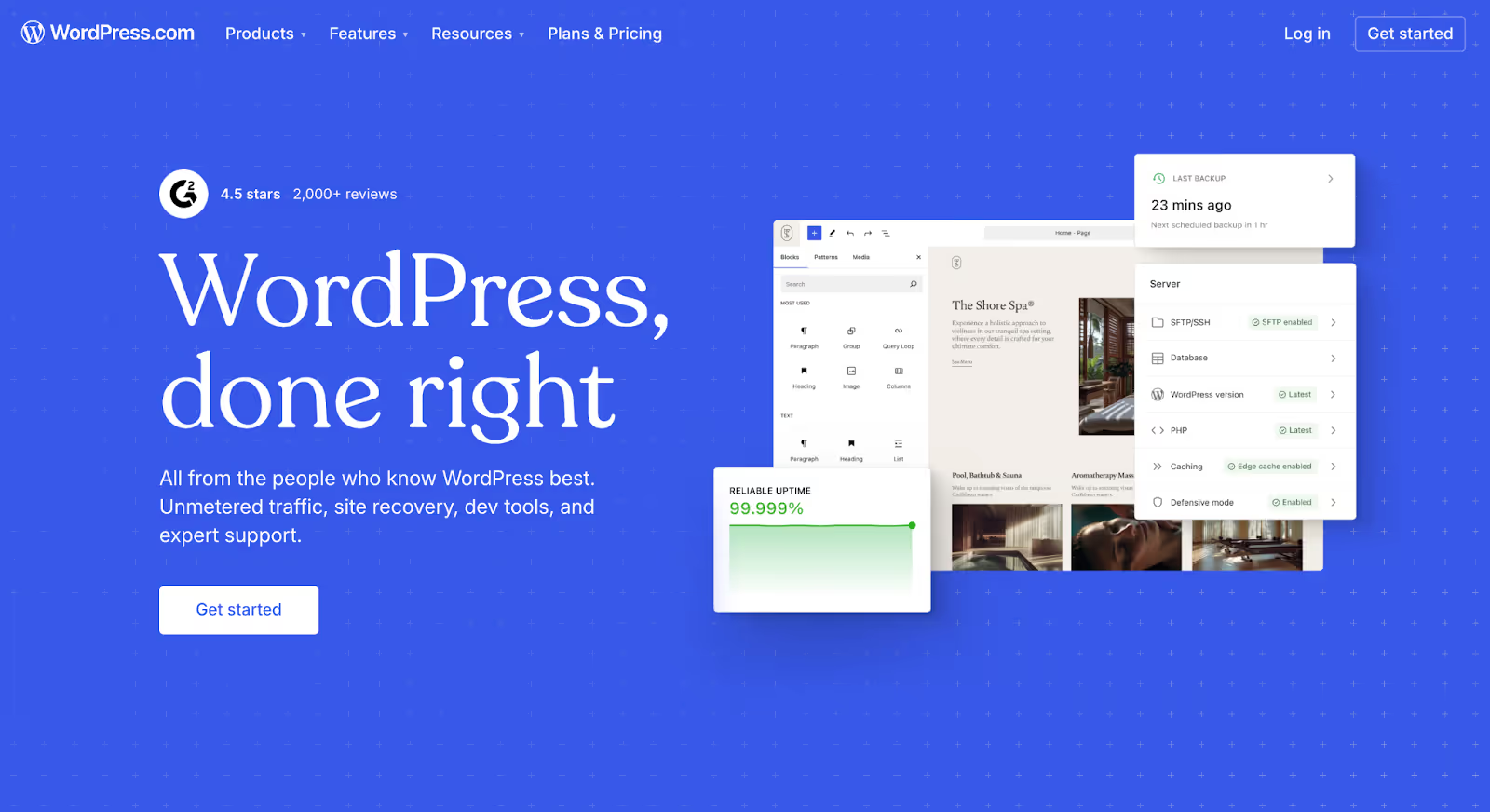
WordPress (Self-Hosted)
Quick Overview
WordPress (self-hosted via WordPress.org) is the most widely used CMS in the world and remains one of the most powerful options for content-driven B2B websites. Unlike all-in-one builders, WordPress separates the CMS from hosting, giving you full control over your infrastructure, plugins, and scalability.
For B2B companies focused on long-term SEO growth, content marketing, and deep customization, WordPress offers unmatched flexibility provided it’s set up correctly.
Best For
WordPress is best for B2B companies that prioritize content scale, technical SEO control, and long-term ownership over their website infrastructure.
Why B2B Teams Choose It
Many B2B companies move to WordPress when they realize their website is becoming a content engine, not just a marketing site.
With WordPress, you can:
Build complex content hierarchies
Create custom post types (industries, case studies, integrations, resources)
Implement advanced SEO structures
Scale to thousands of pages
Fully control redirects, schema, and performance optimization
It’s especially popular among companies investing heavily in organic acquisition, content clusters, and programmatic SEO strategies.
WordPress also offers full data ownership, something that matters for companies thinking long-term or preparing for due diligence.
Pros
Full CMS with unlimited flexibility
Highly customizable with themes and plugins
Strong SEO capabilities (with tools like Yoast or Rank Math)
Scales well for content-heavy B2B sites
Complete control over hosting and performance setup
Large ecosystem of developers and integrations
Cons
Requires separate hosting and maintenance
Plugin dependency can introduce security risks if unmanaged
Ongoing updates and optimization are your responsibility
Can become bloated without proper development oversight
Pricing
The WordPress software itself is free.
However, you’ll need:
Hosting ($10–$50+ per month depending on traffic and performance needs)
Premium themes or plugins (optional)
Ongoing maintenance or development support (if needed)
Costs vary significantly depending on setup and scale.
SEO & AI Visibility
WordPress remains one of the strongest platforms for SEO-heavy B2B websites because it allows:
Full control over metadata
Custom schema implementation
Advanced redirect management
Structured internal linking
Programmatic content creation
Deep technical SEO customization
When properly optimized, WordPress sites can perform exceptionally well in search and AI-driven content discovery.
Hosting & CMS
Hosting is not included, you must choose your own provider (e.g., managed WordPress hosting).
The CMS itself is extremely flexible. You can create custom content types, structured taxonomies, dynamic templates, and scalable architectures that support large B2B content strategies.
Not the Best Fit If…
You want a fully managed, hands-off platform where hosting, security, and updates are handled automatically.
Or you don’t have access to development resources to maintain and optimize the site properly.
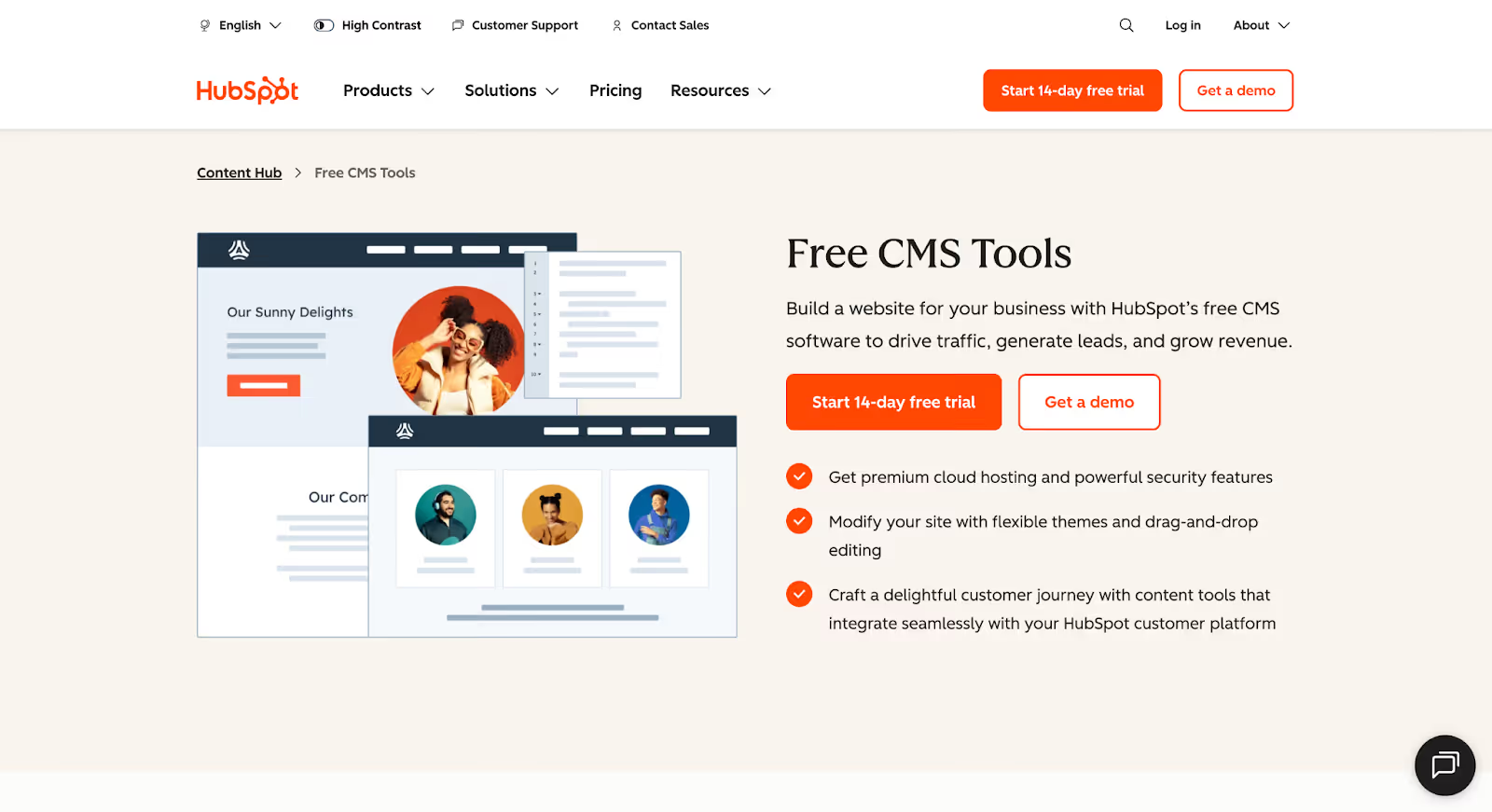
HubSpot CMS
Quick Overview
HubSpot CMS (now part of HubSpot’s Content Hub) is a fully managed website platform built specifically for marketing-driven businesses. Unlike design-first builders, HubSpot CMS is deeply integrated with CRM, marketing automation, lead tracking, and analytics tools making it a strong contender for B2B teams where the website is tightly connected to pipeline generation.
It combines hosting, CMS functionality, personalization, and automation in one ecosystem.
Best For
HubSpot CMS is best for B2B companies that rely heavily on inbound marketing, CRM workflows, lead nurturing, and revenue attribution.
Why B2B Teams Choose It
Many B2B teams move to HubSpot CMS when website performance becomes inseparable from CRM and marketing automation.
With HubSpot CMS, your website isn’t just publishing content, it’s:
Tracking visitor behavior
Personalizing content dynamically
Syncing directly with your CRM
Triggering email workflows
Supporting ABM campaign
Providing clear attribution data
For marketing-led organizations already using HubSpot’s CRM, the integration removes friction. There’s no need for complex third-party connectors or manual data syncing.
It’s less about design experimentation and more about marketing alignment.
Pros
Native CRM integration
Built-in marketing automation and lead tracking
Hosting and security included
Strong personalization capabilities
SEO tools and content optimization recommendations
Enterprise-grade security and uptime
Cons
Higher pricing compared to most builders
Less design freedom than Webflow
Best value comes when using full HubSpot ecosystem
Can feel restrictive for highly custom frontend needs
Pricing
HubSpot CMS pricing typically starts in the higher range compared to other platforms.
Plans often begin around several hundred dollars per month, depending on features and contact tiers. Pricing scales based on CRM usage and marketing automation needs.
Hosting, security, and infrastructure are included.
SEO & AI Visibility
HubSpot CMS includes:
Built-in SEO recommendations
Editable meta titles and descriptions
Automatic sitemap generation
SSL and performance optimization
Clean URL management
Because it ties website data directly to CRM insights, it also provides strong attribution visibility which matters for B2B marketing teams evaluating content ROI.
Hosting & CMS
Hosting is fully managed, with enterprise-grade security and global CDN performance included.
The CMS supports structured content, dynamic pages, smart content personalization, and role-based permissions making it suitable for larger B2B teams.
Not the Best Fit If…
You want maximum design freedom or lower-cost infrastructure.
Or you’re not using HubSpot’s CRM because much of its value comes from ecosystem integration.
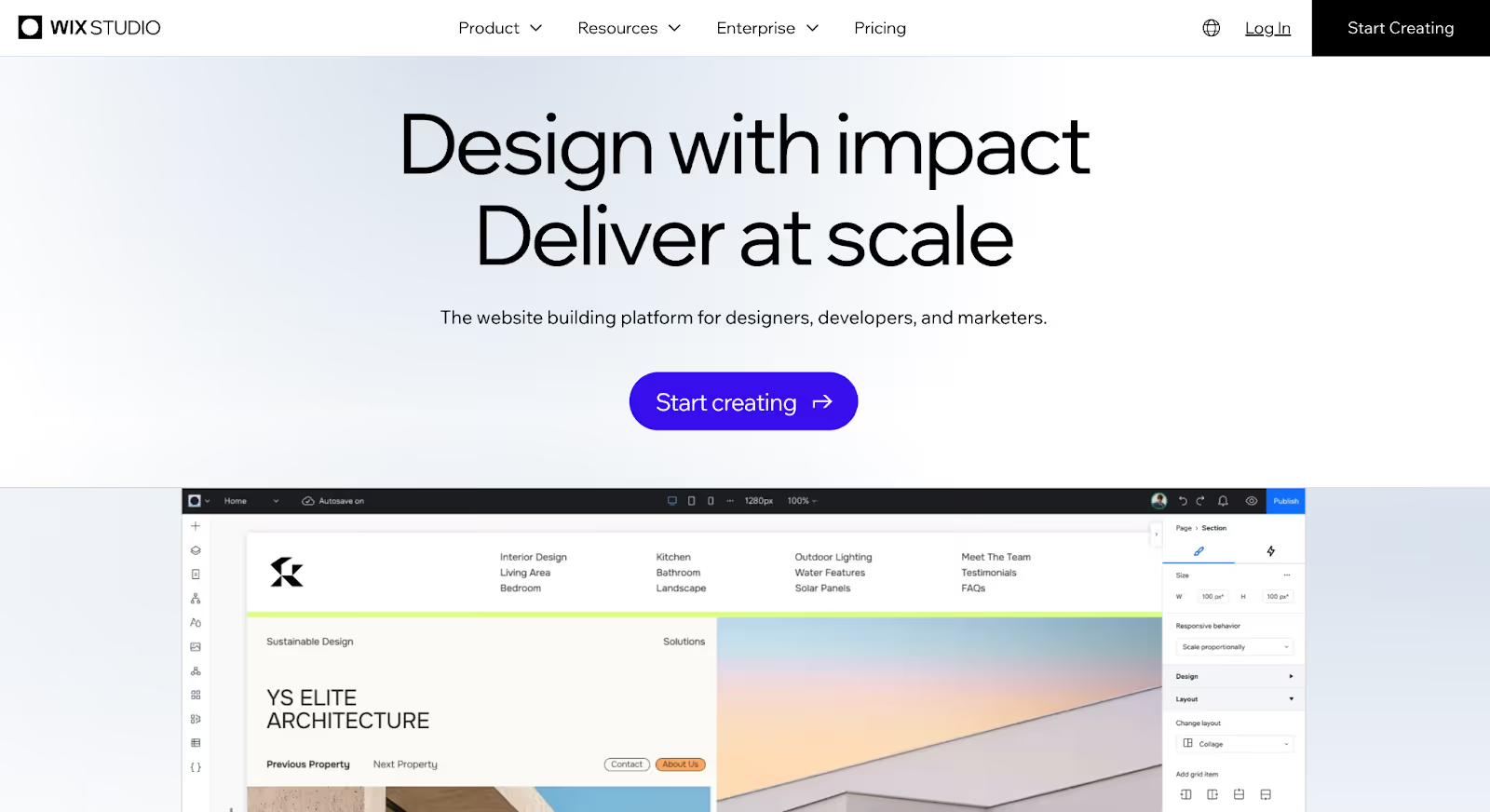
Wix Studio
Quick Overview
Wix Studio is the advanced version of Wix, built for agencies, freelancers, and teams managing multiple client websites. It combines a visual design environment with more structured layout controls, responsive breakpoints, and collaboration tools compared to the standard Wix builder.
Unlike fully headless platforms or developer-heavy setups, Wix Studio keeps things managed, hosting, infrastructure, and security are included while offering more design flexibility than traditional drag-and-drop builders.
Best For
Wix Studio is best for agencies and B2B teams that want a managed platform with improved design control, built-in hosting, and client collaboration features without handling backend infrastructure.
Why B2B Teams Choose It
B2B companies often consider Wix Studio when they want something more structured than basic builders but less complex than Webflow or WordPress.
It offers:
Responsive design controls
Built-in business tools (forms, bookings, ecommerce)
Managed hosting and security
Client collaboration modes
Integrated app marketplace
For marketing teams that want speed and predictability without dealing with plugins or server maintenance, Wix Studio can feel safer and simpler.
However, it’s typically chosen for operational convenience rather than deep architectural control.
Pros
Fully managed hosting and infrastructure
Visual responsive design tools
Collaboration features for agencies
Built-in business applications
No plugin maintenance required
Faster onboarding compared to more complex platforms
Cons
CMS flexibility is more limited compared to Webflow or WordPress
Less granular technical SEO control
Can feel restrictive for complex B2B content architectures
Scaling to large, structured content ecosystems may require workarounds
Pricing
Wix Studio pricing typically starts around:
~$19/month (Basic)
Higher tiers increase based on collaboration and business features
Hosting, SSL, and infrastructure are included in all plans.
SEO & AI Visibility
Wix Studio offers:
Editable meta titles and descriptions
Custom URLs
Automatic sitemap generation
Built-in SEO guidance
SSL and CDN hosting
While suitable for standard SEO needs, it may lack the deep technical flexibility required for highly structured B2B SEO strategies
Hosting & CMS
Hosting is fully managed and powered by global cloud infrastructure.
The CMS supports dynamic content collections, but complex content modeling (e.g., advanced programmatic SEO setups or deeply nested structures) can be more constrained compared to developer-first platforms.
Not the Best Fit If…
You’re building a highly content-driven B2B site with hundreds of structured pages.
Or you need granular control over schema, advanced SEO architecture, or headless flexibility.
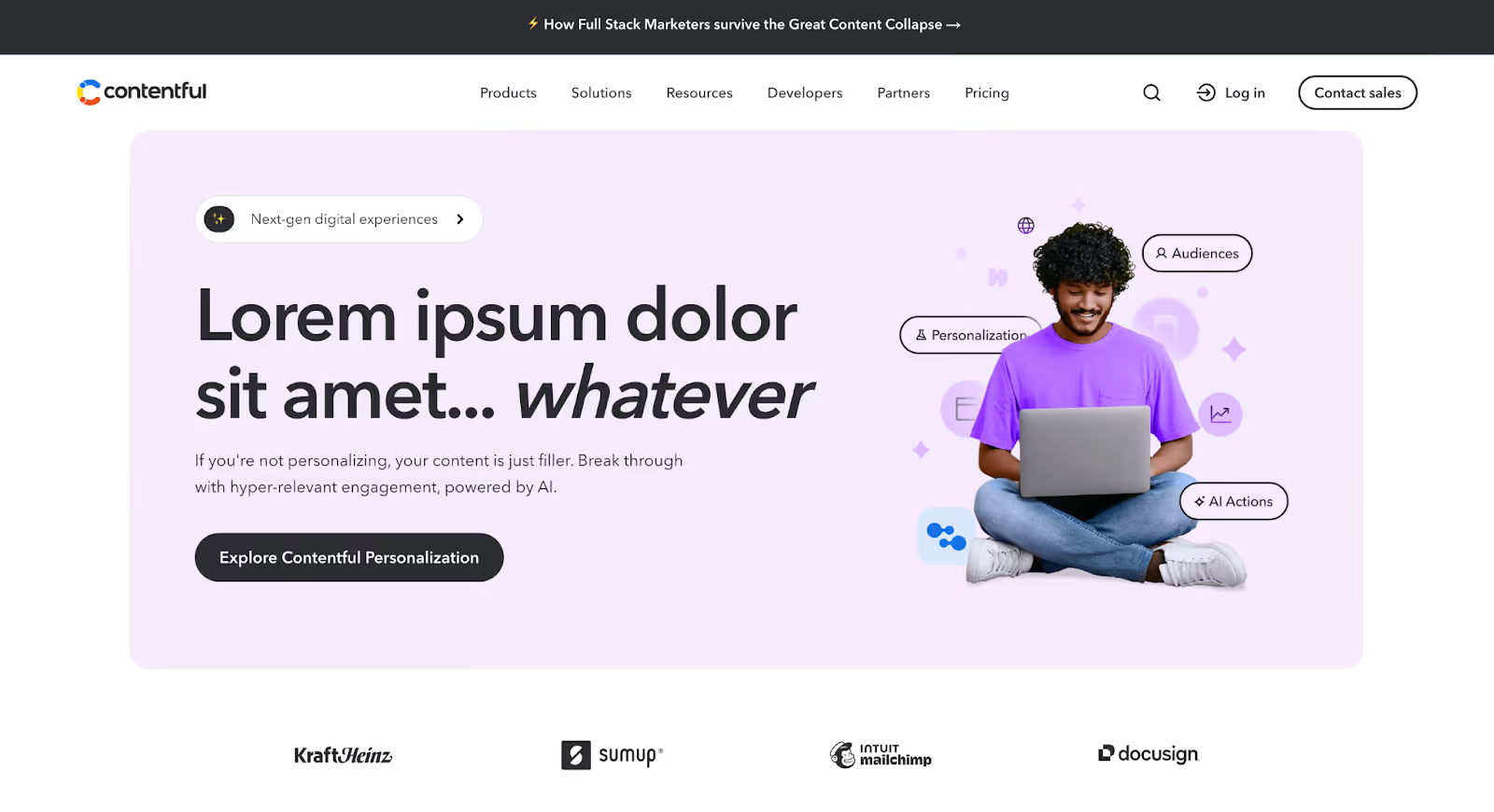
Contentful (Headless CMS)
Quick Overview
Contentful is an API-first, headless CMS designed for teams that need full separation between content and presentation. Unlike visual builders, Contentful doesn’t dictate how your frontend looks, it delivers structured content through APIs to any frontend framework (Next.js, React, Vue, etc.).
It’s commonly used by enterprise B2B companies that need scalability, multi-region publishing, structured content modeling, and integration across multiple digital channels.
Best For
Contentful is best for enterprise B2B companies with development resources that need highly structured content, global scalability, and a composable tech stack.
Why B2B Teams Choose It
B2B companies move to Contentful when their website becomes more than a marketing site when it becomes part of a broader digital ecosystem.
Contentful allows you to:
Model complex content structures
Reuse content across multiple platforms
Manage multi-language and multi-region sites
Separate frontend frameworks from content management
Integrate deeply with other tools in a composable stack
For companies running programmatic SEO strategies, multiple microsites, product documentation portals, or global marketing teams, that flexibility is powerful.
It’s not about convenience, it’s about control and scalability.
Pros
Advanced structured content modeling
API-first architecture
Multi-language and localization support
Enterprise-grade security (SOC 2, ISO certifications)
Scales across multiple digital channels
Strong integration ecosystem
Cons
Requires a frontend framework (not a visual builder)
No native design editor
Developer dependency is high
Pricing is significantly higher than most builders
Pricing
Contentful pricing typically starts around:
~$300/month for entry-level plans
Enterprise plans scale significantly based on usage and team size
Hosting for the frontend is separate, since Contentful only handles content delivery.
SEO & AI Visibility
Because Contentful is headless, SEO performance depends heavily on how your frontend is built.
However, it allows:
Full schema customization
Structured metadata modeling
Clean URL architectures
Programmatic content generation
Deep technical SEO implementation
For B2B teams investing in complex SEO strategies, this flexibility can be an advantage if properly implemented.
Hosting & CMS
Contentful does not include frontend hosting.
It delivers structured content via APIs, meaning you’ll host your frontend separately (e.g., Vercel, Netlify, AWS).
Its CMS is component-based and highly customizable, making it suitable for large organizations managing complex content systems.
Not the Best Fit If…
You don’t have development resources.
Or you want a fully visual website builder where marketing can design pages without developer involvement.
Squarespace
Quick Overview
Squarespace is an all-in-one website builder known for its polished templates and fully managed infrastructure. It combines hosting, security, design templates, and basic CMS functionality into one streamlined platform.
For many businesses, Squarespace offers a simple way to launch a professional-looking website without worrying about plugins, servers, or ongoing maintenance.
Best For
Squarespace is best for small B2B companies, consultants, and service businesses that need a clean, brochure-style website without complex content architecture.
Why B2B Teams Choose It
Some B2B teams consider Squarespace when they want predictability and ease of use over deep customization.
It allows you to:
Launch quickly with professionally designed templates
Manage hosting and security automatically
Maintain basic blogs and service pages
Handle light e-commerce or appointment booking
For companies with relatively simple website needs such as a services firm, consultancy, or early-stage SaaS, Squarespace can feel efficient and low-risk.
However, it’s typically chosen for simplicity, not scalability.
Pros
Fully managed hosting and security
High-quality, responsive templates
Easy-to-use editor
Built-in blogging functionality
No plugin maintenance required
Predictable pricing structure
Cons
Limited CMS flexibility for complex B2B content structures
Less granular technical SEO control
Restricted customization compared to Webflow or headless platforms
Scaling large content ecosystems can become difficult
Pricing
Squarespace plans generally start around:
~$16/month (Personal)
~$23/month (Business)
Higher tiers for commerce features
Hosting and SSL are included in all plans.
SEO & AI Visibility
Squarespace includes:
Editable meta titles and descriptions
Clean URLs
Automatic sitemaps
SSL certificates
Basic schema support
While suitable for foundational SEO, it may lack the flexibility required for advanced B2B SEO strategies such as programmatic landing pages or complex structured data implementation.
Hosting & CMS
Hosting is fully managed and included.
The CMS supports blog posts, pages, and basic collections, but content modeling is more rigid compared to platforms built specifically for scalability.
Not the Best Fit If…
You’re building a content-heavy B2B site with industry hubs, integrations pages, large resource libraries, or programmatic SEO strategies.
Or you need advanced workflow governance and multi-team publishing controls.
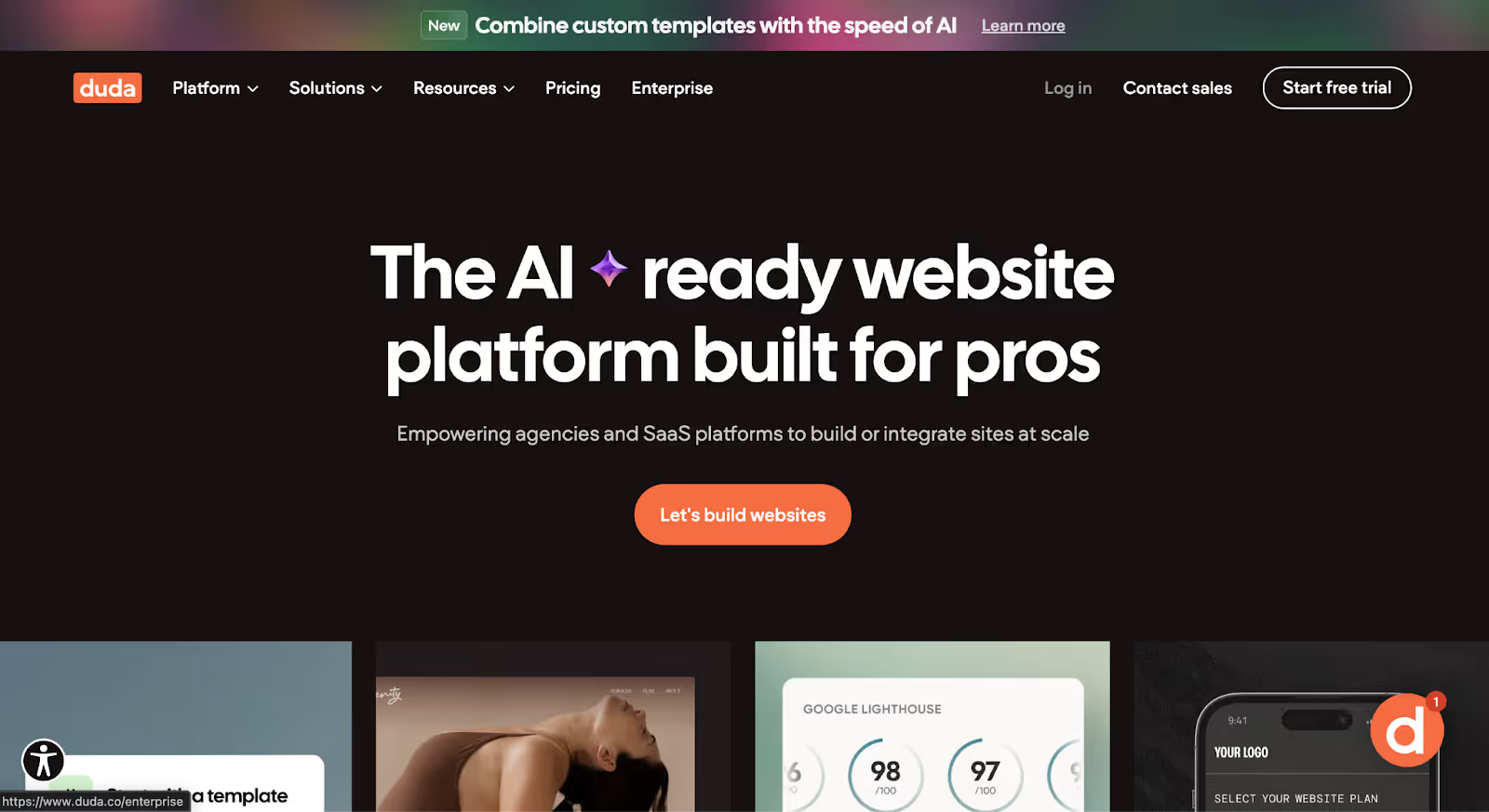
Duda
Quick Overview
Duda is a SaaS website builder designed primarily for agencies and teams managing multiple client websites at scale. It focuses on production efficiency, white-labeling, and client collaboration rather than deep customization or developer-first flexibility.
Like other managed builders, Duda includes hosting, security, and infrastructure allowing teams to launch and manage sites without handling backend maintenance.
Best For
Duda is best for agencies or B2B service providers managing multiple websites who prioritize operational efficiency and client workflows over complex content architecture.
Why B2B Teams Choose It
B2B teams typically consider Duda when their priority is scale of production rather than scale of content.
It’s built to:
Create repeatable site templates
Manage multiple client accounts
Enable role-based permissions
Offer white-label dashboards
Streamline handoff between teams and clients
For agencies building structured marketing sites for SMB B2B clients, this efficiency can be valuable.
However, for growth-stage B2B companies investing heavily in SEO, structured content ecosystems, and deep integrations, Duda may feel more rigid.
Pros
Fully managed hosting and infrastructure
Strong agency-focused collaboration tools
White-label capabilities
Reusable templates for scaling production
Built-in SEO settings
Fast setup and onboarding
Cons
Limited CMS flexibility for complex content modeling
Less granular technical SEO control
Template system is more structured and restrictive
Not ideal for programmatic SEO strategies
Advanced customization often requires workarounds
Pricing
Duda pricing typically starts around:
~$19/month (Basic)
~$29/month (Team)
~$52/month (Agency)
Higher tiers include expanded collaboration and white-label features. Hosting and security are included.
SEO & AI Visibility
Duda includes:
Editable meta titles and descriptions
Custom URLs
Automatic sitemaps
SSL and CDN hosting
While it covers foundational SEO needs, it may not provide the deep structural flexibility required for advanced B2B SEO architectures.
Hosting & CMS
Hosting is fully managed and backed by cloud infrastructure.
The CMS supports dynamic pages and content collections, but advanced content relationships and nested structures are more limited compared to Webflow or headless platforms.
Not the Best Fit If…
You’re building a highly content-driven B2B website with hundreds of structured pages.
Or your strategy depends heavily on complex SEO architecture, integrations, or custom frontend frameworks.
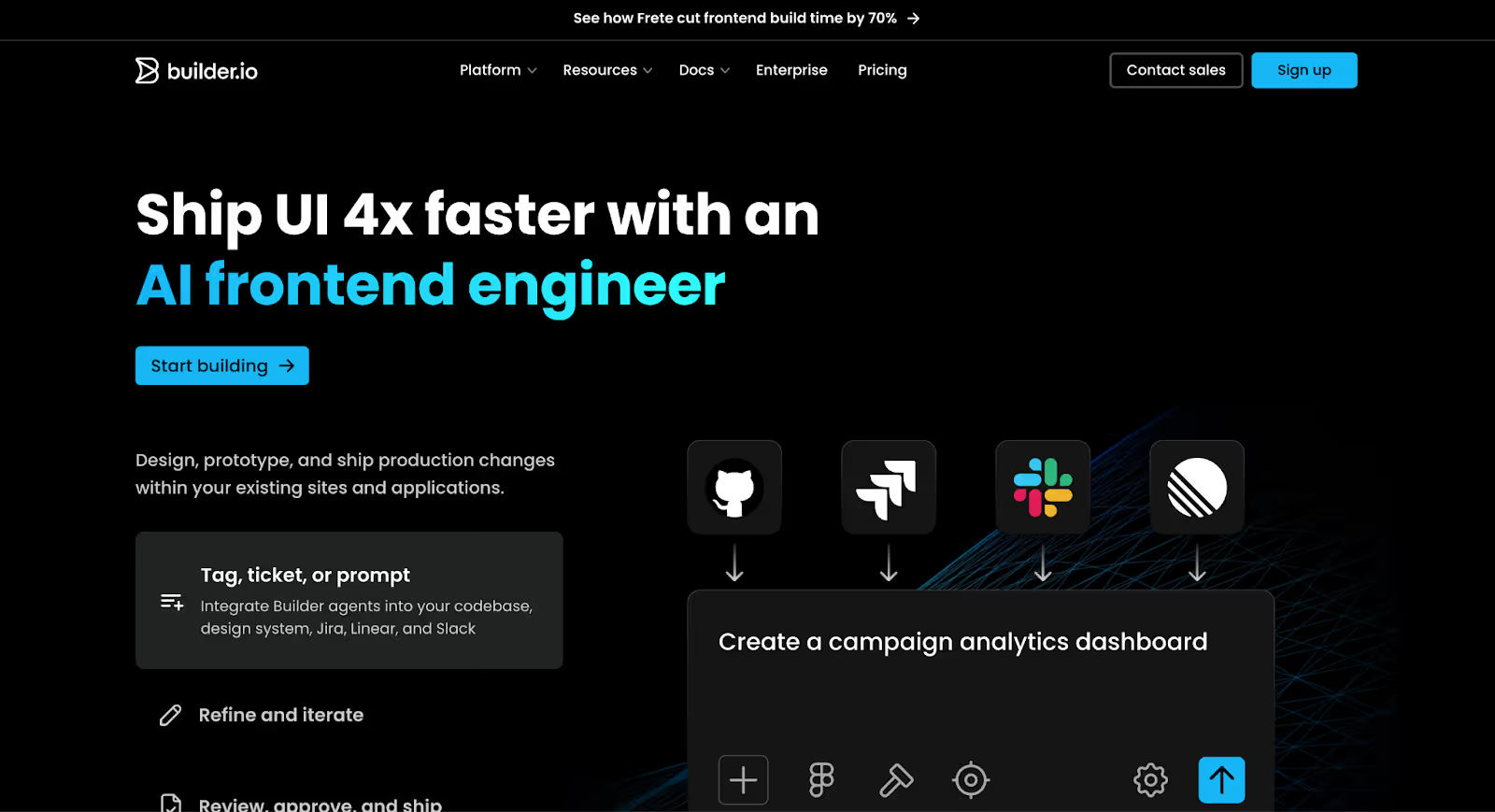
Builder.io
Quick Overview
Builder.io is a visual headless CMS that allows marketing teams to edit and build pages visually while developers retain full control over the frontend framework. Unlike traditional website builders, Builder.io sits on top of your existing tech stack and integrates directly with frameworks like React, Next.js, Vue, and others.
It’s built for teams that want the flexibility of a custom-coded site with the editing experience of a visual builder
Best For
Builder.io is best for B2B companies with an existing developer stack who want to give marketing teams visual editing capabilities without compromising frontend control.
Why B2B Teams Choose It
As B2B companies mature, many move toward composable architecture separating frontend, backend, and content systems.
Builder.io allows:
Marketing to build and edit pages visually
Developers to maintain full framework control
Component-based content systems
A/B testing and personalization
Seamless integration with headless CMS tools
For SaaS companies already using modern frameworks like Next.js, Builder.io can remove marketing’s dependency on dev for layout changes while preserving code quality and performance.
It’s less about launching quickly and more about bridging the marketing–engineering gap.
Pros
Visual editing layered over custom frontend frameworks
Developer-controlled components
Works with modern frameworks (React, Next.js, etc.)
Strong personalization and testing capabilities
Headless flexibility
Marketing autonomy without breaking code
Cons
Requires an existing frontend framework
Not a standalone website builder
Setup complexity is higher
Ongoing dev involvement still required
Pricing can scale quickly for enterprise use
Pricing
Builder.io offers tiered pricing based on usage and features.
Entry-level plans start in the mid-range, but enterprise implementations scale significantly depending on traffic, team size, and advanced capabilities.
Frontend hosting remains separate, as Builder.io operates as a headless layer.
SEO & AI Visibility
SEO performance depends on how your frontend is built, but Builder.io supports:
Structured metadata control
Custom schema implementation
Clean URL architecture
Programmatic page generation
High-performance frontend frameworks
When paired with a properly optimized stack, it can support advanced B2B SEO strategies.
Hosting & CMS
Builder.io does not provide traditional hosting. It integrates with your existing frontend infrastructure.
Its CMS operates on a component-based model, allowing structured content blocks that marketing can rearrange visually without changing underlying code.
Not the Best Fit If…
You don’t have development resources.
Or you want a fully managed, all-in-one builder with hosting and infrastructure included.
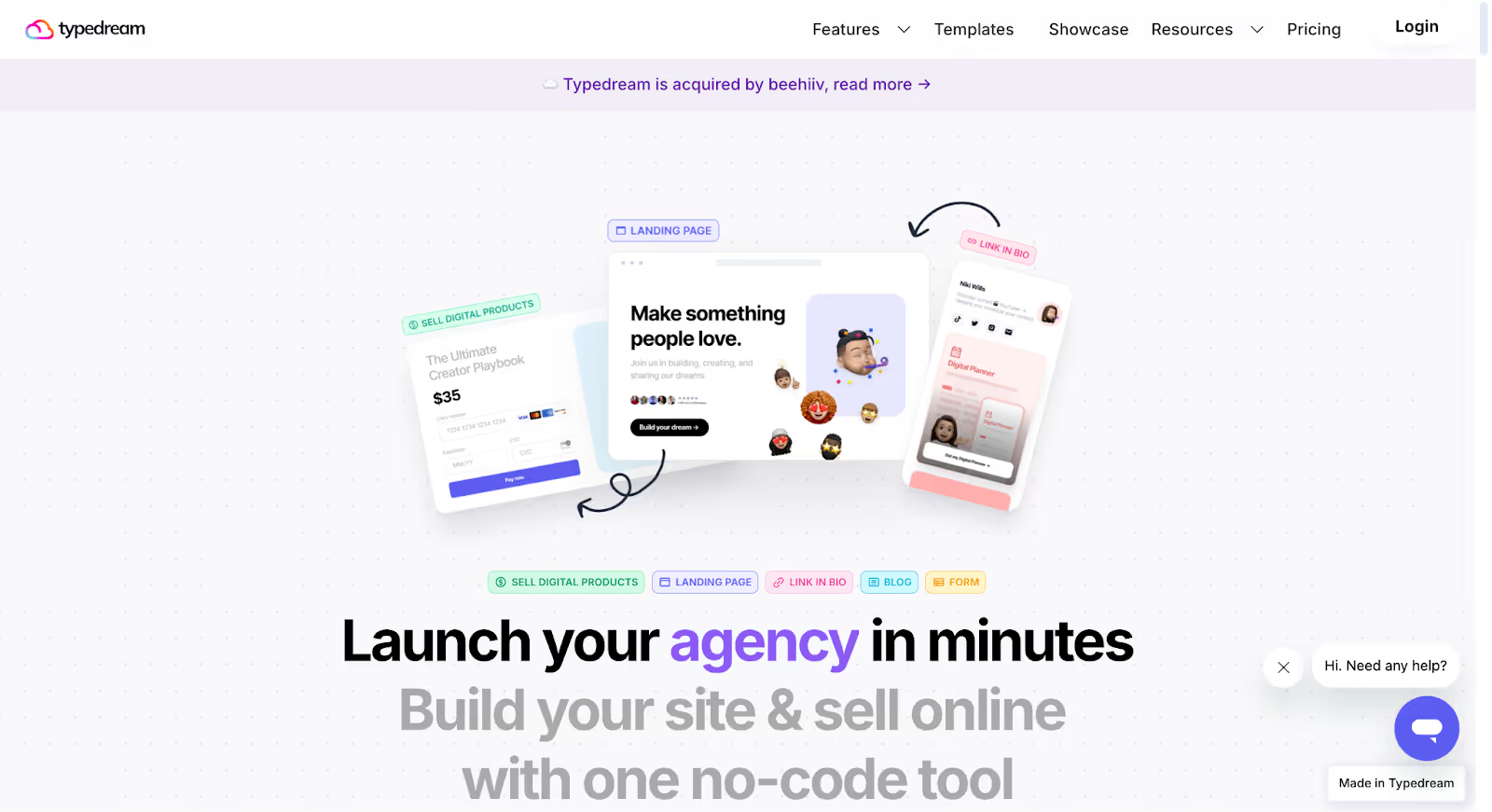
Typedream
Quick Overview
Typedream is a lightweight, no-code website builder designed for speed and simplicity. It’s often compared to tools like Notion-style builders allowing founders and small teams to publish clean, modern websites without dealing with complex setup or infrastructure.
Unlike more advanced platforms, Typedream prioritizes ease of use over deep customization or structured content architecture.
Best For
Typedream is best for early-stage startups, solo founders, and small B2B teams that need to launch quickly with minimal technical overhead.
Why B2B Teams Choose It
Some B2B teams consider Typedream when their goal is speed, not complexity.
It allows you to:
Launch a marketing site quickly
Edit content easily without technical knowledge
Publish landing pages fast
Avoid managing hosting or plugins
For pre-seed or early SaaS companies validating an idea, this simplicity can be helpful.
However, as content volume, SEO strategy, and campaign complexity increase, limitations can appear.
Pros
Very easy to use
Fast setup and deployment
Clean, modern templates
Hosting and SSL included
Minimal technical learning curve
Cons
Limited CMS flexibility
Restricted content modeling
Fewer advanced SEO controls
Not built for large, structured B2B sites
Scaling content architecture can become difficult
Pricing
Typedream typically offers:
Free plan (with subdomain)
Paid plans starting in the lower monthly range
Hosting and infrastructure are included in all plans.
SEO & AI Visibility
Typedream supports foundational SEO features like:
Editable meta titles and descriptions
Custom URLs
SSL certificates
Sitemap generation
However, it may not provide the advanced schema control, programmatic page creation, or deep technical SEO flexibility that growth-stage B2B companies require.
Hosting & CMS
Hosting is fully managed.
The CMS is basic, suitable for blogs and simple marketing pages, but not designed for highly structured content ecosystems with complex relationships.
Not the Best Fit If…
You’re planning to build a content-heavy B2B website with industry pages, integration hubs, resource libraries, or advanced SEO clusters.
Or you expect your marketing team to scale landing page production significantly over time.
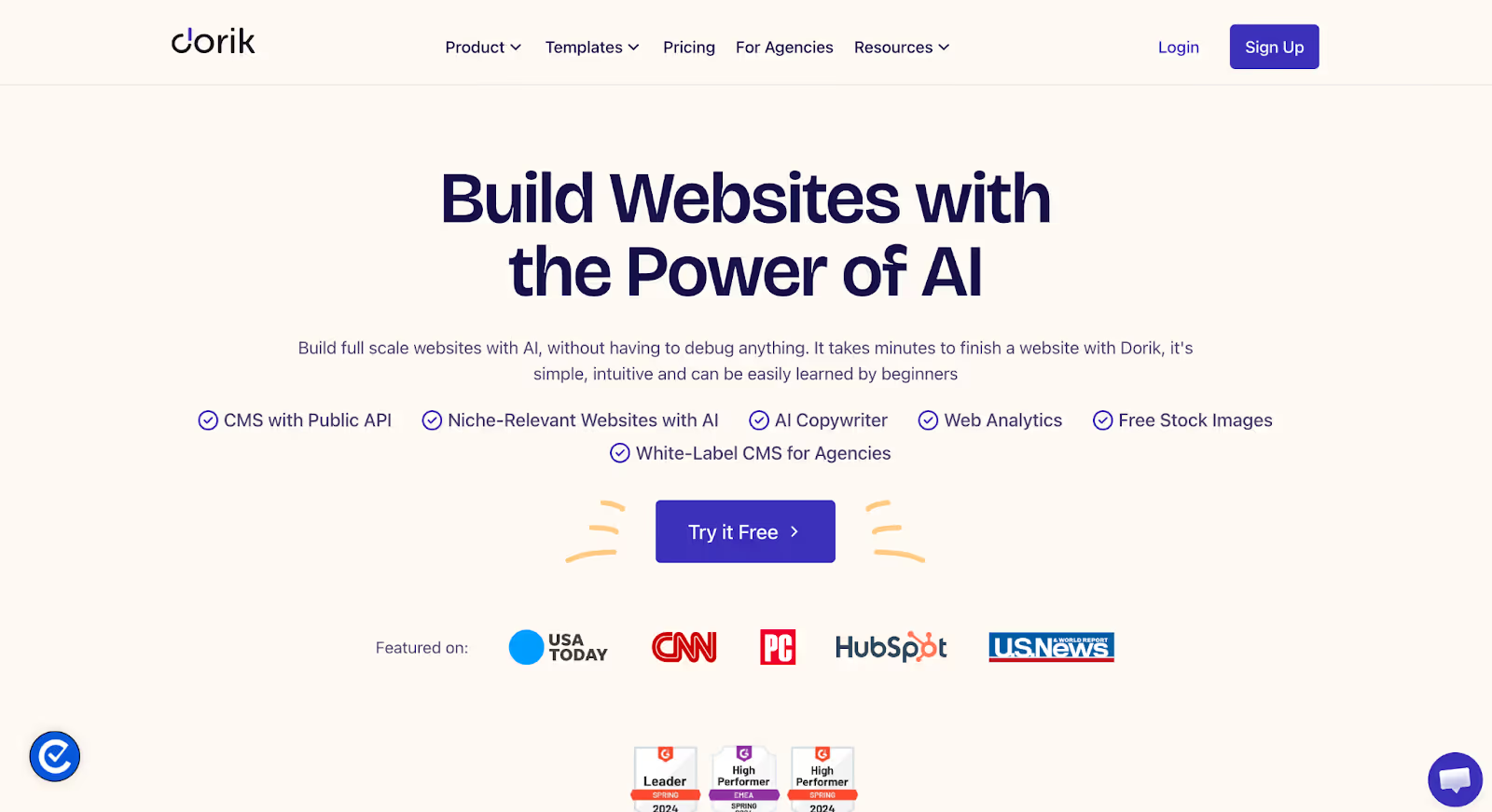
Dorik
Quick Overview
Dorik is a no-code website builder focused on simplicity, affordability, and fast deployment. It offers a visual editor, pre-built templates, and managed hosting making it appealing for small businesses and early-stage startups that want to get online quickly without technical complexity.
Compared to more advanced platforms, Dorik emphasizes ease of use over deep customization or enterprise scalability.
Best For
Dorik is best for small B2B businesses, consultants, and early-stage startups that need a simple marketing site or landing pages without investing heavily in infrastructure.
Why B2B Teams Choose It
Some B2B teams look at Dorik when budget and speed are the primary concerns.
It allows you to:
Launch a site quickly using templates
Manage hosting and SSL automatically
Build simple blogs or landing pages
Avoid plugin maintenance
For companies still validating product-market fit or operating with lean marketing resources, Dorik can serve as a temporary solution.
However, as content grows and SEO strategies mature, structural limitations may appear.
Pros
Easy to use with minimal learning curve
Affordable pricing
Managed hosting and SSL included
Lightweight setup compared to larger platforms
Suitable for simple landing pages
Cons
Limited CMS depth
Less flexibility for structured content modeling
Restricted technical SEO control
Not designed for large B2B content ecosystems
Scaling beyond brochure-style sites can be challenging
Pricing
Dorik pricing generally starts in the lower-to-mid monthly range, depending on plan tier.
Free and paid plans are available. Hosting is included.
SEO & AI Visibility
Dorik supports basic SEO features such as:
Editable meta titles and descriptions
Custom URLs
Sitemap generation
SSL certificates
However, it may not support advanced SEO strategies like programmatic page creation, detailed schema implementation, or highly structured content clusters.
Hosting & CMS
Hosting is fully managed and included.
The CMS supports blogs and simple dynamic content but is not built for complex B2B architectures involving multiple content relationships or scalable SEO hubs.
Not the Best Fit If…
You’re building a growth-stage B2B website with hundreds of structured pages.
Or you need deep integration with CRM systems, advanced SEO architecture, or multi-team publishing workflows.
How to Choose the Right Framer Alternative (Quick Decision Guide)
Still unsure which direction makes sense?
Instead of comparing features endlessly, narrow your decision based on what your B2B team actually needs to scale.
Here’s a practical way to think about it:
If You're Running Into This Problem…
You Should Consider…
Marketing needs to launch pages without relying on developers
Webflow
Your CMS structure is getting messy as content scales
Webflow or WordPress (self-hosted)
You need deeper control over schema, redirects, and technical SEO
Webflow or WordPress (self-hosted)
You want tight CRM, automation, and lifecycle integration
HubSpot CMS
You’re building a composable, developer-led architecture
Contentful or Builder.io
Your site is becoming multi-team, multi-region, and governance-heavy
Contentful
You want full ownership and maximum long-term flexibility
WordPress (self-hosted)
You need agency-friendly client management and faster templated workflows
Wix Studio or Duda
You just need a simple marketing site with minimal complexity
Squarespace
You’re early-stage and want fast launch, but expect SEO scale soon
Webflow
You’re early-stage and only need a lightweight brochure site
Typedream or Dorik
Why We Choose Webflow (and Often Recommend It)
Framer is excellent for design-forward marketing sites.
But when B2B companies start treating their website as revenue infrastructure, the constraints become structural, not visual.
The decision stops being about animation flexibility or visual freedom. It becomes about autonomy, architecture, and long-term control.
Webflow consistently surfaces as the most balanced alternative for growth-stage B2B companies for a few reasons:
1. Marketing Autonomy Without Engineering Bottlenecks Growth teams can launch landing pages, update CMS structures, create new collections, and test messaging without waiting on developers for routine changes. That operational independence compounds over time.
2. Structured CMS Built for Scale As content expands across industries, use cases, integrations, blogs, and SEO hubs, Webflow’s CMS handles structured content cleanly. You avoid the workaround-heavy architecture that often triggers rebuild discussions later.
3. Granular Technical SEO Control Webflow gives control over metadata, schema, redirects, custom code, structured collections, and programmatic page frameworks. For B2B companies investing in organic growth, that control is not optional.
4. Performance and Hosting Built In Infrastructure, security, and performance are handled natively. That reduces plugin management and technical overhead compared to heavily customized stacks.
5. Strong Integration Layer Without Full Ecosystem Lock-In Webflow integrates cleanly with tools like HubSpot, Salesforce, and modern analytics platforms without forcing companies into a closed ecosystem.
This is not about claiming Webflow is “better” in every scenario.
Enterprise composable architectures may lean toward headless CMS platforms. CRM-first teams may prefer HubSpot CMS. Developer-led product ecosystems may require deeper frontend frameworks.
But for B2B companies that want design flexibility, scalable CMS architecture, marketing autonomy, and serious SEO capability without increasing engineering dependency, Webflow often strikes the strongest balance.
The real goal is not switching platforms.
It’s choosing a foundation you won’t outgrow.
Final Thoughts
If you’re researching Framer alternatives, it’s probably not because Framer is “bad.”
It’s because your website is evolving.
Maybe your content is scaling faster than your CMS can handle. Maybe marketing needs more autonomy. Maybe SEO structure is becoming a priority. Maybe CRM integration and attribution clarity matter more than animation polish.
As B2B companies grow, the website stops being a design project and becomes infrastructure.
There isn’t a single perfect platform, only the right platform for your current stage and growth model.
That said, for many B2B teams, Webflow strikes the strongest balance between design flexibility, structured CMS growth, SEO control, and manageable complexity. It offers autonomy without chaos, performance without plugin sprawl, and scalability without jumping straight into enterprise-level composable architecture.
If you’re considering a move, whether from Framer or another builder, the transition needs to be handled carefully. Content structure, redirects, SEO preservation, CMS modeling, and performance setup all matter. If you are also planning to revamp your site during migration, check out our website redesign strategy guide.
At Amply, we help companies migrate and rebuild strategically, not just visually. From restructuring content architecture to setting up scalable CMS systems and preserving organic traffic, we handle the heavy lifting so your team can stay focused on growth.
If you’re evaluating your next step, book a free call and we’ll help you determine whether Webflow or another alternative is the right fit for where your business is headed.
Because choosing the right foundation now can save you from rebuilding again in two years.
Get your Webflow SEO Google sheet checklist
Short description on the benefits or value you’ll get from using this checklist
Organizes SEO tasks for efficiency
Simplifies keyword tracking and management
Ensures consistent on-page optimization efforts
Thank you! Your submission has been received!
Oops! Something went wrong while submitting the form.
Frequently Asked questions
Is Webflow better than Framer for B2B websites?
When should a B2B company move away from Framer?
Which Framer alternative is best for SEO-driven B2B growth?
Is HubSpot CMS a good alternative to Framer?
Are headless CMS platforms like Contentful or Storyblok better for scaling?
What’s the biggest risk when switching website platforms?
How do I choose the right Framer alternative for my company?
About the Author
Rajat Kapoor
Copywriter, marketer, and Webflow developer. Rajat focuses on crafting clear, SEO-focused copy for scaling B2B brands.
CRO is the practice of increasing the share of visitors who take a key action. Here is how conversion rate optimization works for B2B websites in Webflow.
See what Webflow agencies cost in 2026, with real pricing from 12 firms, typical B2B project ranges, what each tier includes, and how to compare proposals.
See what Webflow MCP and Claude can actually do for marketing teams, from CMS updates and SEO audits to content workflows, approvals, and practical automation.
Rajat Kapoor
10
min
Our Portfolio
Explore Our Resource Collections
Amply Academy
Learn Web design, webflow, and web design best practices, all tailored to help you grow your B2B business






.avif)



.avif)