The best website design platform depends on how your team operates, not which tool is most popular.
Entry pricing is rarely the true cost. Scaling traffic, content, and team access often increases expenses fast.
CMS depth matters early, especially for content-heavy or marketing-driven sites.
Design freedom doesn’t always mean structural flexibility.
Strong SEO performance requires control over URLs, metadata, and site performance.
Closed platforms simplify setup but increase long-term lock-in risk.
Ecommerce brands should prioritize transaction infrastructure over visual flexibility.
Choosing the right foundation now reduces rebuild risk later.
Quick Answer: Which Platform Is Best for Your Use Case?
Not every business needs the same tool. Here’s a quick breakdown based on how your team actually operates:
Best for marketing-led teams that need design flexibility and CMS depth: Webflow (starting at ~$23/mo for CMS plan)
Best for design-first startups and landing pages: Framer (free plan available; paid from ~$15/mo)
Best for ecommerce-first brands: Shopify (starting at ~$39/mo for Basic)
Best for simplicity and visual polish: Squarespace (starting at ~$16/mo)
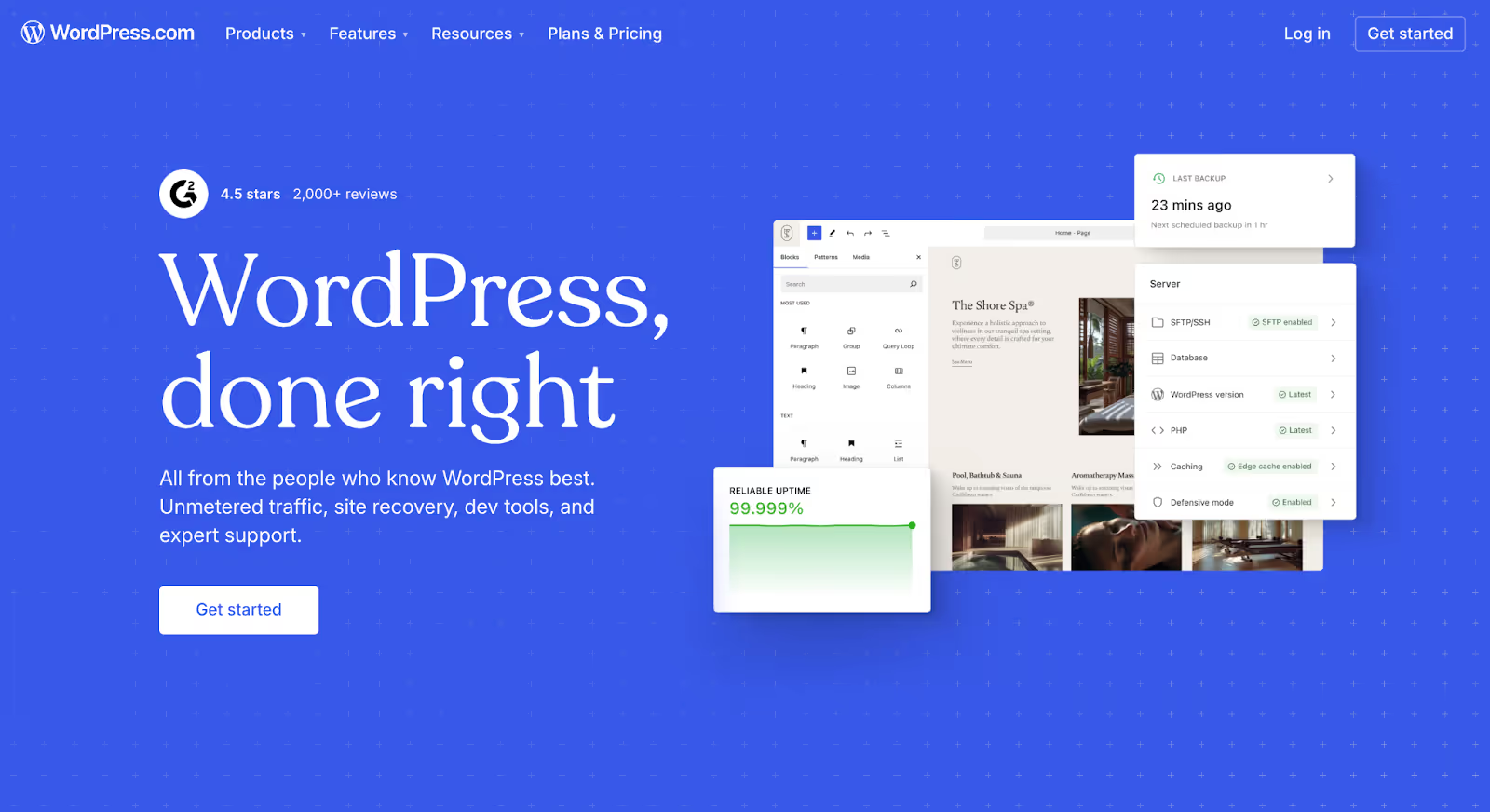
Best for content-heavy sites with dev support: WordPress (free CMS; hosting from ~$3–30/mo+)
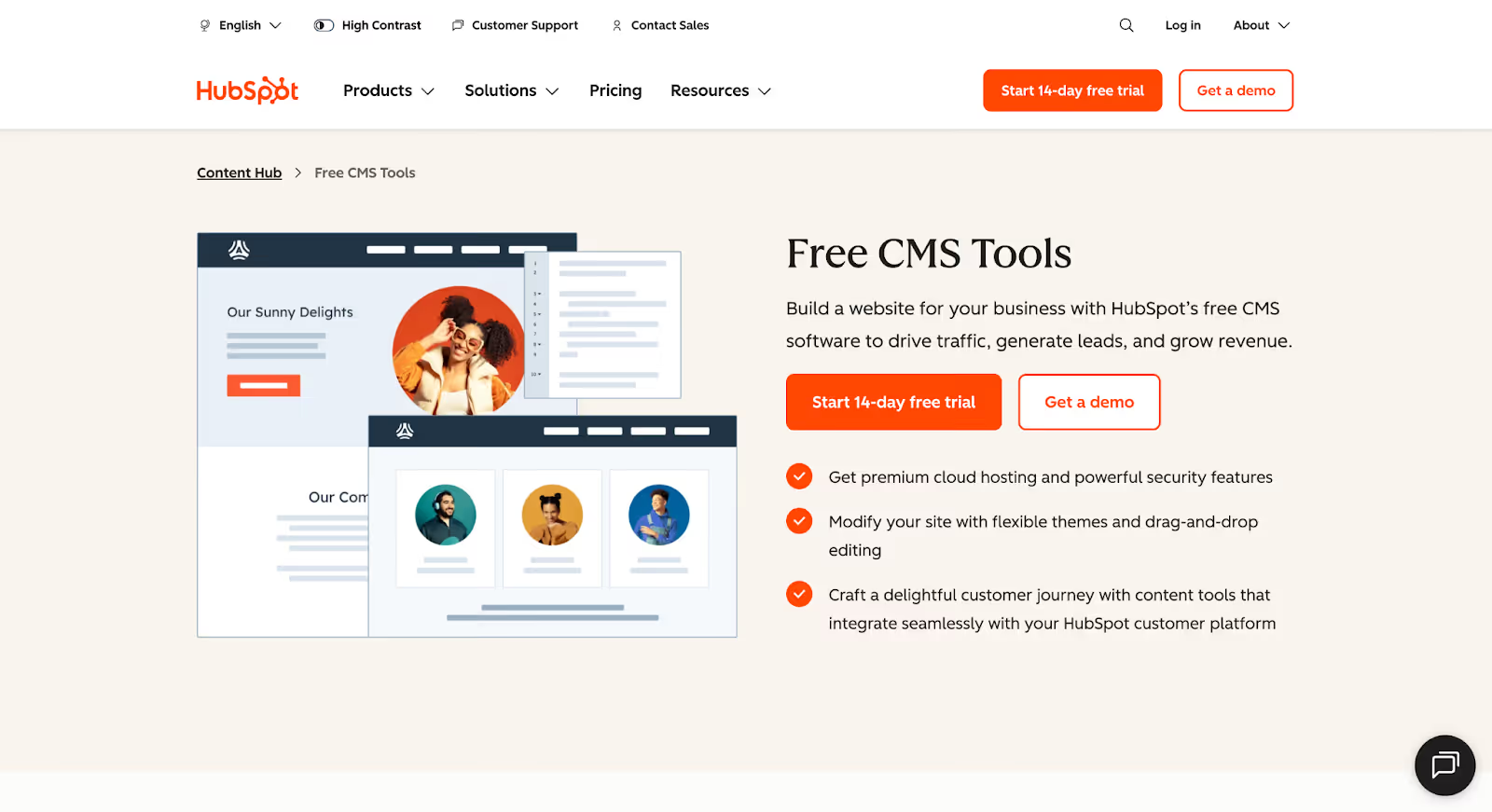
Best for B2B teams already using HubSpot CRM: HubSpot CMS Hub (starting at ~$25/mo for CMS tools)
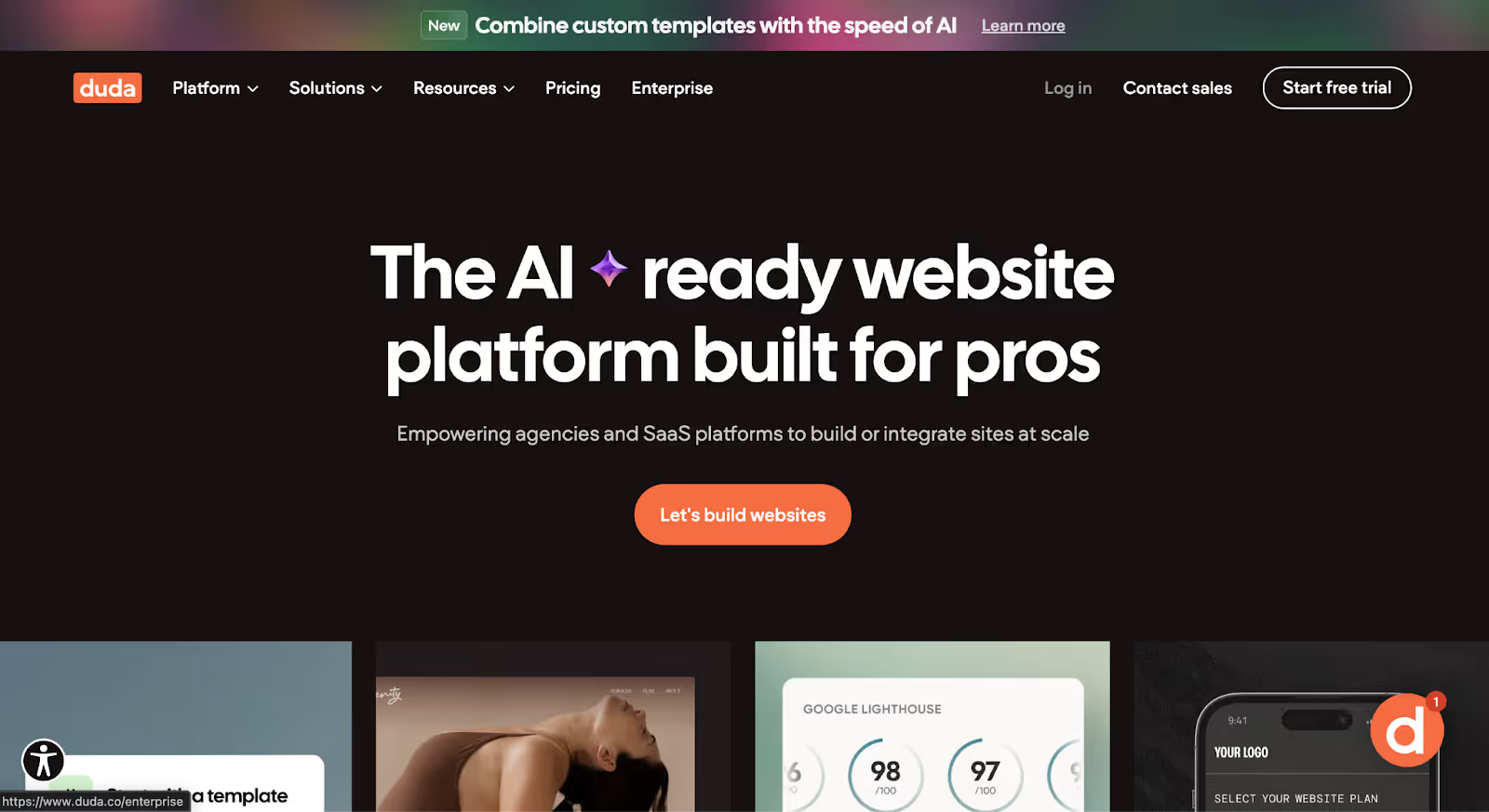
Best for agencies managing multiple client sites: Duda or Wix Studio
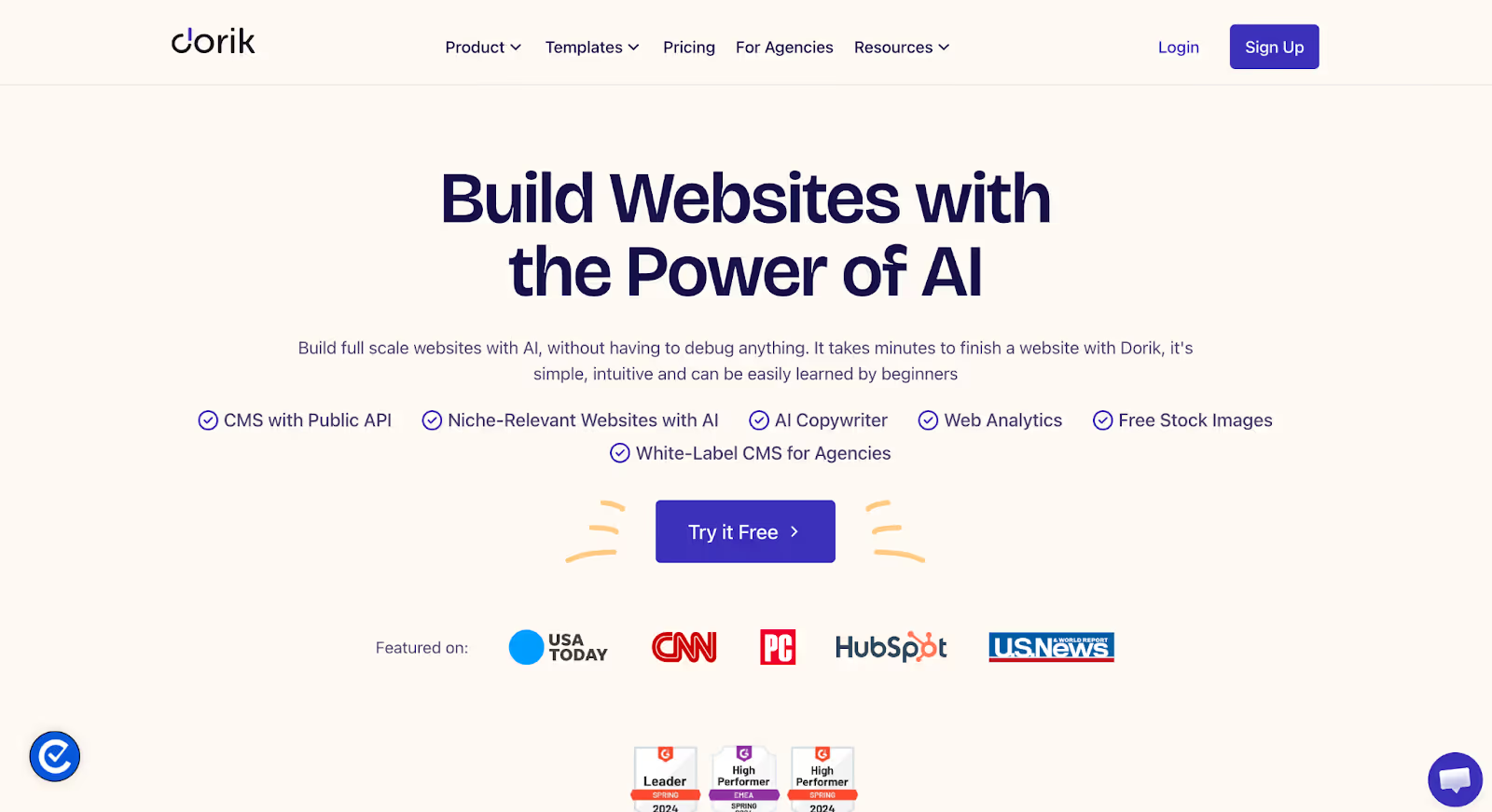
Best for budget-conscious small businesses: Dorik or Hostinger Website Builder
Now let’s break it down.
The software looked affordable.
Until you needed advanced CMS functionality. Until traffic limits quietly kicked in. Until performance upgrades required higher-tier plans. Until integrations depended on paid plugins. Until you realized staging environments and team permissions weren’t included.
What started as $20 per month slowly turned into $300 per month, not because you chose wrong, but because you started growing.
Most website design software doesn’t become expensive on day one. It becomes expensive when your business scales. Features that felt “optional” suddenly become necessary. Customization requires workarounds. SEO improvements require third-party tools. And by the time you recognize the limitations, migrating feels riskier than staying.
In 2026, the smartest teams aren’t asking which platform is cheapest. They’re asking which one won’t penalize them for succeeding.
This guide breaks down 10 of the best website design software platforms available today, evaluated not just for features and ease of use, but for long-term flexibility, cost scalability, and operational trade-offs.
Because pricing pages show you the starting line. Growth reveals the fine print.
How We Evaluated the Best Website Design Software in 2026
Most “best website software” lists rank platforms based on popularity, ease of use, or affiliate incentives. That’s not how real businesses choose infrastructure.
We work with growing companies daily, migrating them off platforms that looked great on paper but failed under real-world scaling pressure. That hands-on experience shaped how we evaluate each tool.
Instead of focusing on surface-level features, we evaluated each platform based on how it performs once a company starts scaling: more traffic, more content, more stakeholders, and higher expectations.
Here are the seven criteria we used:
1. Scalability - Can the platform handle growth without forcing a rebuild? We looked at performance stability, infrastructure reliability, and whether advanced functionality requires upgrading to disproportionately expensive tiers. A platform that works for 1,000 monthly visitors may struggle at 100,000.
2. CMS Flexibility - How powerful is the content management system beyond basic pages? We evaluated structured content, dynamic relationships, multilingual sites, large blog archives, and custom content types. Many builders claim to offer a CMS but limit how content can be modeled and reused.
3. SEO Control - Does the platform give real control over technical SEO? We assessed URL structure flexibility, meta and schema customization, indexing controls, Core Web Vitals performance, and technical accessibility. SEO isn’t an add-on - it’s infrastructure.
4. Pricing Transparency - How predictable are long-term costs? We looked beyond entry-level pricing to understand how costs evolve with traffic, team members, CMS usage, bandwidth, and integrations.
5. Design Freedom - How much creative and structural control does the platform offer? We evaluated flexibility in layout systems, component reusability, responsiveness, custom code support, and the ability to implement a true design system - not just modify templates.
6. Team Collaboration - Does the platform support real team workflows? We considered role permissions, staging environments, version control, collaboration between marketing and development teams, and content publishing workflows.
7. Ecosystem & Integrations - How mature and extensible is the platform ecosystem? We assessed integration support for CRM systems, marketing automation tools, ecommerce functionality, analytics platforms, and third-party services.
Each platform in this list is evaluated using this same framework. That consistency matters; it ensures you’re comparing tools on operational strength, not marketing claims.
Strategic Comparison: 10 Website Design Software Platforms in 2026
Before diving into each platform individually, here’s a strategic side-by-side comparison of the operational factors that matter most as your business scales.
Platform
Starting Price (mo)
Pricing Escalation
CMS Depth
SEO Control
Design Freedom
Team Workflow
Migration Difficulty
Webflow
~$18 (Basic) / ~$23 (CMS)
Moderate
Strong
Strong
Very Strong
Strong
Moderate
Framer
Free / ~$15 (Mini)
Moderate
Limited–Moderate
Moderate
Strong
Limited–Moderate
Moderate–High
Wix Studio
~$17 (Light)
Moderate–High
Moderate
Moderate
Moderate–Strong
Moderate
High
Squarespace
~$16 (Basic)
Moderate
Limited–Moderate
Moderate
Moderate (Template-Based)
Limited
High
Shopify
~$39 (Basic)
High
Moderate (Commerce-Focused)
Strong
Moderate (Theme-Based)
Strong
Moderate
WordPress
Free (+ hosting)
Moderate
Strong
Strong
Moderate–Strong
Moderate
Moderate
HubSpot CMS
~$25 (CMS tools)
High
Strong
Strong
Moderate
Very Strong
High
Duda
~$19 (Basic)
Moderate
Moderate
Moderate
Moderate
Strong (Agency Tools)
Moderate–High
Dorik
Free / ~$6 (Starter)
Low–Moderate
Limited–Moderate
Basic–Moderate
Moderate
Limited–Moderate
Moderate–High
Hostinger
~$2.99
Low–Moderate
Limited
Basic–Moderate
Limited
Limited
High
Note: All prices are approximate and reflect annual billing where available. Pricing may vary by region and is subject to change. Check each platform’s official pricing page for current rates.
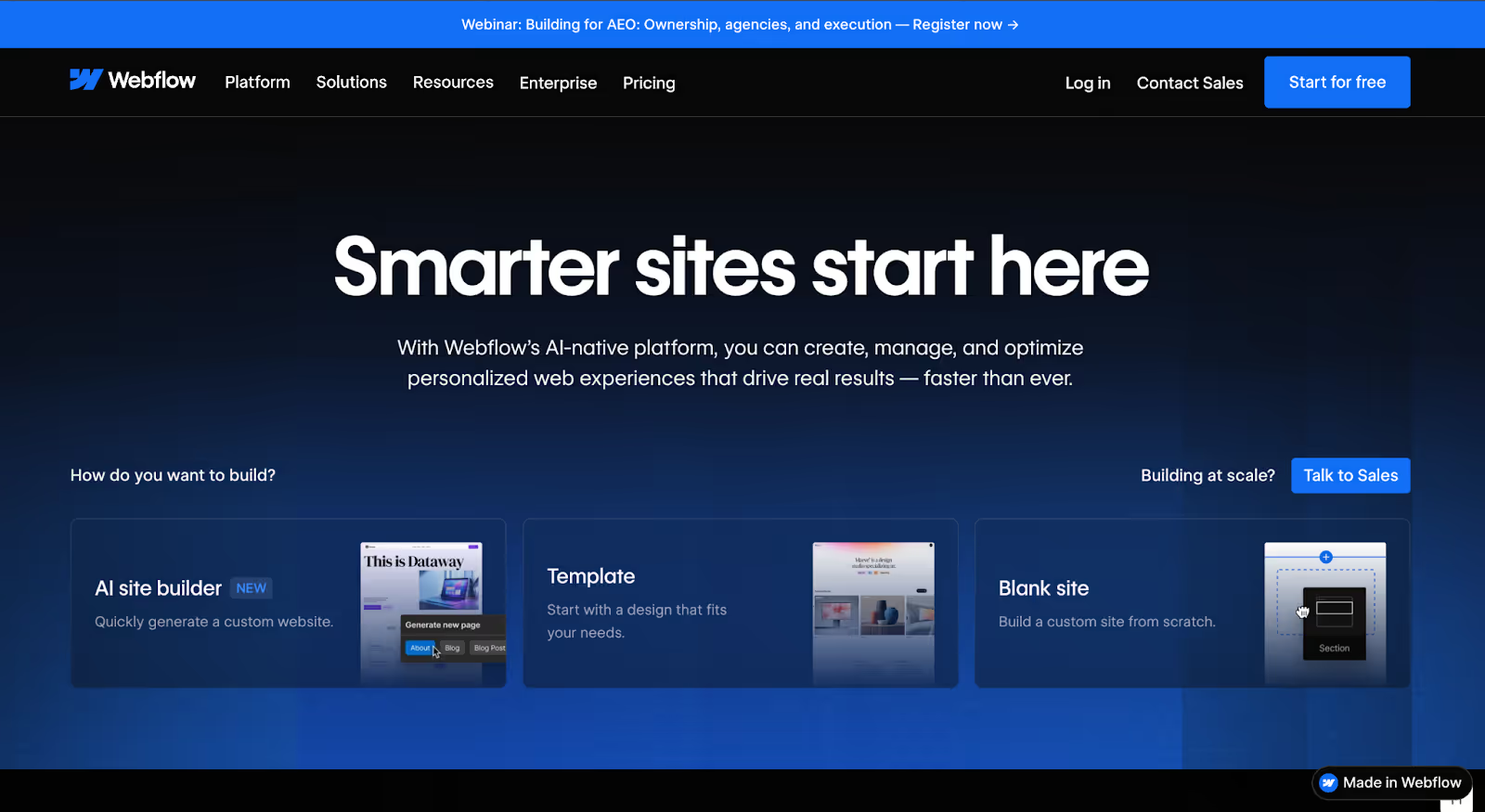
1. Webflow
Overview
Webflow sits in the space between visual website builders and full custom development. It gives teams a design-first interface while generating clean, production-ready code underneath. Unlike template-heavy builders, Webflow allows granular control over layout, structure, and content modeling without requiring traditional backend development.
Over the last few years, Webflow has evolved from a designer tool into a serious website infrastructure platform used by startups, SaaS companies, agencies, and increasingly, enterprise teams.
Why It Stands Out
Webflow’s biggest strength is structural control without sacrificing usability. It combines a powerful visual design system, a structured CMS capable of handling dynamic content, strong native SEO controls, and built-in hosting optimized for performance.
Unlike platforms that rely heavily on third-party plugins, most core functionality, Webflow’s CMS, forms, animations, and hosting features are native. That reduces plugin dependency and long-term maintenance risks.
Webflow also allows marketing teams to publish content without breaking design systems, which reduces internal bottlenecks between marketing and development.
Who Is Webflow Best For?
Marketing-led teams that need design flexibility
SaaS and tech companies scaling content
Businesses that want structured CMS without WordPress complexity
Companies investing in strong brand presentation
Teams that want less plugin dependency
It’s particularly strong for businesses where design quality and content structure are equally important.
Limitations
Pricing increases as CMS items, traffic, and team features expand
Advanced backend logic still requires custom code or third-party tools
Ecommerce functionality is solid but not as mature as Shopify
There’s a learning curve compared to drag-and-drop builders
Large enterprise workflows may require the Enterprise tier
How Much Does Webflow Actually Cost?
Webflow’s site plans start at ~$18/mo for Basic (static sites) and ~$23/mo for the CMS plan (billed annually). The Business plan starts at ~$39/mo and goes up based on CMS item limits and bandwidth needs. Enterprise pricing is custom.
Most growing businesses move beyond basic tiers quickly. Costs typically increase due to CMS item limits, increased traffic bandwidth, team collaboration features, and localization.
It’s not the cheapest platform long term, but it’s often cheaper than rebuilding later.
Scalability Outlook
Webflow scales well for high-traffic marketing websites, structured content ecosystems, and performance-sensitive businesses. Its infrastructure is stable, hosting is managed, and SEO controls are strong enough for competitive industries.
For most growing digital businesses in 2026, Webflow strikes a balance between flexibility and control without introducing early technical debt.
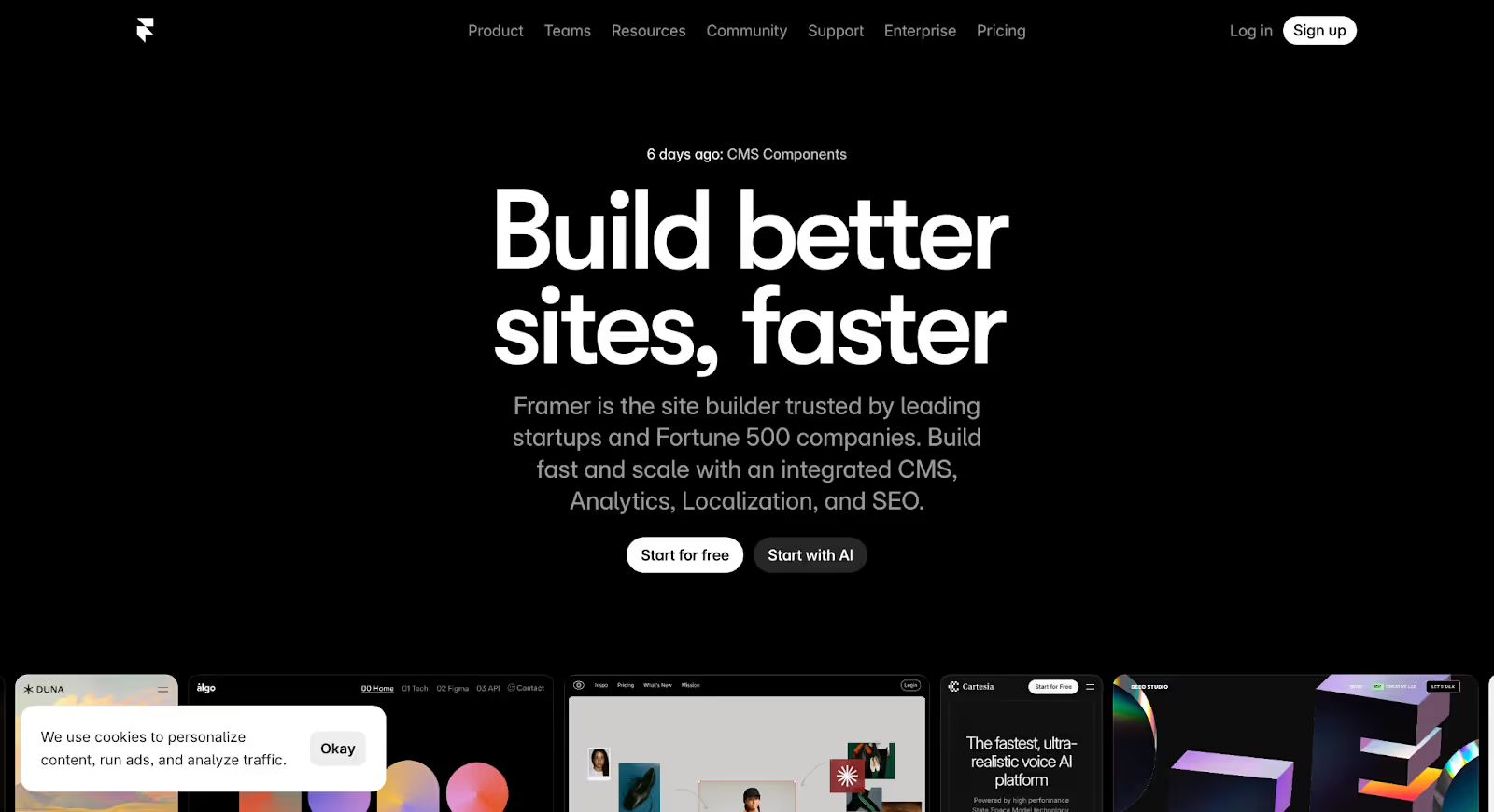
2. Framer
Overview
Framer began as a prototyping tool for designers and has evolved into a visual-first website platform focused on speed, interactivity, and modern design aesthetics. In 2026, Framer is popular among startups, personal brands, and design-forward teams that prioritize visual storytelling.
Why It Stands Out
Framer stands out for visual speed and creative freedom. A highly intuitive drag-and-design interface, strong animation and interaction capabilities, clean templates, and fast publishing workflows. The transition from idea to live site feels seamless.
Who Is Framer Best For?
Startups launching quickly
Design-led brands and personal brands
Simple marketing sites
Teams prioritizing visual storytelling over CMS complexity
Limitations
CMS capabilities are lighter compared to Webflow or WordPress
Complex structured content models are harder to implement
Advanced backend logic requires workarounds
Ecosystem integrations are more limited
How Much Does Framer Actually Cost?
Framer offers a free plan with limited features. Paid plans start at ~$15/mo (Mini) for a custom domain with no branding, scaling up to ~$99/mo (Business) for higher traffic and CMS limits. Enterprise pricing is custom.
Entry tiers are accessible, but as traffic grows or CMS needs expand, upgrading becomes necessary.
Scalability Outlook
Framer scales well for marketing websites and early-stage SaaS brands. For large-scale content operations or deeply structured CMS environments, businesses may eventually encounter ceilings. Framer is optimized for speed and visual clarity, not deep infrastructure flexibility.
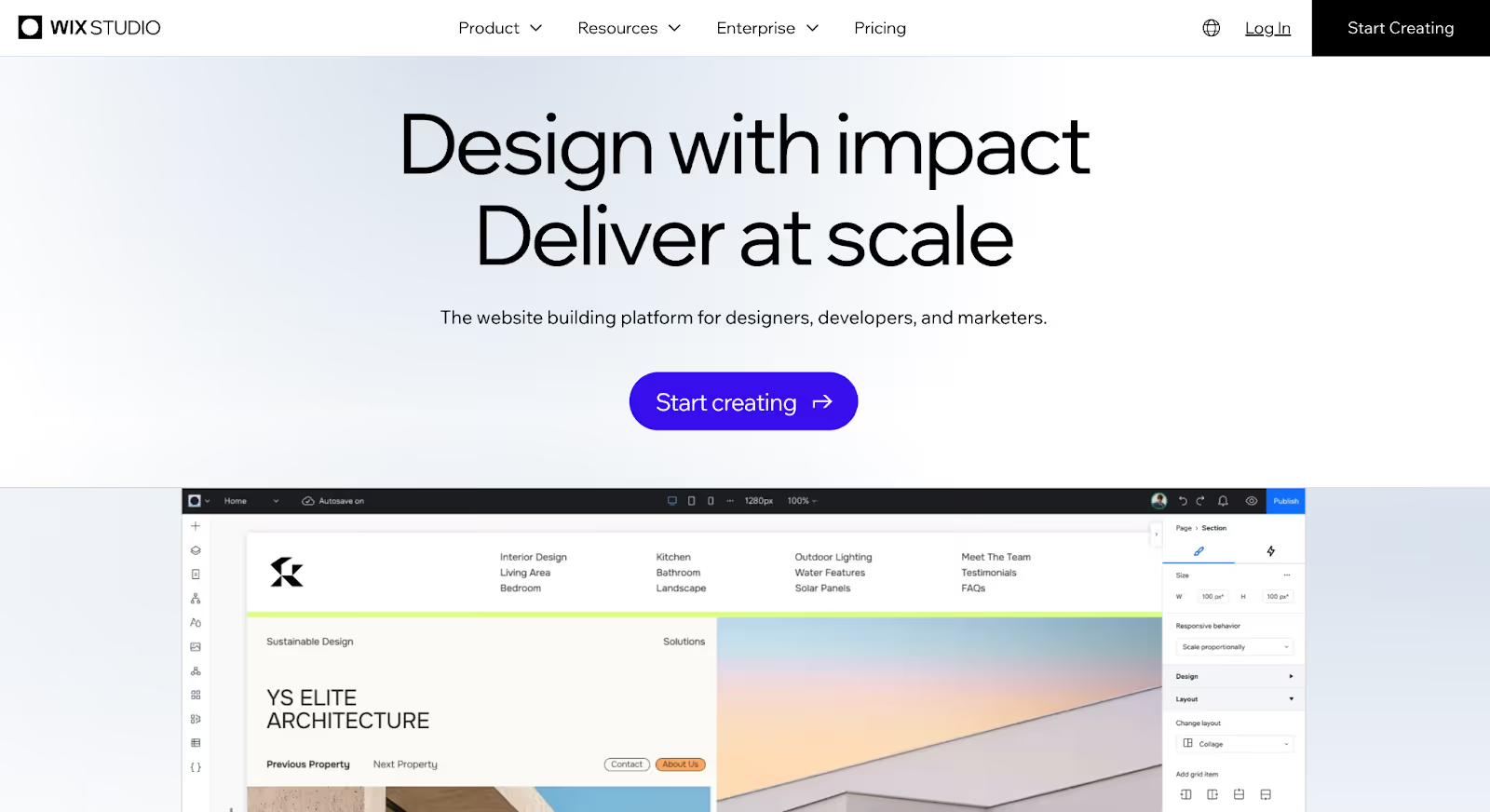
3. Wix Studio
Overview
Wix Studio is the advanced evolution of the traditional Wix builder, designed for agencies, freelancers, and businesses that need more layout flexibility than standard drag-and-drop tools provide.
Why It Stands Out
Wix Studio balances accessibility with structured design tools, responsive design control across breakpoints, visual editing with grid and layout precision, built-in hosting and security, integrated business tools (CRM, forms, bookings), and collaborative workspace for agencies.
Who Is Wix Studio Best For?
Agencies managing multiple client sites
Small to mid-sized businesses
Service-based companies
Teams wanting visual control without deep development
Limitations
CMS depth is moderate compared to Webflow or WordPress
Plugin and app dependency increases over time
Vendor lock-in risk is higher
Export flexibility is restricted
How Much Does Wix Studio Actually Cost?
Wix’s paid plans start at ~$17/mo (Light) with pricing increasing based on features, storage, and bandwidth. Business plans with ecommerce start around $29/mo. Wix Studio’s agency plans (Startup at ~$75/mo, Scaleup at ~$200/mo) are priced for multi-site management.
While predictable at smaller scale, long-term pricing can rise as businesses expand functionality needs through the app marketplace.
Scalability Outlook
Wix Studio scales comfortably for service businesses and agency client portfolios. For enterprises or businesses requiring deep backend integrations, scaling limitations may surface. It reduces complexity early but introduces structural boundaries later.
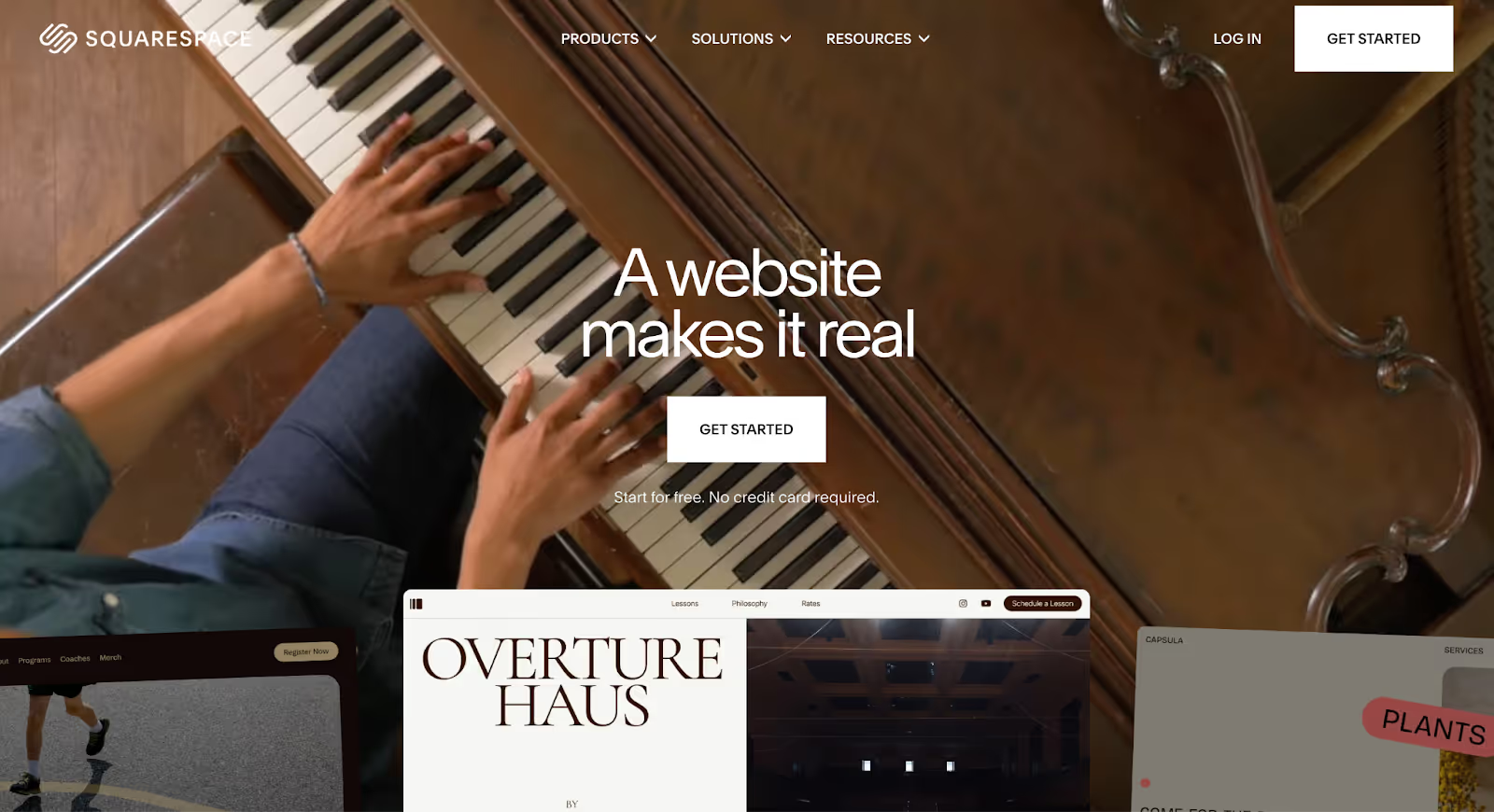
4. Squarespace
Overview
Squarespace is one of the most recognizable website design platforms, known for its polished templates and simplicity. It positions itself as an all-in-one solution where hosting, design, security, and maintenance are fully managed.
Why It Stands Out
Squarespace stands out for simplicity paired with aesthetic consistency, and offers professionally designed templates, integrated hosting and security, built-in ecommerce, native blogging, and a predictable pricing structure.
Who Is Squarespace Best For?
Creatives and portfolios
Personal brands and consultants
Small ecommerce stores
Businesses prioritizing ease over customization
Limitations
Design customization is template-driven
CMS depth is limited compared to Webflow or WordPress
Limited export flexibility
Less control over advanced SEO and backend logic
How Much Does Squarespace Actually Cost?
Squarespace plans range from ~$16/mo (Basic) to ~$99/mo (Advanced), billed annually. The Core plan at ~$23/mo is where most small businesses land, unlocks analytics, integrations, and 0% transaction fees on physical product sales.
Pricing is transparent, but the platform doesn’t offer granular scalability options. If your needs expand significantly, migrating becomes the next step rather than upgrading within deeper tiers.
Scalability Outlook
Squarespace scales comfortably for small to mid-sized marketing sites and moderate ecommerce operations. For large content ecosystems or enterprise workflows, scalability limitations surface. It remains a strong entry-to-mid-level platform optimized for simplicity, not architectural depth.
5. Shopify
Overview
Shopify is a commerce-first website platform built specifically for selling online. Unlike general website builders that add ecommerce as a feature, Shopify was designed around product management, checkout optimization, payments, and order infrastructure from the start.
Why It Stands Out
Shopify’s ecommerce ecosystem maturity is unmatched. Robust product and inventory management, optimized checkout flows, global payment integrations, built-in tax and shipping logic, a massive app marketplace, and high-performance hosting.
Who Is Shopify Best For?
Ecommerce-first brands and DTC businesses
Retailers scaling online operations
Companies prioritizing conversion optimization
Teams that need operational simplicity for selling
Limitations
CMS flexibility is limited compared to Webflow or WordPress
Design customization depends heavily on themes or development
App dependency can create stack complexity
Transaction fees and app costs add up
How Much Does Shopify Actually Cost?
Shopify’s Basic plan starts at ~$39/mo (~$29/mo billed annually). The Grow plan (formerly “Shopify”) is ~$105/mo (~$79/mo annual), and Advanced is ~$399/mo (~$299/mo annual). Shopify Plus for enterprise starts at ~$2,300/mo.
Common cost escalation points include paid apps ($30–$300/mo is typical), transaction fees (2%–0.6% depending on plan and payment provider), premium themes ($100–$350), and higher-tier plans for reporting and team features.
What looks affordable at launch can expand significantly once you add essential integrations.
Scalability Outlook
Shopify scales exceptionally well for transactional growth where you’ll need high product counts, large traffic volumes, and global ecommerce operations. However, scalability on the content and design side is more constrained. For ecommerce-focused businesses in 2026, Shopify remains one of the most stable transaction infrastructures available.
6. WordPress (Self-Hosted)
Overview
WordPress remains the most widely used content management system in the world. As an open-source platform, it offers near-unlimited flexibility when self-hosted, allowing businesses to build anything from simple blogs to complex enterprise-grade digital ecosystems.
Why It Stands Out
WordPress stands out for one core reason: control. Full ownership of infrastructure, deep CMS customization, advanced SEO flexibility, unlimited plugin extensibility, and total control over code and architecture. No other platform on this list matches its level of structural freedom.
Who Is WordPress Best For?
Content-heavy businesses and publishers
SEO-driven brands
Businesses requiring complex integrations
Teams with development support
Limitations
Hosting, security, and maintenance are not managed for you
Plugin dependency can create performance and security risks
Poor setup can lead to technical debt
Design consistency depends heavily on theme or development quality
How Much Does WordPress Actually Cost?
WordPress itself is free. But real costs include hosting (~$3–$30/mo for shared; $50–$200+/mo for managed/enterprise), premium themes ($50–$200), paid plugins ($0–$100+/mo each), and ongoing developer maintenance.
For simple sites, costs can stay low. For scaling businesses, plugin stacks and performance optimization often increase expenses over time. Unlike subscription-based builders, pricing isn’t centralized, which can make long-term cost forecasting harder.
Scalability Outlook
WordPress scales extremely well when architected correctly. With strong hosting and performance optimization, it can support large content libraries, high traffic volumes, and complex multi-site environments. However, scalability depends heavily on technical execution.
7. HubSpot CMS Hub
Overview
HubSpot CMS is built directly into the broader HubSpot ecosystem. It combines page editing with structured content management and personalization capabilities, positioned less as a design playground and more as a growth infrastructure tool for marketing and revenue teams.
Why It Stands Out
Native CRM integration, smart content personalization, built-in marketing automation, role-based team workflows, and strong SEO tools. Unlike most design platforms, HubSpot connects your website directly to lead tracking, email marketing, and pipeline management without external plugins.
Who Is HubSpot CMS Best For?
B2B companies and inbound marketing-driven organizations
Sales-led growth teams
Companies already using HubSpot CRM
Limitations
Design freedom is more structured than Webflow
Pricing scales aggressively at higher tiers
Vendor lock-in risk is high
Export flexibility is limited
How Much Does HubSpot CMS Actually Cost?
HubSpot’s CMS tools start at ~$25/mo for basic content features. But most businesses using HubSpot CMS are also on Marketing Hub plans, which start at ~$45/mo (Starter) and scale to $800+/mo (Professional) and $3,600/mo (Enterprise). Cost escalates based on contact database size, advanced reporting, and automation features.
For small businesses, entry cost may feel high. For established B2B teams already using HubSpot, bundling CMS into the ecosystem can make financial sense.
Scalability Outlook
HubSpot CMS scales well for lead-driven B2B organizations and personalization-heavy websites. For businesses prioritizing full design freedom or highly custom technical builds, structural limitations may appear. In 2026, HubSpot CMS Hub is less about design experimentation and more about marketing system alignment.
8. Duda
Overview
Duda is a website design platform built primarily for agencies and professionals managing multiple client sites. It emphasizes efficiency, white-labeling, and client collaboration features.
Why It Stands Out
Strong responsive design controls, client management dashboards, white-label capabilities, built-in hosting and security, and team collaboration tools. Optimized for building and managing many websites efficiently.
Who Is Duda Best For?
Digital agencies and freelancers managing multiple clients
Businesses building templated service sites
Teams prioritizing speed and repeatability
Limitations
CMS depth is moderate compared to Webflow or WordPress
Design freedom is controlled within system boundaries
Ecosystem extensibility is narrower than open platforms
How Much Does Duda Actually Cost?
Duda plans start at ~$19/mo (Basic) scaling up based on the number of websites, team collaboration features, and agency-level tools. Costs are predictable for agencies but can increase as the number of managed sites grows.
Scalability Outlook
Duda scales well for agencies managing multiple projects and small-to-mid business websites. For enterprise environments requiring complex CMS or large-scale content ecosystems, structural ceilings may emerge.
9. Dorik
Overview
Dorik is a no-code website design platform focused on simplicity, affordability, and speed. It allows users to build marketing websites, landing pages, blogs, and small business sites without complex development workflows.
Who Is Dorik Best For?
Freelancers, consultants, personal brands, early-stage startups, and agencies building simple client sites. It’s ideal when the goal is to launch quickly with structured pages and light CMS needs.
How Much Does Dorik Actually Cost?
Dorik offers a free plan. Paid plans start at ~$6/mo (Starter) scaling to ~$39/mo for agency features. Pricing is positioned in the affordable range, and cost escalation is relatively predictable compared to enterprise platforms.
Scalability Outlook
Dorik scales comfortably for small to mid-sized business sites and basic ecommerce. Beyond that, CMS depth and integration constraints may become limiting. In 2026, Dorik remains a practical tool for teams prioritizing simplicity, speed, and manageable cost — but it’s not built for complex digital infrastructure.
10. Hostinger Website Builder (formerly Zyro)
Overview
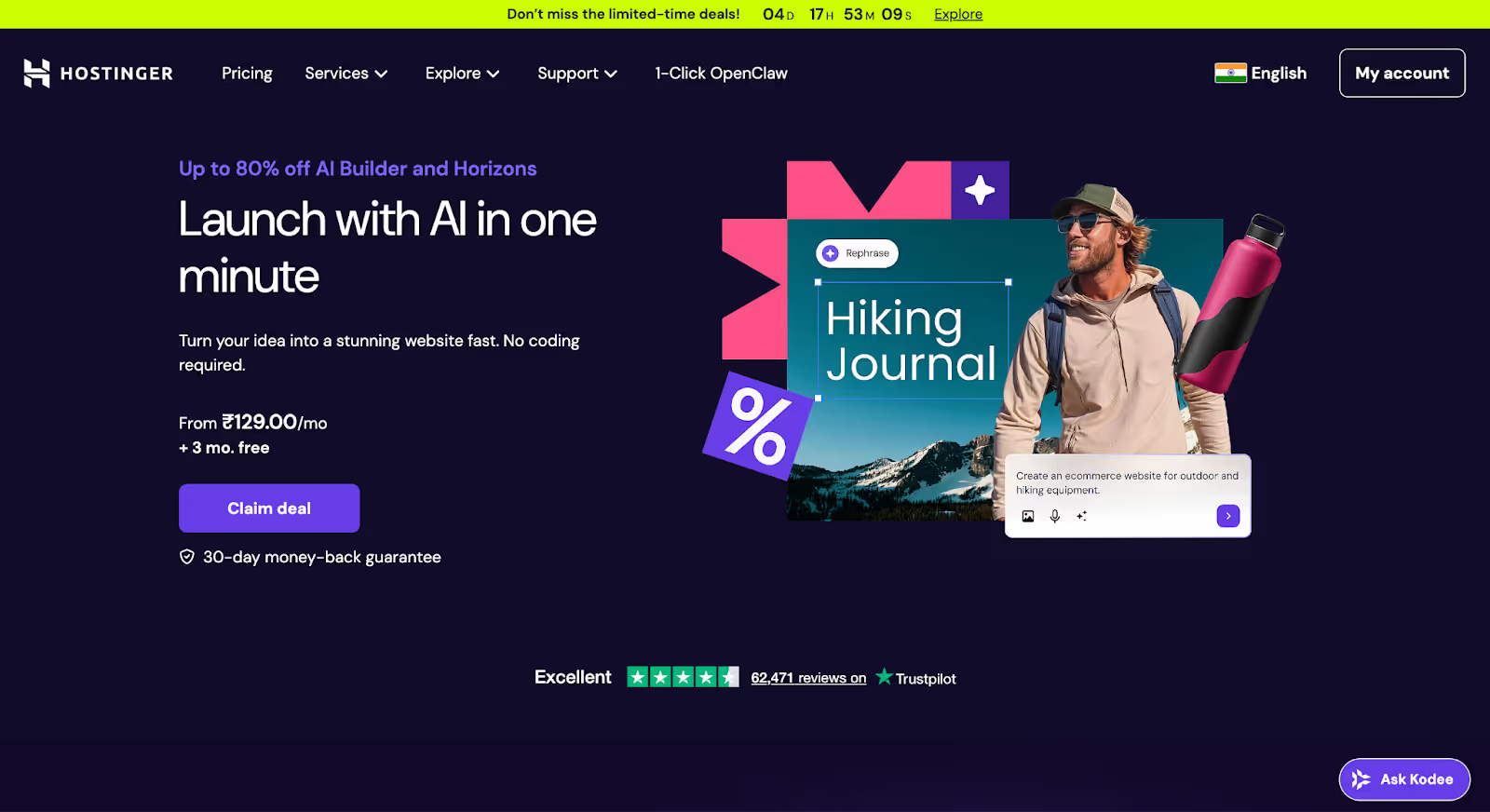
Hostinger is a beginner-focused visual website design platform built for simplicity and affordability. It combines AI-assisted setup tools with drag-and-drop editing, targeting small businesses and individuals who want to get online quickly.
Who Is Hostinger Best For?
Small local businesses, solopreneurs, early-stage startups, and users prioritizing affordability. Suitable for businesses that need an online presence fast, without advanced customization.
How Much Does Hostinger Actually Cost?
Hostinger Website Builder plans start at ~$2.99/mo (promotional pricing, billed annually). Business-tier features and ecommerce add-ons cost more, and renewal pricing often differs from promotional rates.
Affordability is its main competitive advantage — but feature depth is correspondingly lower.
Scalability Outlook
Hostinger scales comfortably for small marketing websites and basic ecommerce. For growing content ecosystems, advanced integrations, or enterprise workflows, it may require migration to a more flexible platform.
How to Choose Website Design Software in 2026
Most businesses don’t choose the wrong platform because they lack information. They choose wrong because they optimize for the wrong variable, speed instead of scalability, price instead of long-term cost behavior, templates instead of structural flexibility.
Here are the factors that matter most.
1. Start With Your Operating Model, Not Features
Are you a marketing-led team shipping pages weekly? A founder-led startup moving fast? An ecommerce brand optimizing checkout flows? An agency managing multiple client sites?
Different platforms are optimized for different workflows. The best website design software isn’t universal — it aligns with how your team builds, publishes, and collaborates.
2. Think 24 Months Ahead
Many platforms feel perfect at launch. But ask: What happens when traffic grows 10x? What happens when your content library doubles? When you add more team members? When you need localization?
Choosing with a two-year lens reduces rebuild risk.
3. Evaluate CMS Depth Early
Even if you’re starting with a small site, structured content becomes important quickly. Can you create dynamic content collections? Can you reuse content across pages? Can you scale blogs, case studies, or resources?
Surface-level CMS tools often become constraints once content operations expand.
4. Look Beyond Entry-Level Pricing
The cheapest plan rarely reflects real usage. Ask: What happens when traffic increases? Are integrations free or paid? Do team permissions require upgrades? Are there bandwidth or CMS item limits?
Website software pricing often escalates as success increases. Understanding that curve matters more than the starting number.
5. Assess Design Freedom vs. Guardrails
Some platforms offer complete layout freedom. Others operate within structured templates. Neither is inherently better. Choose the level of creative control your team can realistically manage.
6. Consider Migration Risk
Can you export your content easily? Are you locked into proprietary systems? How complex would replatforming be? Closed ecosystems may simplify early decisions but complicate future transitions.
7. Match Platform Complexity to Team Capability
Powerful platforms require discipline. If you don’t have internal technical support, highly flexible systems can become overwhelming. The right choice balances capability with capacity.
Why We Choose Webflow (and Often Recommend It)
After comparing pricing behavior, CMS depth, SEO control, design flexibility, team workflows, and migration risk, one platform consistently balances these variables better than most: Webflow.
That doesn’t mean it’s right for every business. But for marketing-driven, growth-oriented companies, it often hits the middle ground between flexibility and manageability. Here’s why.
It scales without immediate rebuild pressure. Webflow’s structured CMS, performance infrastructure, and layout system allow businesses to expand without immediately needing a full replatform. Traffic increases, content libraries grow, and teams expand — without introducing plugin dependency or backend fragility.
It balances design freedom with system control. Webflow allows true layout control and reusable components while still maintaining guardrails through design systems. Marketing teams can move quickly without breaking brand consistency.
SEO infrastructure is built-in, not bolted on. URL control, metadata management, structured content, performance optimization — these are native capabilities. That reduces technical friction for businesses relying on organic growth.
Reduced plugin dependency. Webflow centralizes many features natively — forms, hosting, SEO, performance — which lowers long-term maintenance risk and simplifies performance management.
Marketing and development can collaborate. Role-based permissions, staging environments, structured CMS publishing, and custom code embedding allow designers, marketers, and developers to operate in the same system.
It minimizes early technical debt. Webflow isn’t perfect — pricing increases at higher tiers, and complex backend logic may require hybrid setups. But for most marketing websites, it reduces the likelihood of needing a rebuild within the first few years.
When We Don’t Recommend It
Webflow may not be ideal if you’re running a commerce-heavy operation (Shopify may be stronger), you require highly custom backend applications, your team lacks capacity to manage structured design systems, or budget is extremely constrained.
Choosing a platform should reflect operational needs, not brand popularity.
Final Thoughts
If you’re feeling boxed in by template restrictions, concerned about long-term pricing creep, frustrated with SEO limitations, or unsure whether your current platform can scale with your business, you’re not alone.
Choosing website design software isn’t just about launching a site. It’s about choosing the foundation your marketing, content, and growth will rely on for years.
For many marketing-driven businesses, Webflow stands out — not just because it’s powerful, but because it offers structural flexibility without introducing unnecessary technical debt.
That said, the “best” platform is the one that aligns with how your team operates and where your business is headed.
If you’re evaluating a move — whether from Squarespace, Wix Studio, Shopify, or another builder — the transition should be strategic, not reactive.
At Amply, we help companies migrate and rebuild with intention. From design (or redesign) and content architecture to CMS structuring, SEO preservation, and performance optimization, we handle the full transition so you don’t lose momentum.
If you’re unsure which platform is right, or whether a migration makes sense right now, book a free call and we’ll help you evaluate your options clearly.
Because the right foundation now can save you from rebuilding again in two years.
Get your Webflow SEO Google sheet checklist
Short description on the benefits or value you’ll get from using this checklist
Organizes SEO tasks for efficiency
Simplifies keyword tracking and management
Ensures consistent on-page optimization efforts
Thank you! Your submission has been received!
Oops! Something went wrong while submitting the form.
Frequently Asked questions
What is the best website design platform in 2026?
Which website design platform is best for SEO?
What’s the difference between a website builder and a CMS?
Which platform is easiest for beginners?
Which website platform is best for ecommerce?
Can I migrate from one website platform to another without losing SEO?
How do I know if I’ve outgrown my current platform?
About the Author
Rajat Kapoor
Copywriter, marketer, and Webflow developer. Rajat focuses on crafting clear, SEO-focused copy for scaling B2B brands.
CRO is the practice of increasing the share of visitors who take a key action. Here is how conversion rate optimization works for B2B websites in Webflow.
See what Webflow agencies cost in 2026, with real pricing from 12 firms, typical B2B project ranges, what each tier includes, and how to compare proposals.
See what Webflow MCP and Claude can actually do for marketing teams, from CMS updates and SEO audits to content workflows, approvals, and practical automation.
Rajat Kapoor
10
min
Our Portfolio
Explore Our Resource Collections
Amply Academy
Learn Web design, webflow, and web design best practices, all tailored to help you grow your B2B business






.avif)


.avif)