10 Squarespace Alternatives for Growing Brands in 2026
Rajat Kapoor
March 28, 2026
min
Key Takeaways
Squarespace is great for launching but growth often exposes SEO, CMS, or ecommerce limits.
Choose your alternative based on your bottleneck: traffic, revenue, marketing speed, or control.
Webflow offers the strongest balance of design freedom, scalable CMS, SEO flexibility, and performance.
Shopify and BigCommerce are better for ecommerce-heavy brands.
WordPress and Craft CMS provide maximum ownership and customization.
Ghost is ideal for content-first businesses.
The best platform is the one that removes your current growth ceiling, not just the one with the most features.
Squarespace is excellent for launching a brand online. It’s fast, intuitive, and design-forward. For many businesses, it’s the right starting point.
But growth changes the requirements.
As traffic increases, content expands, ecommerce evolves, and marketing becomes more strategic, what once felt simple can begin to feel limiting. SEO plateaus. Structured content becomes harder to manage. Expanding site architecture requires workarounds instead of native solutions. What worked at 20 pages starts to strain at 200.
This shift is rarely about aesthetics. It’s about infrastructure.
In 2026, organic growth depends less on publishing volume and more on structured systems: scalable CMS architecture, flexible landing page frameworks, clean technical SEO control, multilingual capabilities, performance optimization, and experimentation velocity. If your platform wasn’t built for that level of scale, friction shows up gradually and compounds over time.
Most “Squarespace alternatives” lists focus on pricing tiers or template variety. But growing brands aren’t switching because they want a different theme. They’re switching because their website needs to support long-term expansion without creating structural ceilings.
If you’re researching alternatives, you’re likely evaluating which platform can support your next stage of growth.
In this guide, we break down 10 Squarespace alternatives built for brands that want scalability, flexibility, and long-term control, not just an easier way to publish pages.
Why Consider an Alternative to Squarespace?
Squarespace is excellent at helping you launch, but growth exposes different problems.
The friction doesn’t show up on day one, it shows up when traffic increases, when marketing wants more control, when SEO becomes strategic, and when expansion becomes real.
Here are the most common reasons growing brands start exploring alternatives:
- SEO Plateau
Squarespace covers the basics. But when you need deeper technical control, structured content architecture, advanced schema implementation, scalable landing page frameworks, programmatic SEO, the flexibility starts to thin out.
As search becomes more competitive (and AI-driven results reshape visibility), technical structure matters more than ever. If your CMS can’t scale with your content strategy, organic growth slows quietly.
- CMS and Content Structure Limitations
As your website grows, managing dynamic content becomes more complex. You may need advanced filtering, flexible collections, deeper navigation hierarchies, or structured landing pages for different audience segments.
Squarespace works well for simple content models. But scaling structured content across dozens or hundreds of pages can feel rigid.
- Performance and Speed Constraints
Modern buyers expect fast experiences. So does Google. Template-heavy systems and layered third-party integrations can affect load times and Core Web Vitals. While Squarespace has improved performance, growing brands often want tighter control over optimization, especially when every second impacts conversion rates.
- Marketing and Experimentation Friction
Need to launch campaign pages quickly?
Test layouts?
Run structured A/B experiments?
Integrate advanced analytics or CRM flows?
Squarespace is built for simplicity. Growth-stage marketing teams need flexibility and velocity. When your platform slows down iteration, it slows down growth.
- Ecommerce Scaling Limits
Squarespace supports ecommerce well for small to mid-sized stores. But as product catalogs expand, international pricing becomes necessary, subscriptions evolve, or advanced checkout customization is required, brands often start evaluating platforms built specifically for scale.
- International Expansion Workarounds
Multilingual sites, regional SEO targeting, and localized content structures, these are no longer “enterprise-only” needs.
While possible on Squarespace, international expansion often requires third-party tools or manual duplication rather than native infrastructure.
- Rising Complexity, Rising Costs
As you add integrations, custom code snippets, advanced features, and third-party tools to compensate for limitations, your tech stack becomes heavier and more expensive. At some point, the simplicity that once attracted you starts to erode.
Squarespace is a powerful platform for launching and maintaining beautiful websites.
But if your brand is scaling, in traffic, complexity, markets, or marketing sophistication, you may need a platform designed not just for publishing… but for growth.
That’s where the right alternative makes a difference.
A Quick Look: Squarespace Alternatives Compared
Before we dive into each platform, here’s a quick side-by-side comparison of how the top Squarespace alternatives stack up.
This will help you get a sense of which one might fit your needs best at a glance.
Platform
Best For
Ease of Use
Pricing
SEO & Performance
Hosting Included
CMS Strength
Plugins Needed?
Webflow
B2B, SaaS, custom marketing sites
Moderate
$$
Excellent
Yes
Full CMS
No
Wix Studio
Design-heavy brands, agencies
Good
$$
Good–Very Good
Yes
Limited–Moderate
Some
Shopify
Ecommerce brands
Good
$$$
Very Good
Yes
Limited CMS
Yes
WordPress (Self-Hosted)
SEO-driven, scalable content sites
Moderate–Advanced
$–$$
Excellent
No
Full CMS
Yes
Framer
Marketing sites, startups
Very Good
$$
Good
Yes
Limited CMS
No
Duda
Agencies, multi-client sites
Very Good
$$
Good
Yes
Limited CMS
No
BigCommerce
Large ecommerce brands
Moderate
$$$
Very Good
Yes
Limited CMS
Yes
Ghost
Content-led brands, publishers
Good
$–$$
Very Good
Yes
Strong CMS
Minimal
HubSpot CMS
Marketing teams, CRM-driven brands
Good
$$$
Very Good
Yes
Full CMS
No
Craft CMS
Enterprise, custom builds
Advanced
$$–$$$
Excellent
No
Full CMS
Yes
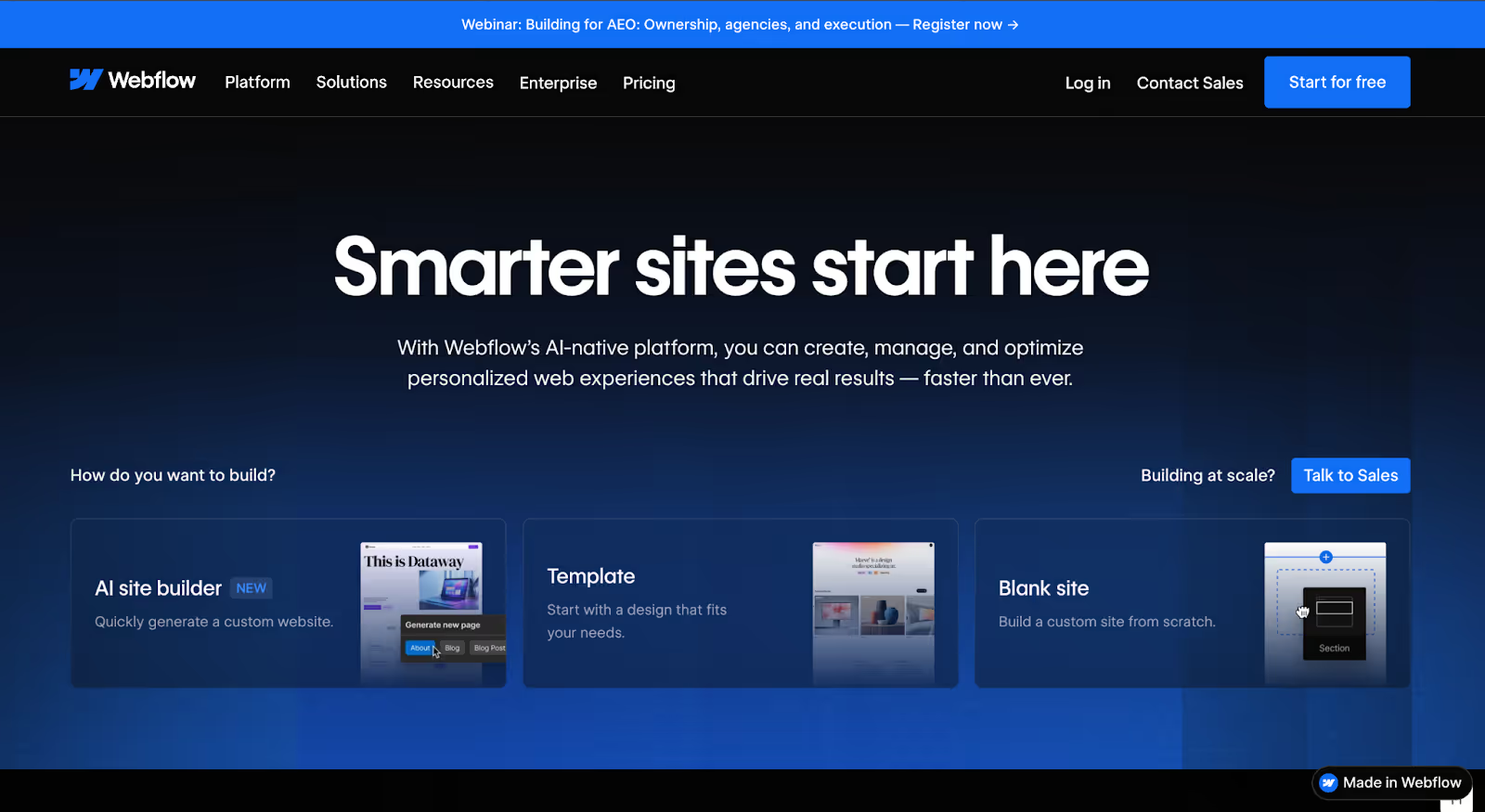
1. Webflow
Webflow Quick Overview
Webflow is a visual web design platform built for teams that want full control over structure, design, and performance without relying on heavy plugins or rigid templates.
Unlike traditional drag-and-drop builders, Webflow gives you granular control over layout, interactions, CMS architecture, and SEO settings. It combines design flexibility, structured content management, and high-performance hosting in one ecosystem.
Over 3.5 million designers, marketers, and development teams use Webflow to power marketing sites, B2B websites, and scalable content platforms.
For brands that feel constrained by Squarespace’s template-driven system, Webflow often becomes the next logical step.
Best For
Webflow is best for:
B2B and SaaS companies
Agencies managing client sites
Marketing teams that need design flexibility
Brands investing heavily in SEO
Businesses that want scalability without going fully custom-coded
Why Growing Brands Choose It
Businesses typically move to Webflow when they hit structural friction.
They want:
Custom layouts without template boundaries
A flexible CMS for structured content
Stronger SEO control
Faster performance
Fewer plugin dependencies
Where Squarespace prioritizes simplicity, Webflow prioritizes flexibility.
It allows teams to build landing page systems, scalable blog structures, resource hubs, case study collections, and multi-segment content architectures, all without layering third-party tools for basic functionality.
For growth-stage brands, that control matters.
Pros & Cons
Pros
Cons
Fully visual builder with pixel-level layout control
Steeper learning curve compared to Squarespace
Flexible, structured CMS for dynamic content
Not ideal for large-scale ecommerce compared to Shopify
Clean semantic code output, strong for SEO
Requires more strategic setup and planning
Hosting included with high-performance infrastructure
Less “plug-and-play” for beginners
No reliance on external plugins for core CMS or SEO
Built-in interactions and animations
Pricing
Webflow offers:
Free plan (hosted on a webflow.io subdomain)
Paid site plans starting around $14/month (Basic)
CMS plan starting around $23/month
Business plans for higher traffic
Workspace plans for agencies and teams
Hosting is included in all site plans.
Pricing scales based on traffic, CMS limits, and advanced features.
SEO & AI Visibility
Webflow is widely considered strong for SEO because it provides:
Custom meta titles and descriptions
Clean URL structures
Schema markup support
Customizable sitemaps
Redirect management
Fast load speeds
Clean semantic HTML
As AI-driven search results evolve, structured content and clean code architecture become more important. Webflow’s CMS allows for structured, indexable content collections making it easier for both search engines and AI systems to understand site hierarchy.
For brands prioritizing organic growth, this is often a key reason for switching.
Hosting & CMS
Webflow hosting is powered by AWS infrastructure and Fastly’s global CDN, delivering fast performance and high uptime.
Its CMS is built for structured collections such as:
Blogs
Case studies
Team directories
Resource libraries
Product pages
All without requiring third-party plugins.
Not the Best Fit If…
You want a super simple site you can launch in an hour
You need enterprise-level ecommerce out of the box
You don’t want any learning curve
If simplicity is your top priority, Squarespace or Wix may feel more intuitive. But if control and scalability are your priorities, Webflow is often the upgrade.
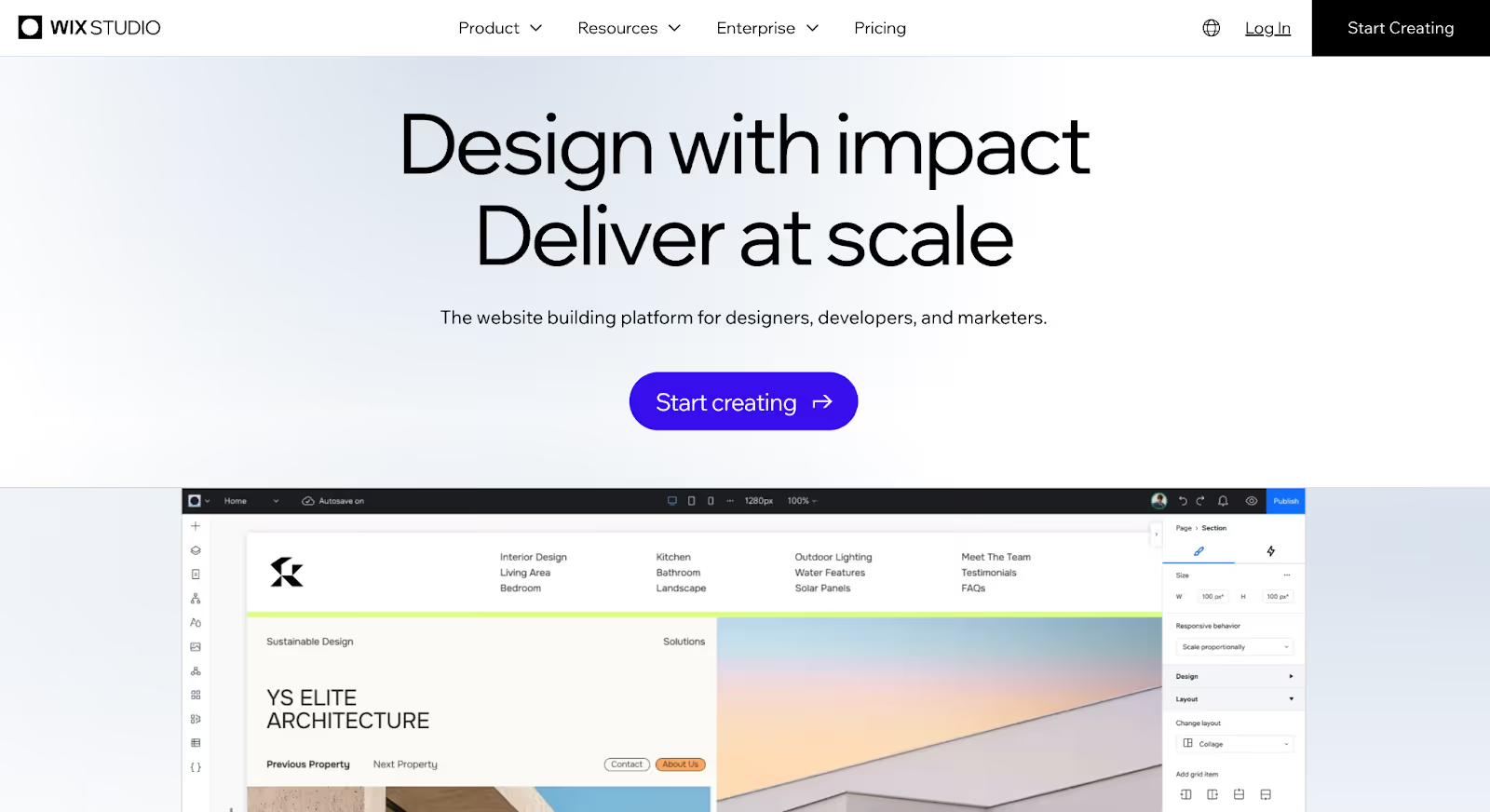
2. Wix Studio
Wix Studio Quick Overview
Wix Studio is Wix’s advanced platform built for designers, agencies, and fast-moving marketing teams who want more flexibility than traditional website builders offer without going fully technical.
It sits between simplicity and control.
While classic Wix focuses on ease of use, Wix Studio introduces responsive design systems, advanced layout control, stronger CMS capabilities, and collaboration features for teams.
For brands that like the simplicity of Squarespace but want more design freedom and scalability, Wix Studio often becomes a natural upgrade path.
Best For
Wix Studio is best for:
Agencies building multiple client sites
Marketing teams launching frequent campaigns
Design-heavy brands
Mid-sized businesses scaling content
Teams that want flexibility without coding
Why Growing Brands Choose It
Brands usually consider Wix Studio when they want more control but don’t want the learning curve of Webflow or WordPress.
Common motivations include:
Needing better responsive control across breakpoints
Wanting more layout flexibility than Squarespace offers
Launching landing pages quickly without developer support
Managing multiple contributors in one system
Improving CMS structure without fully rebuilding
Wix Studio gives teams more freedom while keeping the drag-and-drop experience familiar.
It’s not as open-ended as Webflow but it’s significantly more flexible than traditional Wix or Squarespace.
Pros & Cons
Pros
Cons
Advanced responsive design control across breakpoints
Still template-driven at its core
Drag-and-drop builder with stronger layout flexibility
Advanced SEO flexibility isn’t as deep as Webflow or WordPress
Built-in hosting and security
Larger sites can become heavier with multiple integrations
CMS capabilities for blogs and structured content
Not ideal for complex ecommerce at scale
Built-in business tools such as forms, bookings, and marketing integrations
Collaboration tools for agencies and teams
Pricing
Wix Studio offers:
Premium plans starting around $19/month
Higher-tier plans depending on storage, traffic, and features
Custom enterprise pricing for large organizations
Hosting and security are included in all plans.
Costs increase based on storage limits, collaboration features, and ecommerce capabilities.
SEO & AI Visibility
Wix Studio has improved significantly in SEO performance.
It offers:
Custom meta titles and descriptions
Editable URLs
Structured data support
SEO checklists and optimization tools
Automated sitemap generation
Decent page speed optimization
However, compared to platforms like Webflow or WordPress, deeper technical SEO customizations may feel more limited.
For most growing brands, Wix Studio provides strong foundational SEO but highly technical SEO teams may still want more granular control.
Hosting & CMS
Wix Studio includes:
Managed cloud hosting
SSL certificates
Automatic backups
Built-in security
Its CMS supports structured collections such as:
Blogs
Case studies
Service pages
Team members
It’s more flexible than Squarespace’s CMS but not as open-ended as Webflow or custom CMS platforms.
Not the Best Fit If…
You need deep technical SEO control
You’re planning enterprise-level ecommerce
You want complete structural freedom
You’re building highly custom web applications
If you want a balance between simplicity and flexibility, Wix Studio works well. If you want full system-level control, Webflow or WordPress may be stronger.
3. Shopify
Shopify Quick Overview
Shopify is a dedicated ecommerce platform built specifically for selling online at scale. Unlike general website builders, Shopify isn’t trying to be everything, it’s optimized for commerce first.
It powers millions of online stores globally and has become the default infrastructure for brands that treat ecommerce as a serious revenue engine rather than an add-on feature.
For businesses outgrowing Squarespace’s built-in store functionality, Shopify is often the next step.
Best For
Shopify is best for:
Ecommerce-first brands
DTC companies
Scaling product catalogs
Subscription-based businesses
Brands expanding internationally
Businesses managing high transaction volume
Why Growing Brands Choose It
Most brands don’t leave Squarespace because they dislike the design.
They leave because ecommerce becomes more complex.
Common triggers include:
Expanding product catalogs
Needing advanced inventory management
Wanting international pricing and multi-currency checkout
Launching subscription models
Improving checkout conversion rates
Integrating fulfillment and shipping systems
Squarespace supports ecommerce well for small to mid-sized stores. But Shopify is purpose-built for commerce infrastructure.
It removes the need for workarounds once revenue scales.
Pros & Cons
Pros
Cons
Built specifically for ecommerce scalability
Requires apps for advanced customization
Advanced inventory and product management
Monthly costs increase with apps and upgrades
Strong checkout optimization
Blogging and CMS capabilities are more limited
Multi-currency and international support
Less design flexibility compared to Webflow
Extensive app ecosystem
Transaction fees if not using Shopify Payments
POS (Point of Sale) capabilities
Enterprise option (Shopify Plus)
Pricing
Shopify offers:
Starter plan around $5/month
Basic plan around $29/month
Grow plan around $79/month
Advanced plan around $299/month
Shopify Plus (enterprise) starting at ~$2,000/month
Hosting and security are included.
Costs scale depending on transaction volume, apps, and advanced features.
SEO & AI Visibility
Shopify provides strong ecommerce SEO foundations, including:
Custom meta titles and descriptions
Editable URLs (with some structure limitations)
Automatic sitemap generation
Fast global hosting
Product schema markup
However, compared to platforms like Webflow or WordPress, Shopify’s CMS structure is less flexible for content-heavy SEO strategies.
It excels at product SEO. It’s less powerful for large content ecosystems.
Hosting & CMS
Shopify includes:
Managed hosting
Global CDN
Automatic SSL
High uptime reliability
Its CMS supports:
Blogs
Basic content pages
Product collections
But it’s not designed for complex structured content systems without additional apps.
Not the Best Fit If…
Your business is content-heavy rather than product-heavy
You need full design control
SEO content marketing is your primary growth lever
You want minimal reliance on third-party apps
If ecommerce is your core revenue driver, Shopify is hard to beat.
If your website is more content or marketing-driven, Webflow or WordPress may offer better structural flexibility.
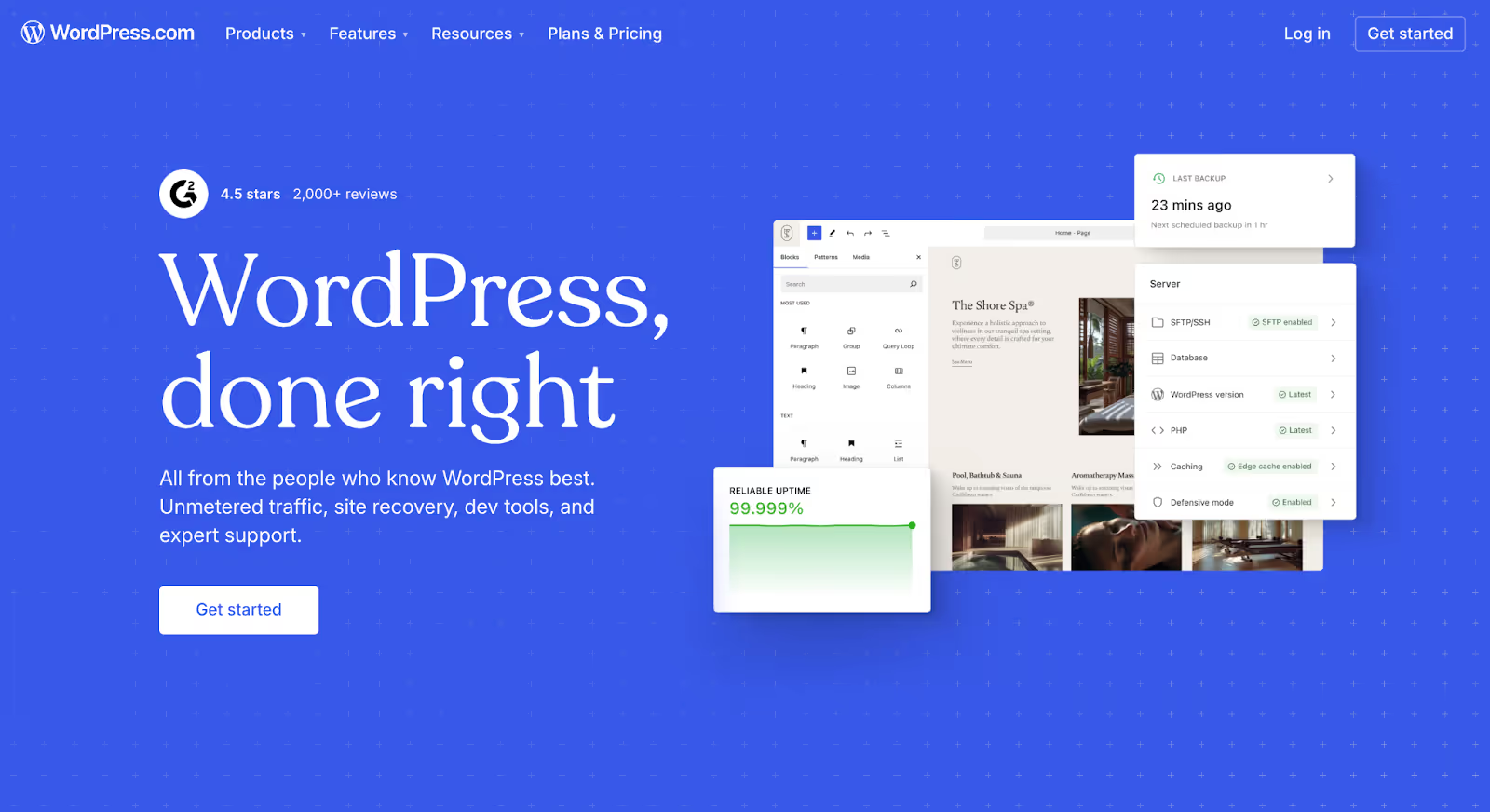
4. WordPress (Self-Hosted)
WordPress Quick Overview
WordPress (specifically self-hosted WordPress.org) is an open-source content management system that powers over 40% of the web. Unlike website builders, WordPress is not a closed platform, it gives you full control over your site’s structure, hosting, performance, and extensibility.
Where Squarespace prioritizes simplicity, WordPress prioritizes flexibility.
It can power simple blogs but it’s equally capable of handling enterprise SEO strategies, ecommerce systems, membership platforms, multilingual sites, and highly customized web experiences.
For brands that feel constrained by template-driven systems, WordPress often represents a long-term infrastructure move.
Best For
WordPress is best for:
SEO-driven brands
Content-heavy businesses
Publishers and media companies
Scalable B2B websites
Ecommerce brands using WooCommerce
Businesses that want full ownership and customization
Why Growing Brands Choose It
Most brands don’t switch to WordPress for convenience.
They switch for control.
Common triggers include:
Needing full SEO customization
Building complex content architectures
Running programmatic SEO strategies
Launching multilingual websites
Integrating deeply with CRMs or automation tools
Avoiding platform lock-in
Unlike Squarespace, WordPress doesn’t impose structural ceilings. If you can build it, you can host it.
It’s infrastructure, not just a builder.
Pros & Cons
Pros
Cons
Full CMS flexibility and customization
Requires hosting setup and maintenance
Strongest SEO control available
Security and updates are your responsibility
Massive ecosystem of plugins and themes
Plugin conflicts can occur
Can scale from small blogs to enterprise platforms
Can become complex without technical knowledge
No platform lock-in
Performance depends on hosting quality
Supports advanced ecommerce via WooCommerce
Large global developer community
Pricing
WordPress itself is free.
But costs include:
Hosting ($5–$30/month depending on provider)
Premium themes (optional)
Premium plugins (optional)
Developer costs (if needed)
Unlike Squarespace, pricing varies based on how advanced your setup becomes.
You control the stack and the budget.
SEO & AI Visibility
WordPress is widely considered the strongest platform for SEO because it allows:
Full control over meta data
Custom URL structures
Advanced schema implementation
Canonical management
Custom sitemaps
Deep technical SEO adjustments
Plugin support for SEO automation
With plugins like Yoast or Rank Math, teams can manage complex SEO strategies at scale.
For AI-driven search environments, structured content architecture and flexible markup make WordPress particularly adaptable.
If organic growth is your primary acquisition channel, WordPress offers the most control.
Hosting & CMS
Unlike Squarespace, WordPress requires you to choose your own hosting provider.
That means:
You control performance quality
You control server resources
You control scaling
You control security layers
Its CMS is fully flexible and supports:
Custom post types
Taxonomies
Complex navigation structures
Dynamic content relationships
There are no artificial CMS limitations, only what you build.
Not the Best Fit If…
You want a fully managed, plug-and-play solution
You don’t want to handle updates or maintenance
You prefer simplicity over flexibility
You don’t have access to technical support
WordPress gives you power but with that power comes responsibility.
If you want maximum control and long-term scalability, it’s one of the strongest Squarespace alternatives available.
If you want minimal setup and maintenance, platforms like Webflow or Wix Studio may feel easier.
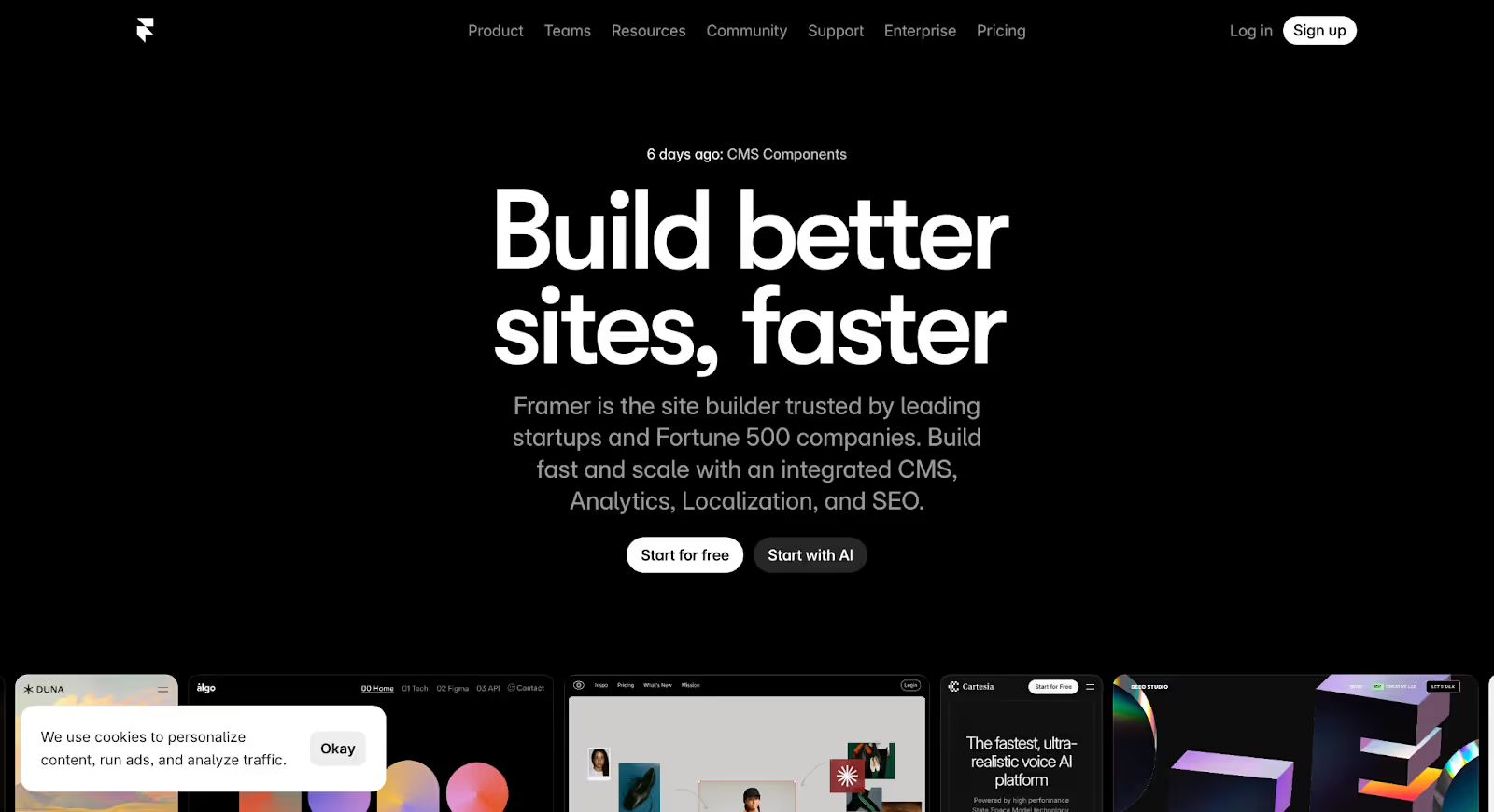
5. Framer
Framer Quick Overview
Framer is a modern no-code website platform built for fast-moving teams that prioritize design, speed, and simplicity without sacrificing performance.
Originally known as a design prototyping tool, Framer has evolved into a full website builder focused on sleek marketing sites, startup launches, and high-performance landing pages.
Unlike Squarespace, Framer offers more design flexibility and cleaner performance. Unlike Webflow, it keeps complexity lower and speed of execution higher.
For startups and marketing-led brands, it often feels like a lighter, faster alternative.
Best For
Framer is best for:
Startups and SaaS companies
Marketing-focused teams
Product launches
High-converting landing pages
Design-driven brands
Teams that want speed without heavy CMS setup
Why Growing Brands Choose It
Brands usually consider Framer when they want more freedom than Squarespace but less complexity than Webflow or WordPress.
Common triggers include:
Wanting cleaner, more modern designs
Needing faster site performance
Launching landing pages quickly
Reducing plugin dependency
Avoiding heavy CMS configuration
Prioritizing speed and iteration
Framer focuses on performance-first marketing sites.
It’s built for teams that want to move fast.
Pros & Cons
Pros
Cons
Clean, modern design capabilities
CMS is more limited compared to Webflow or WordPress
Very fast performance out of the box
Not ideal for complex content ecosystems
Minimal setup required
Ecommerce features are basic
Built-in animations and interactions
Less suited for large-scale SEO operations
No plugin dependency for basics
Smaller ecosystem compared to Shopify or WordPress
Hosting included
Simple, intuitive editing experience
Pricing
Framer offers:
Free plan (Framer subdomain)
Paid plans starting around $15/month
Higher-tier plans based on traffic and CMS needs
Team plans for collaboration
Hosting and SSL are included in all plans.
Pricing scales primarily based on traffic limits and CMS usage.
SEO & AI Visibility
Framer includes:
Custom meta titles and descriptions
Clean URL editing
Automatic sitemap generation
Fast loading performance
Basic schema support
Framer’s biggest SEO advantage is speed and clean code output.
However, for brands planning complex SEO content architectures, programmatic pages, or advanced structured data implementations, platforms like Webflow or WordPress offer more flexibility.
Framer works best for focused marketing SEO, not large publishing ecosystems.
Hosting & CMS
Framer includes:
Managed cloud hosting
Global CDN
SSL certificates
Automatic updates
Its CMS supports:
Blogs
Simple collections
Landing page content
Structured marketing pages
But it’s intentionally lightweight.
It’s not built for enterprise-level content hierarchies.
Not the Best Fit If…
SEO scale is your primary growth engine
You’re building complex multi-level content systems
Ecommerce is core to your revenue
You need deep backend customization
Framer excels at fast, beautiful marketing sites.
If you want a performance-first, design-led platform without heavy infrastructure, it’s a strong alternative to Squarespace.
If you need deep structural flexibility, Webflow or WordPress may be stronger.
6. Duda
Duda Quick Overview
Duda is a website builder designed primarily for agencies, freelancers, and teams managing multiple client websites. Unlike Squarespace, which focuses on individual brands and creators, Duda emphasizes collaboration, scalability, and white-label capabilities.
It combines drag-and-drop simplicity with structured design controls and client management tools making it especially attractive for agencies that need efficiency without sacrificing quality.
For growing businesses working with external teams or agencies building at scale, Duda often becomes a practical alternative.
Best For
Duda is best for:
Digital agencies
Freelancers managing multiple clients
Teams building repeatable site frameworks
Businesses needing multilingual capabilities
Companies requiring white-label solutions
Why Growing Brands Choose It
Brands usually don’t switch to Duda for aesthetic reasons.
They switch for workflow efficiency.
Common triggers include:
Managing multiple sites from one dashboard
Needing structured client permissions
Delivering repeatable website frameworks
Scaling content across regions
Wanting built-in personalization tools
Duda prioritizes operational control and collaboration over pure design freedom.
For agencies, this reduces friction. For growing brands, it centralizes management.
Pros & Cons
Pros
Cons
Strong collaboration and role-based permissions
Less design freedom compared to Webflow
White-label capabilities for agencies
Limited advanced CMS flexibility
Built-in multilingual support
Smaller app ecosystem
Structured content and reusable sections
Higher pricing compared to basic builders
Fast hosting included
Not ideal for complex ecommerce
Built-in personalization tools
Intuitive drag-and-drop builder
Pricing
Duda offers:
Basic plan starting around $19/month
Team plan around $29/month
Agency plan around $52/month
White-label plan around $149/month
Custom enterprise pricing
Hosting, SSL, and maintenance are included.
Pricing scales primarily based on collaboration features and site volume.
SEO & AI Visibility
Duda provides:
Custom meta titles and descriptions
Structured data support
Automatic sitemap generation
Responsive design optimization
Personalization features for user segmentation
While Duda offers solid foundational SEO tools, it doesn’t provide the deep structural SEO flexibility that platforms like WordPress or Webflow offer.
It works well for local businesses and multi-site operations but may feel limited for advanced SEO content strategies.
Hosting & CMS
Duda includes:
Managed cloud hosting
Global CDN
SSL certificates
Automatic updates
Its CMS supports:
Blogs
Structured content blocks
Reusable design components
Multilingual site structures
It’s efficient for repeatable builds but less flexible for complex dynamic content systems.
Not the Best Fit If…
You need full creative freedom
You’re running an SEO-heavy content strategy
Ecommerce is your primary growth engine
You want a highly customizable backend
Duda is optimized for operational efficiency and collaboration, not maximum flexibility.
If you’re an agency or managing multiple sites, it’s a strong Squarespace alternative.
If you need structural depth or enterprise-level flexibility, other platforms may be stronger.
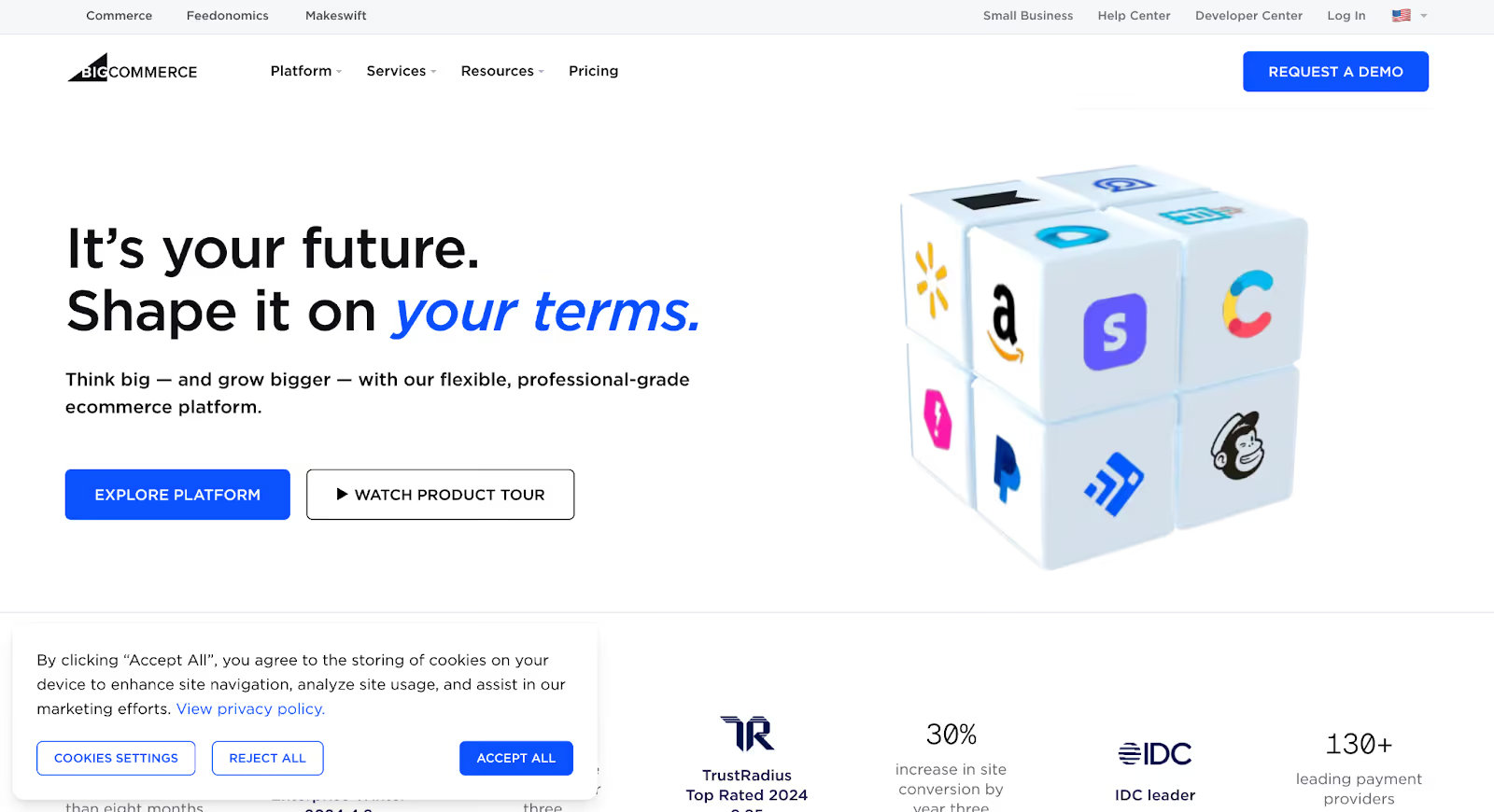
7. BigCommerce
BigCommerce Quick Overview
BigCommerce is an enterprise-grade ecommerce platform built for scaling online stores. Unlike general website builders, BigCommerce focuses almost entirely on commerce infrastructure, inventory, product complexity, multi-channel selling, and high-volume growth.
While Squarespace supports ecommerce, it’s primarily a design-first platform with store functionality layered in. BigCommerce is the opposite: commerce-first, design second.
For brands whose primary revenue driver is online sales, BigCommerce is often evaluated once growth demands exceed basic store features.
Best For
BigCommerce is best for:
Mid-to-large ecommerce brands
High-volume online retailers
Multi-channel sellers (Amazon, eBay, social commerce)
International ecommerce expansion
Complex product catalogs
B2B ecommerce operations
Why Growing Brands Choose It
Most brands consider BigCommerce when ecommerce stops being “a feature” and becomes infrastructure.
Common triggers include:
Large product catalogs
Multi-currency pricing
Complex tax configurations
B2B pricing tiers
Omnichannel sales management
Advanced inventory control
International storefronts
Squarespace works well for boutique stores.
BigCommerce is built for operational complexity.
It removes the need for stacking dozens of apps just to manage growth.
Pros & Cons
Pros
Cons
Strong native ecommerce features (less reliance on apps)
Steeper learning curve than Squarespace
Multi-channel selling built in
Design flexibility is more limited
Advanced product and inventory management
Higher pricing tiers
B2B functionality available
Content CMS is not as flexible as Webflow or WordPress
No additional transaction fees
Overkill for small stores
Enterprise scalability
Strong API access for customization
Pricing
BigCommerce offers:
Standard plan starting around $39/month
Plus plan around $105/month
Pro plan around $399/month
Enterprise pricing (custom)
Hosting and security are included.
Pricing scales based on annual revenue thresholds, which may require plan upgrades as sales increase.
SEO & AI Visibility
BigCommerce provides strong ecommerce SEO capabilities, including:
Custom meta titles and descriptions
Editable URLs
Structured product schema
Automatic sitemaps
AMP support
Fast global hosting
It performs particularly well for product SEO.
However, for content-heavy organic strategies, its CMS flexibility is more limited compared to WordPress or Webflow.
If your SEO strategy revolves around product discovery, BigCommerce performs well. If it revolves around content ecosystems, other platforms may offer more control.
Hosting & CMS
BigCommerce includes:
Managed hosting
Global CDN
Automatic SSL
High uptime reliability
Its CMS supports:
Blogs
Static content pages
Product collections
But it’s primarily structured around product management, not dynamic content architecture.
Not the Best Fit If…
You’re not ecommerce-first
You need maximum design freedom
Your site is primarily content-driven
You’re a small boutique store with low complexity
BigCommerce is built for operational ecommerce scale.
If online sales are central to your business model, it’s a strong Squarespace alternative.
If your growth engine is content or marketing-led, other platforms may align better.
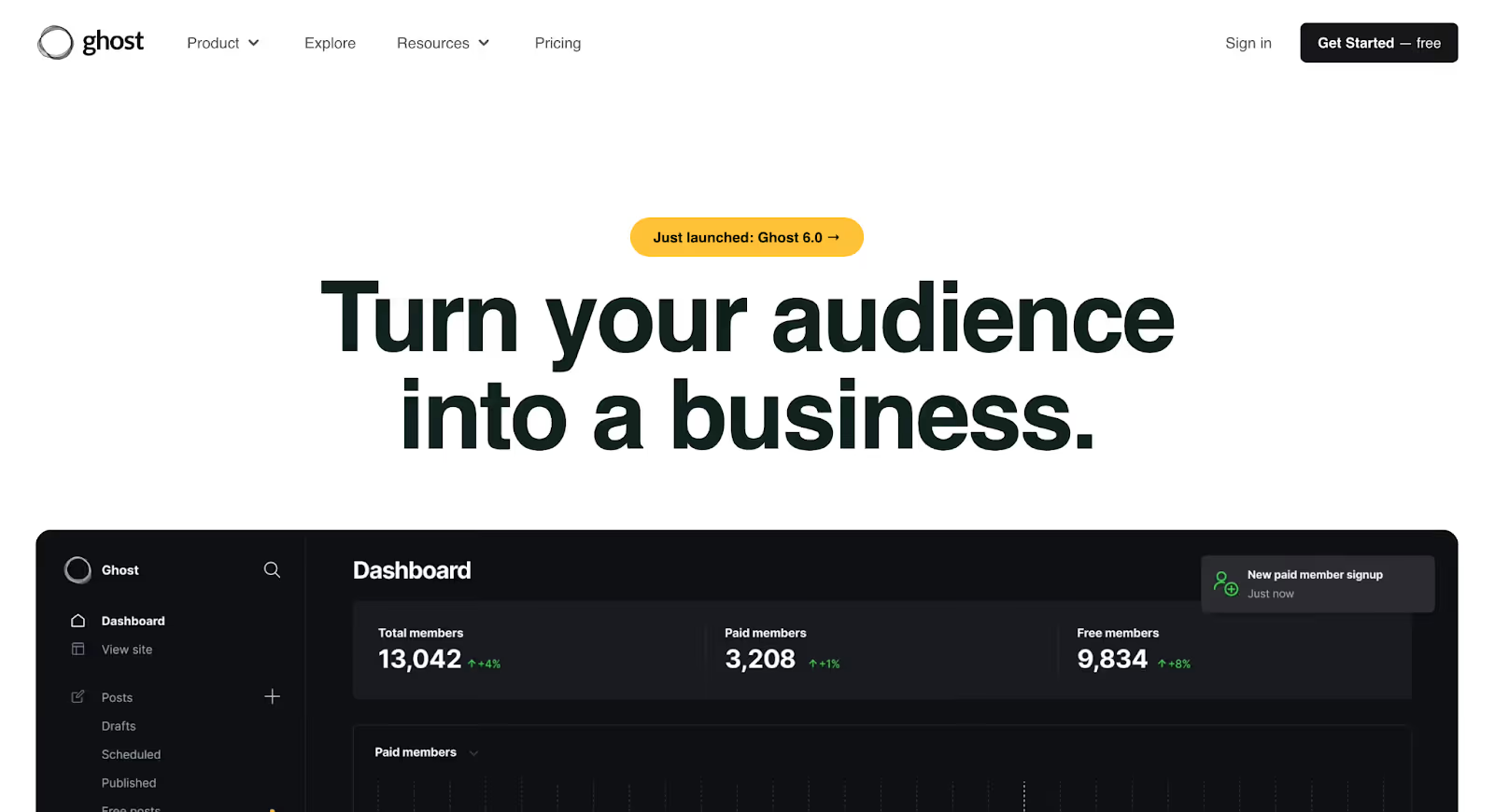
8. Ghost
Ghost Quick Overview
Ghost is an open-source publishing platform built specifically for content-driven brands. Unlike general website builders, Ghost focuses on clean publishing workflows, performance, and monetization for creators, media companies, and businesses where content is the primary growth engine.
While Squarespace offers blogging as a feature, Ghost was built around it.
It combines a powerful CMS, built-in email marketing, and membership tools in one streamlined system. For brands that see content as infrastructure not just support material, Ghost is often a serious alternative.
Best For
Ghost is best for:
Content-led businesses
Publishers and media companies
Newsletter-driven brands
Personal brands scaling thought leadership
SaaS companies investing heavily in SEO
Subscription-based content models
Why Growing Brands Choose It
Brands usually move to Ghost when content becomes central to acquisition.
Common triggers include:
Scaling blog operations
Running newsletters and memberships
Monetizing content directly
Wanting cleaner publishing workflows
Prioritizing performance and SEO
Reducing plugin clutter
Unlike Squarespace, Ghost is intentionally minimal and focused.
It removes distractions and bloat and prioritizes speed and structure.
For businesses building organic authority, that clarity matters.
Pros & Cons
Pros
Cons
Clean, distraction-free publishing interface
Less design flexibility compared to Webflow
Built-in email marketing tools
Not ideal for complex ecommerce
Membership and subscription support
Smaller ecosystem compared to WordPress
Extremely fast performance
Requires hosting setup if self-hosted
SEO-friendly structure by default
Not suited for highly custom web applications
Minimal plugin dependency
Open-source flexibility
Pricing
Ghost offers:
Managed hosting plans starting around $9/month
Higher-tier plans scaling with audience size
Self-hosted option (open source, free software but requires hosting)
Managed hosting includes:
Automatic updates
CDN delivery
SSL certificates
Backups
Pricing scales primarily with audience size and newsletter subscribers.
SEO & AI Visibility
Ghost performs well for SEO because it offers:
Clean semantic HTML
Fast page loads
Automatic sitemap generation
Custom meta titles and descriptions
Structured content hierarchy
Built-in canonical tag handling
Its clean output makes it easier for search engines and increasingly, AI tools to parse and categorize content.
For content-led SEO strategies, Ghost is strong.
For complex programmatic SEO or dynamic structured pages, WordPress or Webflow may offer more flexibility.
Hosting & CMS
Ghost can be:
Self-hosted (full control)
Managed via Ghost(Pro)
Its CMS is optimized for:
Blogs
Resource hubs
Editorial content
Membership portals
Newsletter publishing
It’s intentionally streamlined, not overloaded with unnecessary features.
Not the Best Fit If…
Ecommerce is your main revenue driver
You need deep layout customization
You want a drag-and-drop builder
You’re building a highly interactive site
Ghost is built for publishing and monetizing content.
If your growth engine is SEO, newsletters, or thought leadership, it’s one of the strongest Squarespace alternatives.
If your needs are design-heavy or ecommerce-focused, other platforms may fit better.
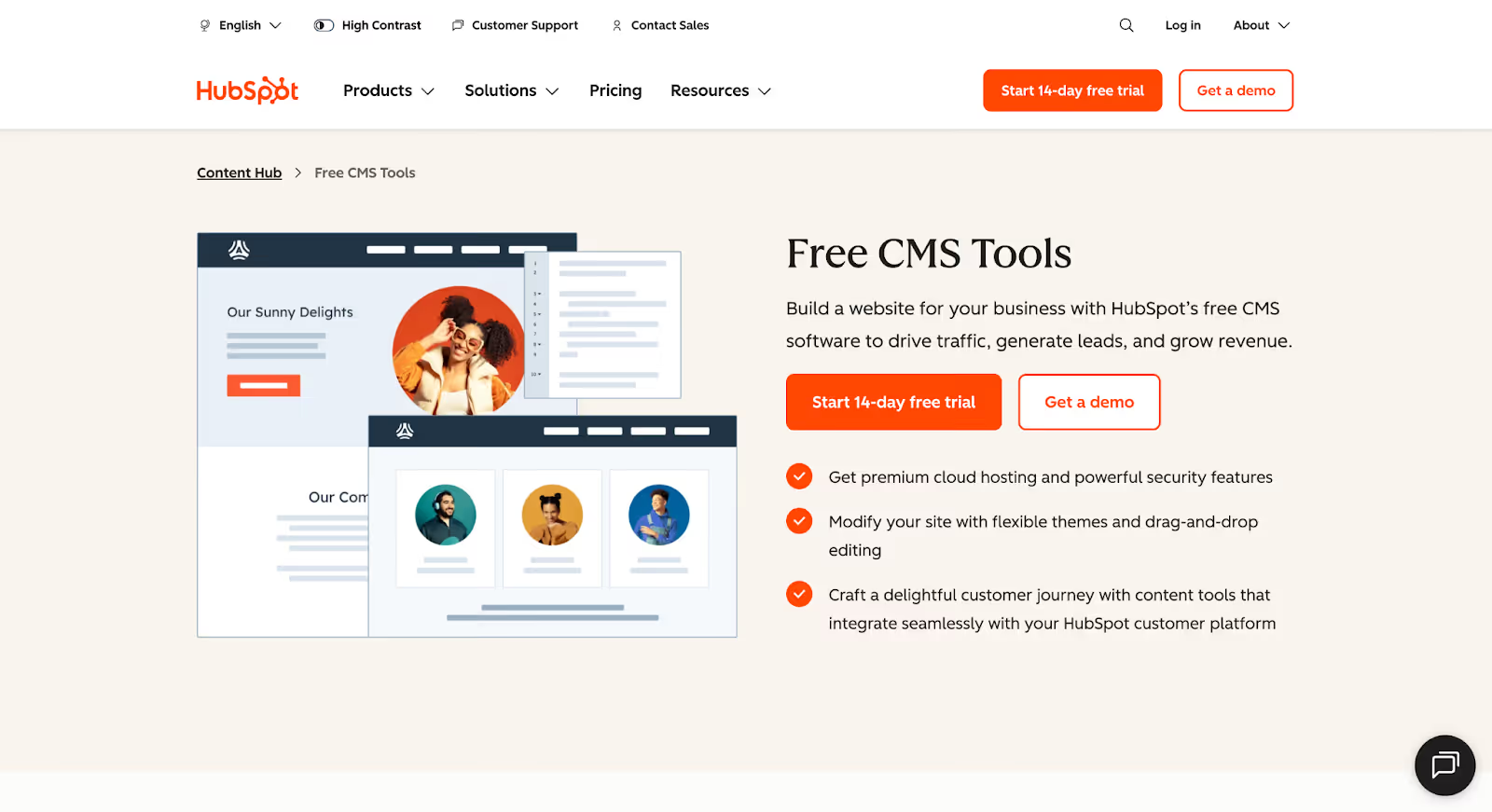
9. HubSpot CMS
HubSpot CMS Quick Overview
HubSpot CMS (now called Content Hub within the HubSpot ecosystem) is a marketing-first content management system built to integrate tightly with CRM, automation, analytics, and sales tools.
Unlike Squarespace, which focuses primarily on design and ease of use, HubSpot CMS is built around growth infrastructure.
It connects your website directly to your CRM, email automation, lead scoring, and marketing analytics, creating a unified system rather than a standalone site.
For B2B brands and inbound marketing teams, that integration is often the deciding factor.
Best For
HubSpot CMS is best for:
B2B companies
SaaS businesses
Marketing-heavy organizations
Companies using HubSpot CRM
Lead generation-focused brands
Teams running inbound marketing strategies
Why Growing Brands Choose It
Brands usually move to HubSpot CMS when marketing maturity increases.
Common triggers include:
Needing CRM-connected landing pages
Automating lead nurturing flows
Personalizing content based on user behavior
Managing content, CRM, and analytics in one place
Improving attribution visibility
Aligning marketing and sales data
Squarespace can capture leads.
HubSpot CMS connects those leads to full lifecycle marketing automation.
For businesses where pipeline visibility and attribution matter, that integration becomes powerful.
Pros & Cons
Pros
Cons
Native CRM integration
Higher pricing compared to builders like Squarespace
Built-in marketing automation
Less design flexibility compared to Webflow
Advanced analytics and attribution tracking
Can feel heavy for small teams
Smart content personalization
Best value only if using HubSpot ecosystem
Built-in security and hosting
Overkill for simple websites
Scalable content management
Strong lead generation tools
Pricing
HubSpot CMS pricing depends on tier:
Starter plan (lower cost, limited features)
Professional plan (advanced automation and personalization)
Enterprise plan (full-scale marketing infrastructure)
Pricing is higher than most builders because you’re paying for integrated CRM, automation, and marketing tools, not just website hosting.
Hosting, SSL, and security are included.
SEO & AI Visibility
HubSpot CMS offers strong SEO capabilities, including:
Built-in SEO recommendations
Custom meta titles and descriptions
Structured data support
Topic cluster content strategy tools
Internal linking suggestions
Fast hosting infrastructure
Its biggest advantage isn’t just technical SEO, it’s content strategy alignment with CRM and user data.
For inbound-focused brands, that integration improves targeting and personalization.
Hosting & CMS
HubSpot CMS includes:
Managed cloud hosting
Enterprise-grade security
Automatic updates
Global CDN
Built-in performance optimization
Its CMS supports:
Blogs
Resource libraries
Landing pages
Dynamic content personalization
CRM-based segmentation
It’s structured for marketing teams rather than designers.
Not the Best Fit If…
You’re not using HubSpot CRM
You’re a small team with limited budget
You prioritize full design freedom
You’re ecommerce-first
HubSpot CMS is built for marketing-driven growth and CRM alignment.
If your website is central to lead generation and lifecycle automation, it’s one of the strongest Squarespace alternatives.
If you just need a beautiful marketing site, simpler platforms may suffice.
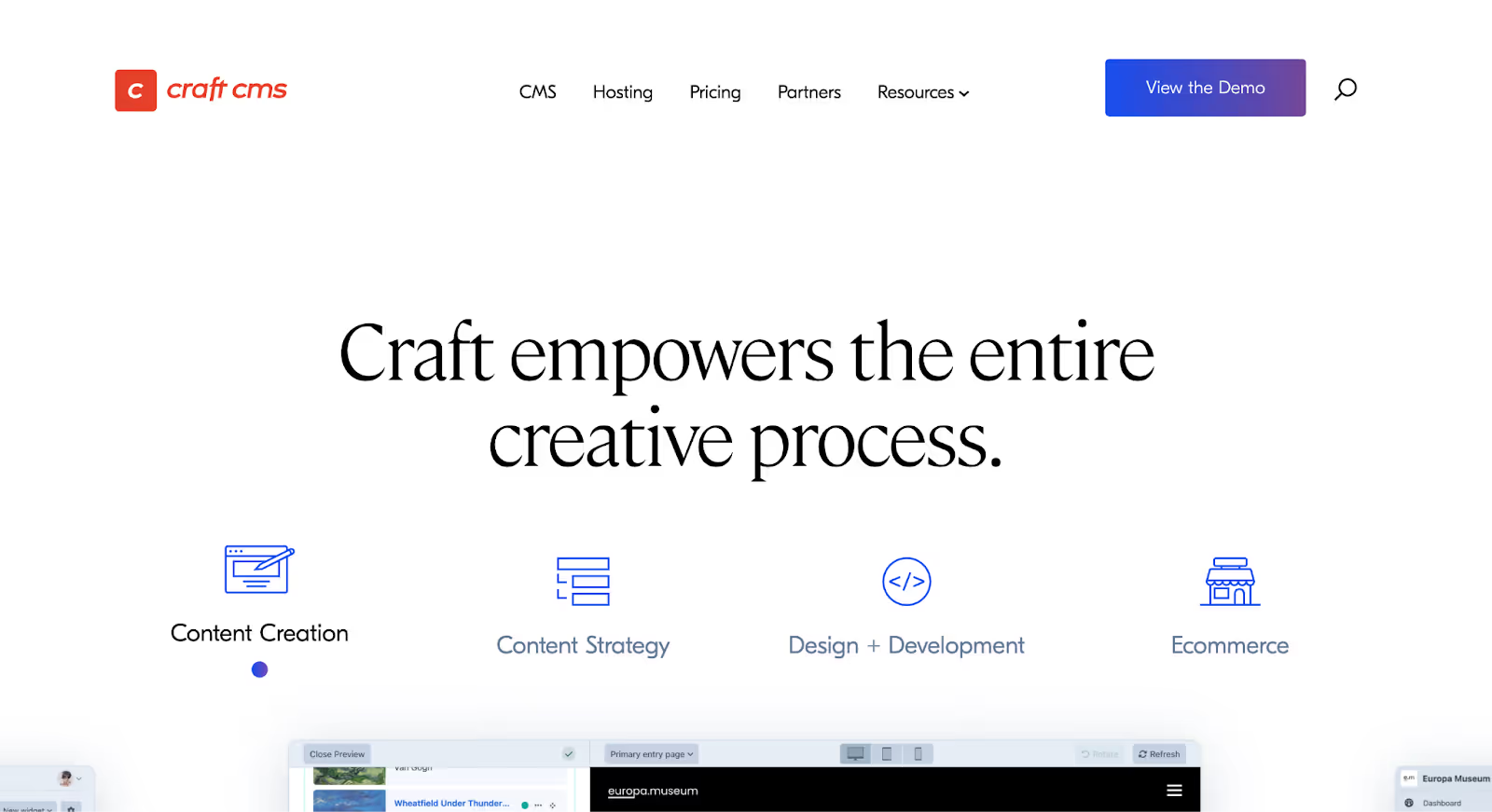
10. Craft CMS
Craft CMS Quick Overview
Craft CMS is a developer-focused content management system built for fully custom digital experiences. Unlike template-based builders like Squarespace, Craft doesn’t dictate structure, it gives you complete freedom to define your own.
It’s not a drag-and-drop tool.
It’s infrastructure.
Craft is often chosen by brands that want custom architecture without platform limitations, while still maintaining a user-friendly content editing experience for internal teams.
For businesses that feel boxed in by website builders, Craft CMS represents full control.
Best For
Craft CMS is best for:
Enterprise brands
Custom-built marketing sites
Complex content ecosystems
Multi-region websites
Businesses with in-house developers
Brands prioritizing performance and flexibility
Why Growing Brands Choose It
Brands don’t move to Craft for convenience.
They move for structural freedom.
Common triggers include:
Needing highly custom content models
Running complex multilingual sites
Integrating deeply with internal systems
Avoiding platform lock-in
Building unique digital experiences
Scaling structured content at enterprise level
Squarespace offers predefined content structures.
Craft lets you define your own from scratch.
That flexibility removes ceilings, but it requires technical expertise.
Pros & Cons
Pros
Cons
Fully customizable content architecture
Requires developer setup
Clean, minimal backend for editors
No drag-and-drop builder
Strong performance control
Hosting must be configured separately
Developer-friendly API
Higher upfront development cost
No rigid template restrictions
Not beginner-friendly
Excellent for multilingual and multi-site setups
Minimal plugin dependency
Pricing
Craft CMS offers:
Free solo license (limited features)
Pro license (one-time fee per project)
Enterprise licensing for larger organizations
Hosting is separate and depends on your provider.
Unlike SaaS builders, pricing reflects development and infrastructure costs rather than monthly builder fees.
SEO & AI Visibility
Craft CMS allows full technical SEO control, including:
Custom URL structures
Advanced schema implementation
Redirect management
Canonical tag control
Flexible content modeling
Performance optimization
Because you control the architecture, you can build SEO systems exactly how you want them.
For AI-driven search environments, structured and cleanly modeled content provides strong foundations assuming the system is implemented properly.
Hosting & CMS
Craft requires you to:
Choose your own hosting provider
Configure performance
Manage updates and security
Its CMS allows:
Custom fields
Complex relationships
Dynamic content modeling
Multi-site management
Role-based permissions
There are no predefined limitations, only what you architect.
Not the Best Fit If…
You want a plug-and-play builder
You don’t have developer resources
You need a site live quickly
You prefer visual editing tools
Craft CMS is for brands that want complete ownership and flexibility.
If you’re comfortable investing in custom infrastructure, it’s one of the most powerful Squarespace alternatives available.
If simplicity is your priority, platforms like Webflow or Wix Studio may be more practical.
How to Choose the Right Squarespace Alternative
Still not sure which way to go?
Here’s a simple way to narrow things down based on what matters most to your business:
WHAT YOU NEED MOST
GO WITH THIS PLATFORM
Stronger SEO control and scalable content architecture
Webflow or WordPress
Full control over design, layout, and CMS structure
Webflow or Craft CMS
A powerful ecommerce store with room to scale internationally
Shopify or BigCommerce
Built-in CRM, automation, and marketing attribution
HubSpot CMS
A clean, fast publishing experience for blogs or newsletters
Ghost
Modern marketing pages with strong performance and speed
Framer
Managing multiple client websites efficiently
Webflow or Duda
More flexibility than Squarespace without going fully technical
Wix Studio
Complete ownership and long-term infrastructure flexibility
WordPress
Why We Choose Webflow (and Often Recommend It)
We’ve worked with startups, SaaS companies, B2B brands, agencies, and scaling ecommerce teams. And while every business has different priorities, one pattern shows up consistently:
When brands outgrow Squarespace, Webflow is usually the platform that solves the most problems at once.
Here’s why.
It Removes the Growth Ceiling
Most migrations don’t happen because a site looks bad.They happen because growth slows.
Webflow removes the structural constraints that typically trigger a Squarespace exit limited CMS depth, rigid layout control, and SEO ceilings.
You’re not working around the system anymore. You’re building exactly what you need.
It’s Fast, Reliable, and Doesn’t Need Constant Fixing
No bloated plugin stack. No maintenance chaos. No performance degradation from stacking third-party tools.
Hosting is built in. Security is handled. Performance is strong out of the box.
Webflow sites don’t need constant babysitting.
For teams that are tired of patchwork solutions, this is a noticeable shift.
You Get Full Design Freedom Without Coding
You’re not stuck inside predefined template structures.
Webflow gives designers and marketers real layout control visually: spacing, breakpoints, interactions, animations without needing a developer for every small change.
It bridges the gap between design tools and development.
For brands that want control without full custom builds, that balance is powerful.
The CMS Is Actually Built for Scale
Adding blogs is easy.
But building resource centers, segmented landing pages, case study libraries, comparison hubs, or structured SEO pages?
That’s where many platforms fall short.
Webflow’s CMS supports structured collections, relationships, and dynamic templates making it easier to scale content without creating chaos.
For growth-stage brands investing in SEO, this matters.
SEO Comes Built In, Not Bolted On
Custom slugs. Meta fields. Redirect management. Schema markup. Clean semantic code. Fast performance infrastructure.
All native.
You’re not installing five plugins just to handle basics.
As AI-driven search and structured data become more important, clean architecture gives you long-term resilience.
It Scales With You
Solo founder? Startup launching MVP? B2B team managing hundreds of dynamic pages? Agency running multiple projects?
Webflow handles each of those stages without requiring a full rebuild every time your business evolves.
That scalability is why we often recommend it.
Is Webflow perfect for everyone?
No.
If you need enterprise ecommerce infrastructure, Shopify or BigCommerce may be better.
If you want maximum backend ownership and don’t mind managing hosting, WordPress or Craft CMS might fit.
But for most growing brands that feel limited by Squarespace, Webflow tends to check the most boxes:
Design control
SEO flexibility
CMS scalability
Performance reliability
Team usability
And that’s why it’s often our first recommendation.
Final Thoughts
If you’re looking at Squarespace alternatives, it’s probably not because Squarespace is “bad.” It’s because your business has changed.
What worked when you launched may not work now. Maybe your SEO growth has stalled. Maybe your content structure feels harder to manage as you scale. Maybe ecommerce has become more complex than the platform comfortably supports. Or maybe your marketing team simply needs more flexibility, speed, and control.
Squarespace is excellent for getting online quickly. But as brands grow, the website stops being a design project and starts becoming infrastructure. And infrastructure needs to support traffic, experimentation, integrations, and long-term scalability.
There are strong alternatives depending on your goals. Shopify and BigCommerce make sense for e-commerce-heavy brands. WordPress and Craft CMS offer maximum ownership and customization. Ghost is powerful for content-driven businesses. HubSpot CMS works well for CRM-led marketing teams.
But for most growth-stage brands we work with, Webflow tends to strike the best balance. It offers real design freedom without template ceilings, a scalable CMS without plugin chaos, strong native SEO controls, and reliable performance, all without turning your website into a technical maintenance burden. It gives teams control, flexibility, and room to grow.
At Amply, we help companies migrate and rebuild strategically, not just visually. From restructuring content architecture to designing scalable CMS systems and protecting organic traffic during transitions, we handle the complexity so your team can stay focused on growth.
If you’re evaluating your next move, book a free call, and we’ll help you determine whether Webflow or another alternative aligns with your long-term goals.
Because choosing the right foundation today can prevent another rebuild tomorrow.
Get your Webflow SEO Google sheet checklist
Short description on the benefits or value you’ll get from using this checklist
Organizes SEO tasks for efficiency
Simplifies keyword tracking and management
Ensures consistent on-page optimization efforts
Thank you! Your submission has been received!
Oops! Something went wrong while submitting the form.
Frequently Asked questions
When should I move away from Squarespace?
Is Webflow better than Squarespace for SEO?
Will I lose my SEO rankings if I migrate from Squarespace?
What’s the easiest Squarespace alternative?
What’s the best Squarespace alternative for ecommerce?
Is WordPress better than Squarespace?
How do I choose the right Squarespace alternative for my business?
About the Author
Rajat Kapoor
Copywriter, marketer, and Webflow developer. Rajat focuses on crafting clear, SEO-focused copy for scaling B2B brands.
CRO is the practice of increasing the share of visitors who take a key action. Here is how conversion rate optimization works for B2B websites in Webflow.
See what Webflow agencies cost in 2026, with real pricing from 12 firms, typical B2B project ranges, what each tier includes, and how to compare proposals.
See what Webflow MCP and Claude can actually do for marketing teams, from CMS updates and SEO audits to content workflows, approvals, and practical automation.
Rajat Kapoor
10
min
Our Portfolio
Explore Our Resource Collections
Amply Academy
Learn Web design, webflow, and web design best practices, all tailored to help you grow your B2B business







.avif)



.avif)