

You’re here because the numbers don’t add up.
One freelancer quoted you $500/month. A larger agency came back at $8,000–$10,000. And everything in between feels vague, undefined, or padded with services you don’t fully understand.
That confusion is completely valid because “website maintenance” is one of the most inconsistently priced services in B2B.
Here’s the straight answer most blogs bury:
Website maintenance for B2B companies typically costs $500–$5,000/month depending on scope. Basic plans that cover security updates and minor fixes usually fall between $500–$1,500/month. At the higher end, full-service retainers, including development, design, and SEO support, range from $3,000–$7,500/month. Most B2B teams running on Webflow land somewhere in the $3,000–$5,000/month range for a capable agency partner.
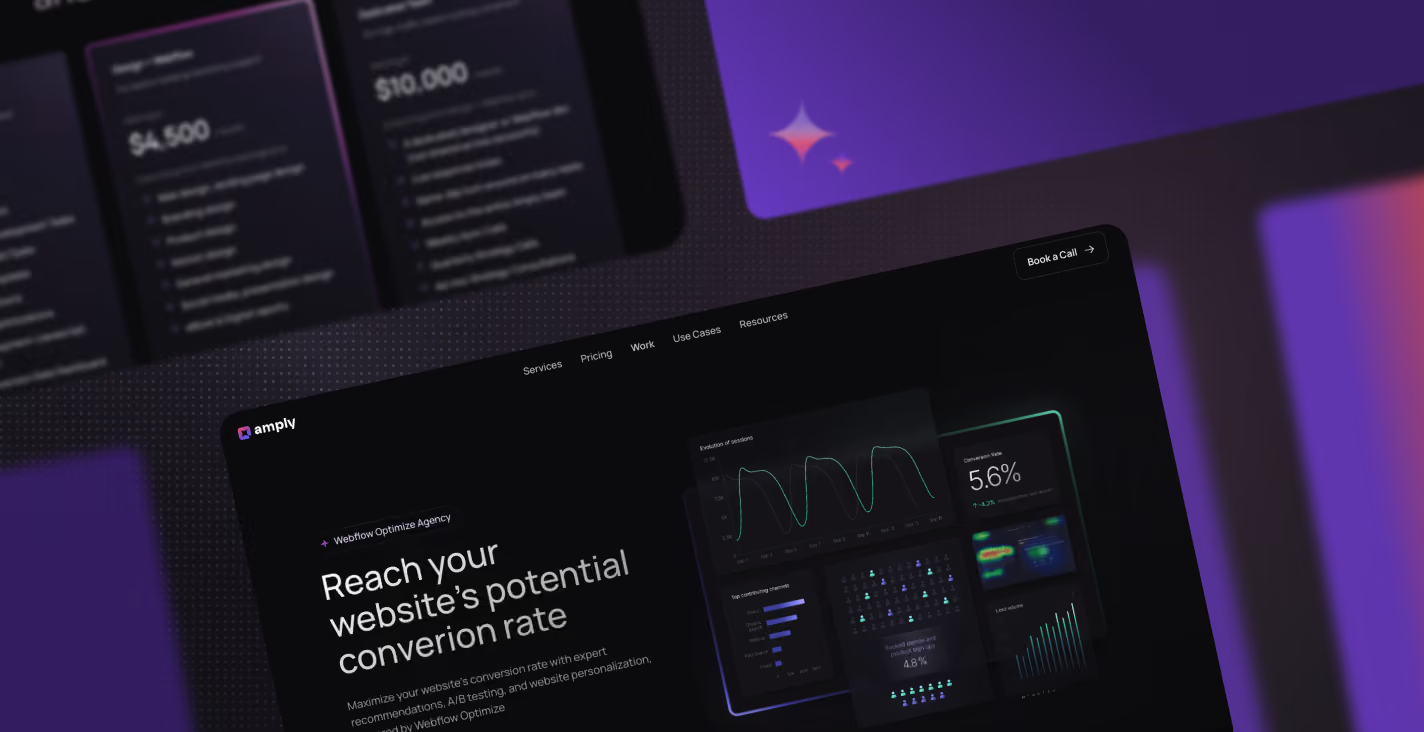
Amply publishes its prices. $3k, $4.5k, or $7.5k/mo. No surprise invoices. See what’s included.
That’s the real range.
But the reason those numbers vary so widely is simple, you’re not comparing the same thing.
Some “maintenance plans” only cover hosting, backups, and occasional bug fixes. Others include ongoing design work, landing page builds, CRO experiments, and technical SEO. Both get labeled as maintenance, but they serve completely different needs.
This guide breaks it down in plain English:
- What website maintenance actually includes
- Why pricing varies so much across agencies
- What different pricing tiers look like in 2026
- And what a fair, realistic budget looks like for your team
If you’ve been trying to figure out whether you should pay $1,000 or $5,000 per month, this will give you a clear answer.
What “Website Maintenance” Actually Means (And Why Prices Vary So Much)
The biggest reason pricing feels inconsistent is simple, website maintenance is not one clearly defined service. It is a bundle of different activities, and every agency chooses what to include, what to exclude, and how to package it.
That is how you end up comparing a $200 per month plan to a $7,500 retainer, both labeled as “maintenance” but delivering completely different outcomes.
At a high level, website maintenance typically falls into four core buckets:
- Technical upkeep
This covers the basics that keep your site running, hosting, security updates, backups, uptime monitoring, and bug fixes. Most low-cost plans stop here. - Content and design updates
This includes updating copy, swapping images, building landing pages, and making visual improvements. For B2B teams running campaigns regularly, this is where most ongoing work actually happens. - SEO and performance
Ongoing optimisation like fixing technical SEO issues, improving page speed, and maintaining Core Web Vitals. This is what helps your site rank and perform, not just exist. - Development work and new builds
Anything beyond small edits, new pages, CMS collections, integrations, and custom functionality. This is where real product and marketing velocity comes from. - How these are packaged in practice (retainers vs. fragmented plans)
Most agencies split these buckets across different services or limit them behind hourly caps. Amply’s website maintenance retainer is structured to include all four, dev, design, SEO, and ongoing improvements, in a single flat monthly plan, so B2B teams are not forced to choose between speed, quality, and cost.
Most “budget” maintenance plans only include the first bucket, technical upkeep. That is why they are cheap.
But for most B2B teams, that is not enough. You are not just maintaining a website, you are actively using it to launch campaigns, test messaging, and drive pipeline. That requires all four.
Website Maintenance Cost by Service Type
To understand what you’re actually paying for, it helps to break maintenance down by service type. Most agencies bundle these together, which makes pricing feel opaque. When you isolate them, the ranges become much clearer.
Technical Upkeep (Hosting, Security, Backups)
This is the baseline layer, SSL, uptime monitoring, backups, and security patches. It keeps your site live and protected, but does not actively improve performance or drive growth. If you want a breakdown of what this actually looks like in practice, here’s a website maintenance checklist for B2B teams covering monthly, quarterly, and annual tasks.
Typical cost: $50–$300/month as a standalone service, though it is usually bundled into broader plans. On Webflow, hosting and security are built into the platform, so this cost largely disappears.
Content and Design Updates
This is where most day-to-day marketing work happens, updating copy, swapping visuals, building landing pages, and iterating on existing sections. For active B2B teams, this is not occasional work, it is continuous.
Typical cost: $500–$2,000/month for consistent design support. Reality check, many “maintenance” plans cap this at 1–2 hours per month, which is not enough to support real campaign velocity.
Development Work
This includes anything beyond visual edits, new pages, CMS structures, integrations, and custom functionality. This is what enables your site to evolve as your product, messaging, and campaigns grow.
Typical cost: $1,500–$4,000/month for ongoing development capacity. On Webflow, a dedicated developer can typically execute changes 3–5x faster than traditional WordPress workflows, which directly impacts turnaround time.
SEO and Performance
This covers technical SEO fixes, Core Web Vitals improvements, and on-page optimisation. It ensures your site is not just functional, but also discoverable and performant.
Typical cost: $500–$2,500/month, either as an add-on or bundled into higher-tier retainers.
CRO and A/B Testing
This is the highest maturity layer, running experiments, analysing user behaviour through heatmaps, and continuously improving conversion rates. It is what turns your website into a growth engine, not just a static asset.
Typical cost: Typically included only in higher-tier retainers starting at $5,000/month and above. Most agencies do not offer this as part of standard maintenance at all.
Website Maintenance Pricing by Model: Retainer vs. Hourly vs. In-House
How you pay for website maintenance matters just as much as how much you pay. The same scope can feel cheap or expensive depending on the model, because each one affects speed, predictability, and output.
Here’s how the three common models compare:
| Hourly | Retainer (Fixed Monthly) | In-house | |
|---|---|---|---|
| Cost predictability | Low, costs fluctuate based on requests and delays | High, fixed monthly rate with clear scope | Medium, fixed salaries but hidden overhead (hiring, tools, downtime) |
| Turnaround time | Slow, work gets queued and billed per task | Fast, ongoing access with 1–3 day turnaround | Medium, depends on team bandwidth and priorities |
| Breadth of skills | Limited, usually one freelancer or specialist | High, access to design, dev, SEO in one team | Limited to who you hire, often gaps in skillsets |
| Ramp-up time | Low initially, but repeated context-setting slows things down | Low, team is already familiar with your site and workflows | High, hiring and onboarding takes weeks to months |
| Scalability | Poor, costs spike as work increases | High, can scale output without renegotiating every task | Medium, requires hiring to scale |
| Best for | One-off fixes or small, infrequent changes | Ongoing marketing teams that need speed and consistency | Large teams with consistent, long-term workload |
Hourly sounds flexible, but in practice it creates friction. Every request becomes a decision, every delay adds cost, and nothing moves unless it is scoped, approved, and billed.
Retainers solve that. You are not paying for isolated tasks, you are paying for ongoing capacity, which is what B2B teams actually need to run campaigns, ship pages, and iterate quickly.
In-house teams can work if you have enough volume to justify full-time hires, but most B2B companies end up with gaps, either in design, development, or performance, that slow everything down.
For most teams, the retainer model is what aligns with how modern marketing actually works, fast-moving, iterative, and dependent on consistent execution.
What Does a Website Maintenance Retainer Actually Cost in 2026?
If you strip away vague packages and hidden scopes, most website maintenance retainers fall into three clear tiers. The difference is not just price, it is how much of your website’s growth engine is actually covered.
| Tier | Monthly Cost | What’s Included | Best For |
|---|---|---|---|
| Dev-only retainer | $2,000–$3,500/mo | Webflow development, bug fixes, new pages | Teams with in-house design |
| Dev + Design retainer | $3,500–$5,000/mo | Development + UI/UX design, landing pages, assets | Most B2B marketing teams |
| Full-service retainer | $5,000–$8,000+/mo | Dev + design + CRO, A/B testing, SEO | Growth-stage SaaS, enterprise |
Dev-only retainer
This is the most basic functional tier. You get reliable development support to build pages, fix issues, and keep your site moving, but design and strategy are handled internally.
This works well if you already have a strong in-house design team and only need execution support.
Dev + Design retainer
This is where most B2B teams land. You get both development and design working together, which means faster campaign launches, better landing pages, and fewer bottlenecks between teams.
Instead of coordinating between freelancers or internal resources, everything sits under one workflow.
Full-service retainer
This is the highest tier, where your website becomes an active growth channel. Along with design and development, you get CRO, A/B testing, and SEO support focused on improving performance over time.
This is typically used by growth-stage companies that are continuously testing, iterating, and scaling acquisition.
Most agencies do not publish pricing for these tiers, which makes it difficult to compare options or set a realistic budget.
Amply takes a different approach. Their website maintenance retainer is priced transparently at $3k, $4.5k, and $10k per month, flat-rate and month-to-month, with no long-term contracts or hidden fees. That level of clarity is still rare in this space, and worth paying attention to when evaluating partners.
What Amply includes at each tier
- Flat monthly pricing, no hourly billing or surprise invoices
- Access to Webflow developers, designers, and performance support in one team
- 1–3 day turnaround on most requests
- No long-term lock-in, scale up or down based on your needs
This is ultimately what separates a true maintenance retainer from fragmented services, you are not paying for tasks, you are paying for consistent execution.
What Factors Drive Your Website Maintenance Cost Up (Or Down)
Not every company should be paying the same amount for website maintenance. Your cost depends less on the agency you choose, and more on how complex, active, and growth-focused your website actually is.
Here are the key factors that push your cost up or down:
- Platform: Webflow is typically cheaper to maintain than WordPress because it eliminates plugin bloat, security patching, and ongoing technical debt.
- Site complexity: A 10-page marketing site is simple to manage, while an 80-page CMS-heavy B2B site with dynamic content requires significantly more ongoing effort.
- Update volume: One landing page per month is manageable at a lower tier, but weekly campaign launches and constant iteration require more dedicated capacity.
- Design needs: A static site with minimal visual changes costs less, while ongoing creative work like campaign assets, ebooks, and event pages increases scope. If you’re deciding how to handle this internally, here’s a breakdown of in-house designer vs. design retainer for B2B teams.
- CRO and testing: Running A/B tests, analysing user behaviour, and continuously optimising conversion rates adds both time and specialised expertise.
Webflow vs. WordPress: The Maintenance Cost Gap
Most of the cost difference between websites does not come from design or development, it comes from the platform underneath.
WordPress sites require constant plugin updates, security patches, and troubleshooting conflicts between tools. Over time, this creates maintenance overhead that compounds month after month.
Webflow removes most of that layer. Hosting, security, and performance are built in, which means your maintenance budget goes toward actual improvements, not just keeping the site from breaking.
That is why many B2B teams see lower long-term maintenance costs after moving to Webflow, even if their monthly retainer stays the same.
Red Flags When Evaluating Website Maintenance Pricing
Not all maintenance plans are created equal. Some look affordable upfront but create friction, delays, or hidden costs over time. Here are the red flags to watch for:
- Hourly billing with no cap: If every request is scoped and billed separately, costs become unpredictable and work slows down. You end up paying more for less progress.
- No published pricing: If an agency cannot give you clear ranges or starting points, it makes comparison difficult and often hides inconsistent pricing behind sales calls.
- Long-term contracts with no exit: Locking you into 12–24 month agreements without flexibility is a sign the service needs commitment to justify itself. Strong retainers should stand on performance, not contracts.
- “Maintenance” that only includes hosting and backups: If there is no actual design or development work included, you are not getting maintenance, you are just paying for infrastructure.
- Slow turnaround times: Waiting 5–10 days for small changes like copy edits or button updates is not maintenance. It is a capacity problem that directly impacts your marketing speed.
Is a Website Maintenance Retainer Worth It for B2B Teams?
For most B2B teams, the real question is not the cost, it is the trade-off.
A $4,500 per month retainer might feel expensive at first glance. But hiring even one mid-level designer or developer costs more once you factor in salary, hiring time, onboarding, tools, and management overhead. And you still end up with gaps in either design, development, or performance.
Speed is the bigger factor.
When your website is tied to campaigns, launches, and pipeline, delays are expensive. Waiting a week for a landing page update or a simple fix does not just slow execution, it directly impacts revenue. Retainers remove that friction by giving you consistent access to a team that can ship quickly.
There is also the opportunity cost.
Your marketing team should not be stuck writing tickets, chasing freelancers, or managing multiple vendors just to get basic updates live. That time is better spent on strategy, messaging, and growth, not coordination. This is where a structured website maintenance retainer model starts to make sense, because it replaces fragmented requests with ongoing, reliable execution.
Flexibility is what makes retainers work today. Modern teams do not operate in fixed cycles. Some months require heavy output, product launches, campaigns, rebrands. Other months are lighter. A month-to-month retainer lets you scale usage up or down without being locked into long-term contracts or renegotiating scope every time priorities shift.
If you want to see how that typically translates into scope and pricing, Amply’s website maintenance retainer breaks this down across clear tiers, without hourly billing or long-term lock-ins.
When you look at it this way, a retainer is not just a cost line. It is a way to remove bottlenecks and keep your website aligned with how your business actually moves.
Final Thoughts
Website maintenance pricing only feels confusing when everything is grouped under one label.
Once you break it down, the pattern is clear. Lower-cost plans keep your site running. Higher-tier retainers help your site perform, evolve, and support growth. The gap between $500 and $5,000 per month is not arbitrary, it reflects the difference between passive upkeep and active execution.
For most B2B teams, the decision comes down to how important your website is to your pipeline. If it is a core acquisition channel, slow updates, fragmented workflows, and limited capacity will hold you back. If it is treated as a growth asset, then consistent design, development, and optimisation support becomes non-negotiable.
The goal is not to find the cheapest option. It is to find a setup that matches how your team actually works, fast-moving, campaign-driven, and constantly iterating.
If you already know your budget range, the next step is simple. Find a model that gives you speed, clarity, and flexibility without locking you into rigid contracts or unpredictable costs.


.avif)


.avif)