Webflow integrations that
keep marketing moving.
Connect your website to the tools your team uses to capture demand, follow up, and understand what works. Amply plans and builds the connections, tests the full journey, and makes ownership clear after launch.


A form submission is the start of a workflow.

A buyer asks for a demo. The right information needs to reach your CRM, retain its campaign context, and get to the person responsible for following up. If one part fails, your team ends up reconciling systems or looking for a lead it should already be working.
We start with what needs to happen, then choose the connection that fits your tools, data, and internal owners.
Connect Webflow to the work around it

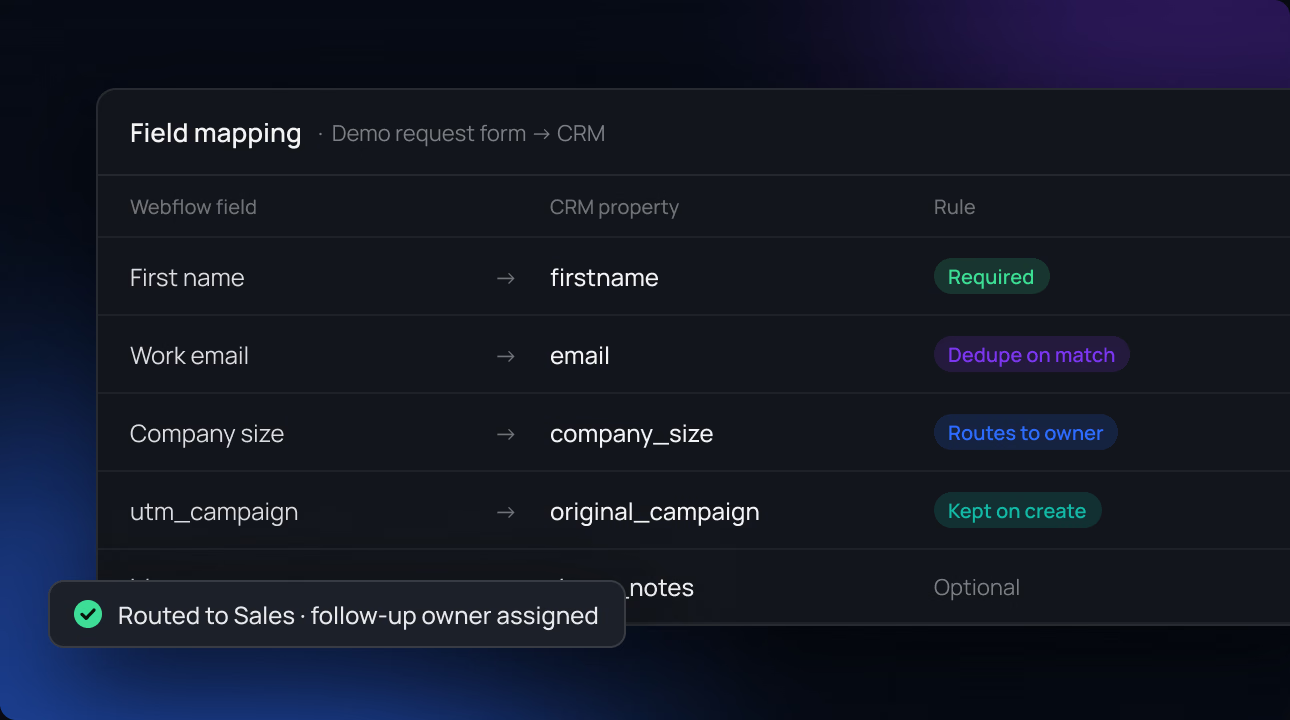
CRM and marketing automation
Connect website forms and buyer actions to platforms such as HubSpot, Salesforce, Marketo, or Pardot. We map the agreed fields, routing rules, and follow-up requirements with the people responsible for those systems.
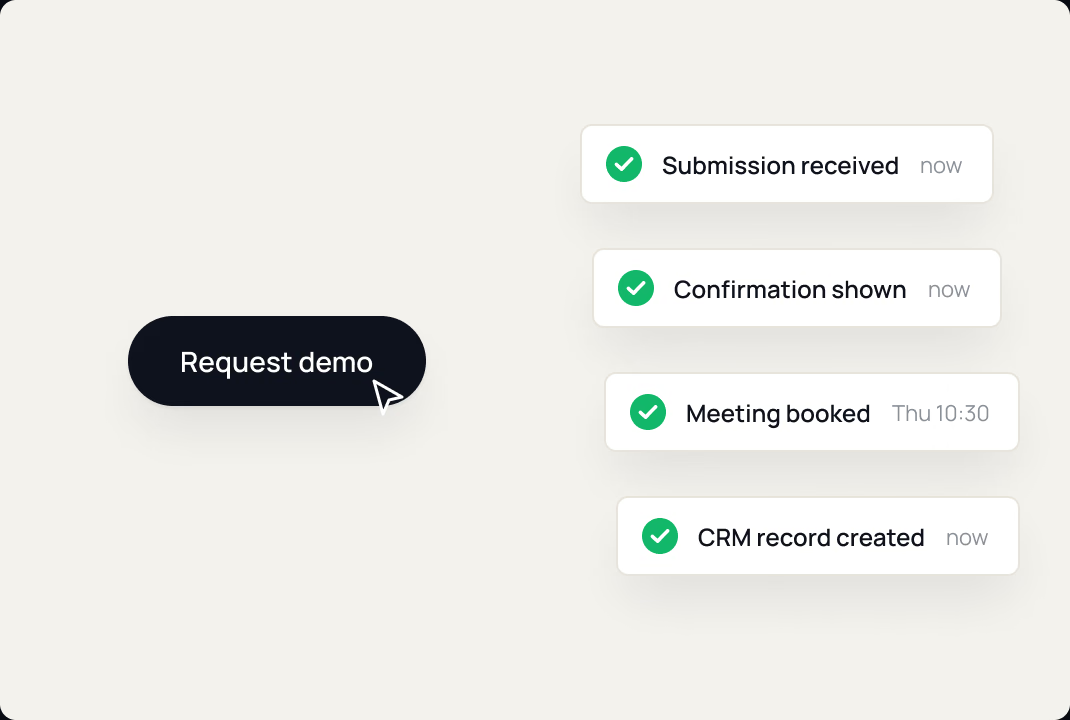
Forms, scheduling, and lead capture
Make demo requests, contact forms, event registrations, and meeting bookings work as a complete journey. We test submissions, confirmation states, notifications, and the destination records included in scope.
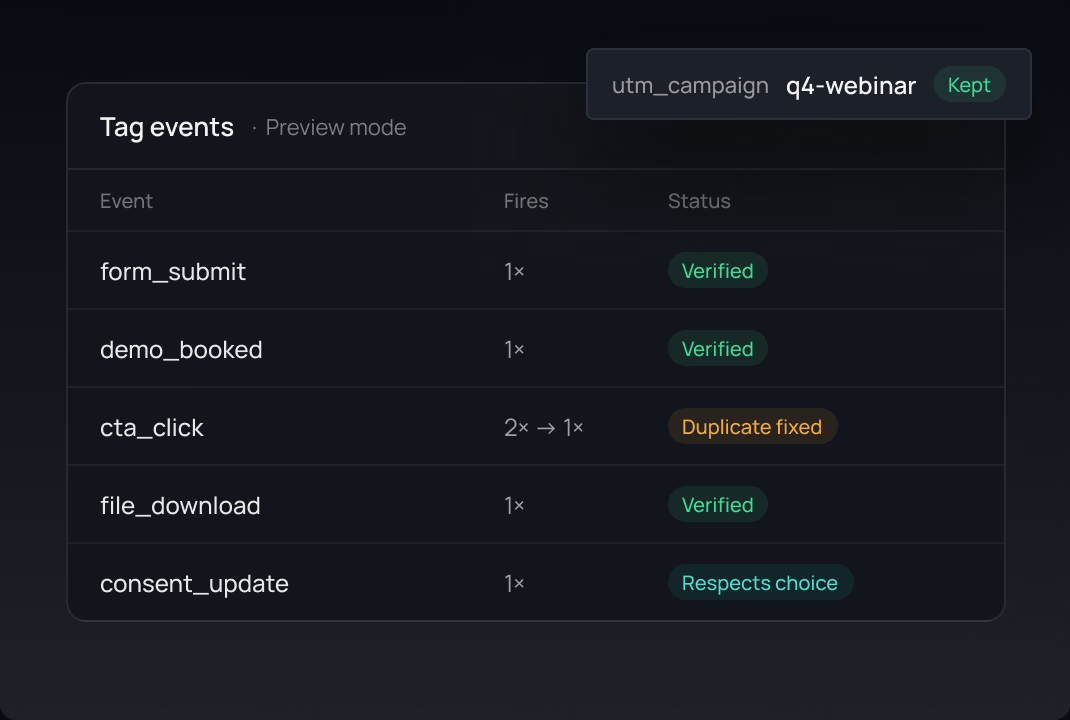
Analytics and campaign attribution
Connect the website to tools such as Google Analytics and Google Tag Manager. We define meaningful events, check for duplicate firing, and preserve campaign information where your setup and consent requirements allow it.
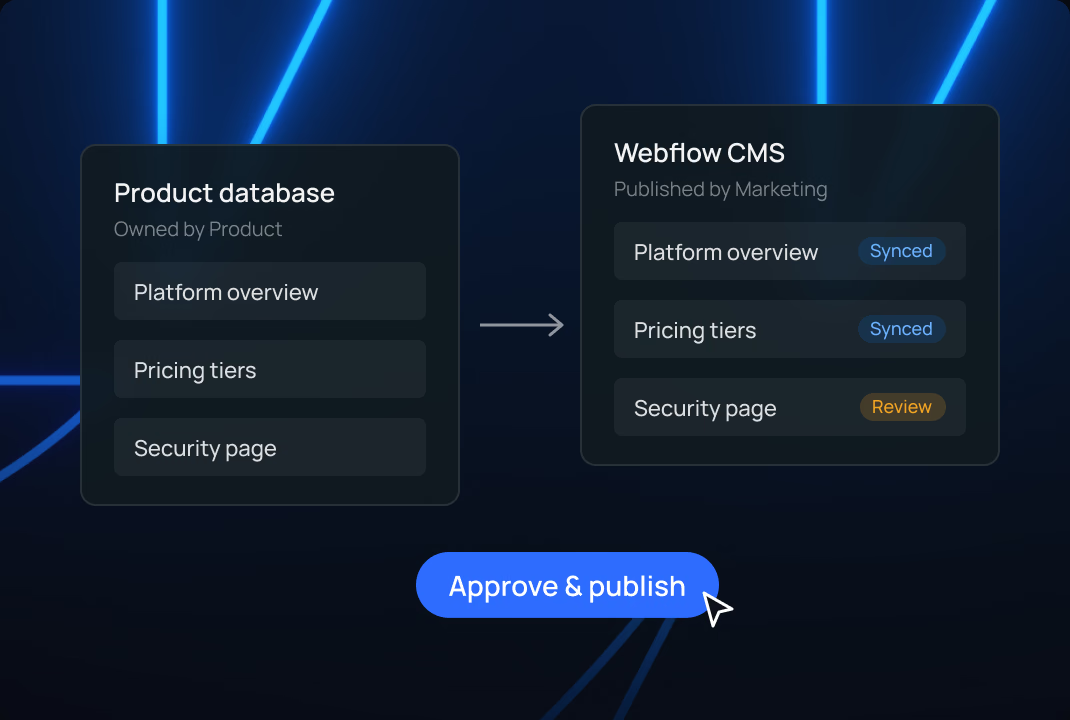
Content and CMS workflows
Connect structured content to the systems your team already maintains. We assess which information should move, which system owns it, and how updates should be reviewed before publication.
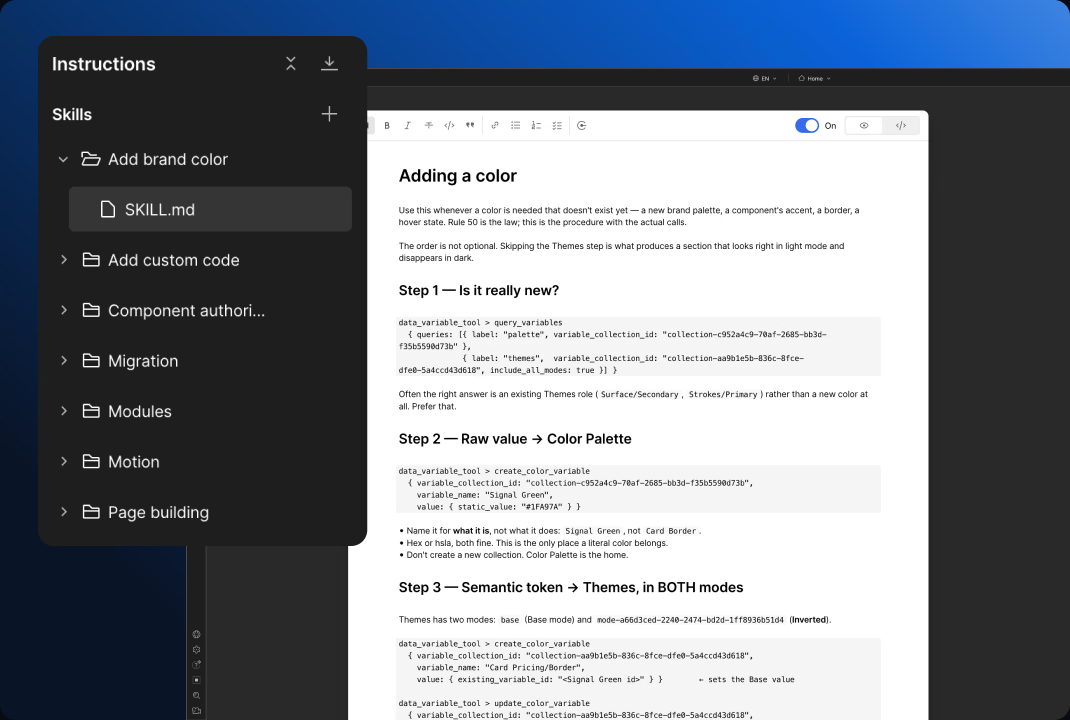
LLM and AI integrations
Connect your website to the AI tools your team uses. Amply can scope workflows that let an assistant work with approved site content, prepare CMS updates, and turn website data into useful reports. We define what it can read or change, how publishing is approved, and when a request needs an Amply expert.
We assess assistants such as ChatGPT or Claude against the workflow you need, then build and test the supported connection. Your brand guidance, content structure, and review process give the assistant context for the work.
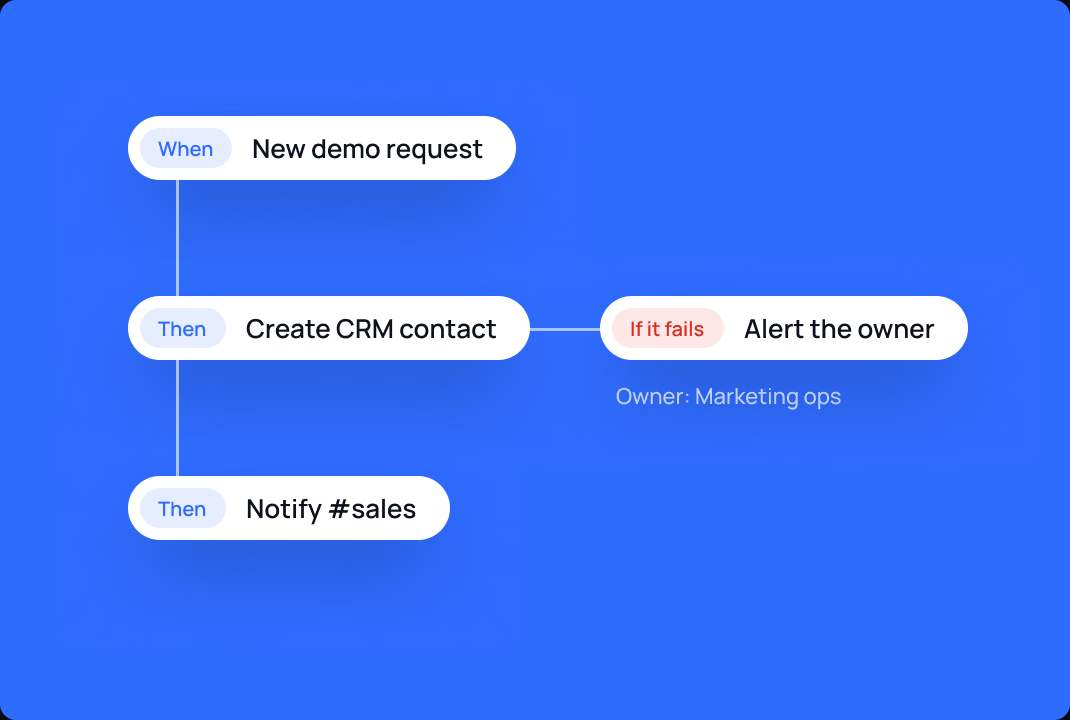
Workflow automation
Use tools such as Zapier or Make to reduce repetitive handoffs. We map triggers, actions, failure handling, and ownership so the workflow remains understandable after it is built.
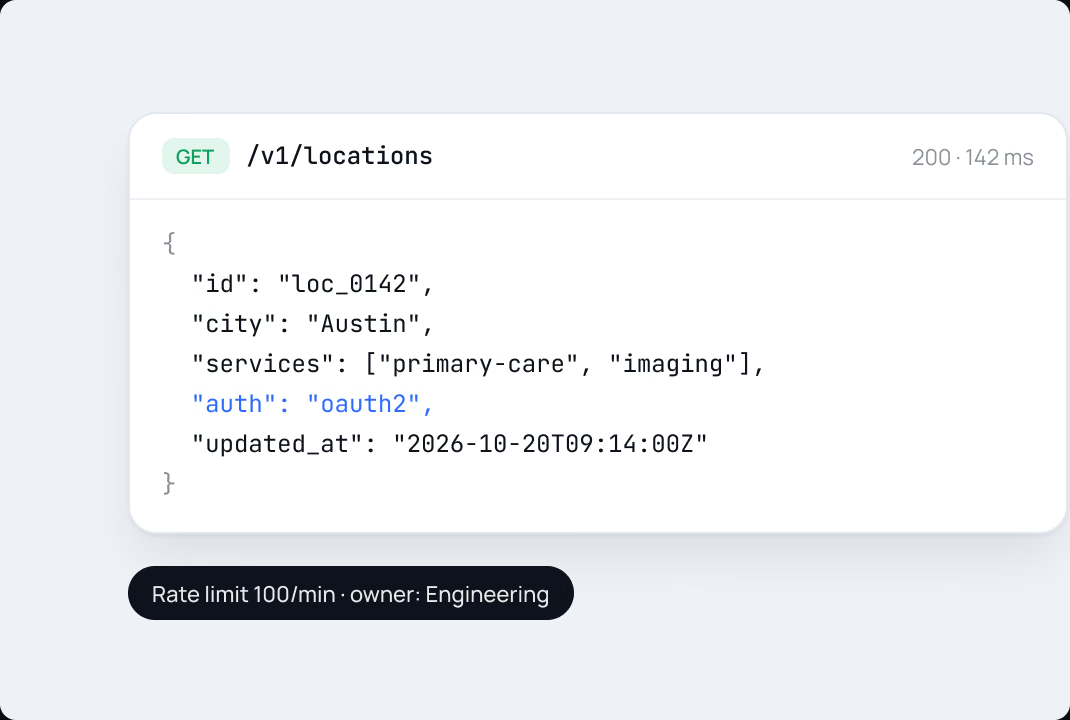
Custom functionality and APIs
When an off-the-shelf connection cannot do the job, we assess a custom approach. We review the available APIs, authentication, data requirements, and maintenance needs before recommending a build.

Start with
your stack.
We work across CRM, marketing, analytics, content, automation, and AI tools. Common requests involve HubSpot, Salesforce, Marketo, Pardot, Google Analytics, Google Tag Manager, Calendly, Zapier, Make, and your team's AI assistants.
The right approach depends on the workflow and the capabilities available in your account. We review the requirements before confirming compatibility, cost, and scope.


Support through a real
marketing-system transition


During Jupiter's website overhaul and migration to Webflow, its team was also getting familiar with Pardot. Amply helped the team connect its marketing systems as part of the move.
“The Amply team provided excellent support to make sure all our marketing integrations were seamless.”
A connection your
team can understand
Clear data ownership
We establish where information originates, where it belongs, and which team owns the next step. Your CRM administrator, marketing operations lead, or engineering team stays involved where needed.
Tests that follow the buyer
We test representative journeys from the website through the agreed destination systems. That can include incomplete submissions, duplicate records, consent states, and failure notifications.
A practical handoff
Your team gets documentation for the implemented workflow, its dependencies, and the routine checks it needs. We identify what marketing can manage and what should go to a technical owner.
Support as the stack changes
Campaigns, tools, fields, and APIs change. Amply can stay involved to investigate issues and update integrations within an ongoing support plan.

From requirement to
working connection
We review the current setup, the desired outcome, the data involved, and the people responsible for each system.
We assess native connections, automation tools, and custom development. You see the proposed scope, account requirements, and tradeoffs before the build begins.
We implement the connection and test the agreed journeys with your team. Any dependencies on third-party settings or internal approvals stay visible.
We check the live workflow, document the handoff, and agree on who handles monitoring and future changes.

Make the next handoff work.
Tell us what needs to connect, what should happen, and where the current workflow breaks down. We'll help you map the work and choose a practical approach.
A 30-minute call with the people who'd do the work.
You'll leave with a recommendation either way.

5.0

Clutch & DesignRush
150+
B2B brands served
100%
Revenue Influenced
Frequently asked questions
Can't find your answer? Book a call and let's talk.

Yes, but the approach depends on what you need to move between the systems. An embedded form, an automation workflow, and a custom API connection solve different problems. We review your setup and confirm the right method before quoting the work.
Yes. We first review how it works, what access is available, and where it is failing. We can then recommend a repair, replacement, or better-documented handoff.
Sometimes. An existing integration or automation tool may be sufficient for a straightforward workflow. Custom development is useful when the required behavior, data handling, or account setup calls for it.
We can scope campaign capture, analytics events, and the transfer of relevant information to your CRM. We agree on the conversion definitions with your team and test the implementation. Attribution still depends on consent, platform behavior, and how records are maintained downstream.
Yes, where the platform and connection support the task. We can connect approved website content and workflows so your assistant can help with copy updates, CMS publishing, and performance reporting. We agree on access, review, and publishing responsibilities, with Amply handling work that needs deeper design or technical judgment.
We identify any required platform plans, licenses, or usage costs during scoping. Your proposal separates Amply's work from third-party fees and clarifies who owns each account.
Cost depends on the workflow, systems, data mapping, custom code, testing, and ongoing support required. A standard connection and a complex multi-system workflow need different scopes.
We document the integration's dependencies and can provide ongoing support for changes and troubleshooting. Monitoring and response commitments are defined in the engagement.