










B2B Webflow migrations

Webflow migrations built
around what your team
needs next.

We migrate your content, SEO, integrations, and design into a Webflow site your marketing team can run. You get two months of hands-on support after launch to help the team settle in and keep improving it.

Plan your migration
See migration work
Webflow Premium Partner, Enterprise

5.0

5.0 star rating

Clutch & DesignRush

150+

B2B brands served

A migration touches more than the CMS.

Changing platforms affects years of content, search visibility, campaign tracking, integrations, and internal workflows. We map those dependencies before the build starts, then test them before anything goes live.

Search visibility

We inventory your URLs, metadata, internal links, and redirects, then monitor the transition after launch.

Content and structure

Pages, resources, authors, categories, media, and structured content move into a CMS designed around how your team publishes.

Forms and integrations

We document and rebuild the forms, analytics, consent tools, CRM connections, and other systems your website relies on.

Brand and experience

Keep the current design, improve it during the move, or use the migration as the starting point for a larger redesign.

Choose how much changes
with the platform.

Some websites need a careful move. Others need a better structure or a complete rethink. We shape the engagement around what should stay, what should improve, and what the new site needs to support.

Book a Free Consultation

01

Rebuild the current site in Webflow

Keep the existing design and content while moving to a cleaner CMS and a more manageable publishing system.

Best when the website still represents the business, but the current platform makes everyday work harder than it should be.


02

Improve the site during the move

Use the migration to clean up page structure, navigation, reusable components, conversion paths, and the parts of the design that need attention.

Best when the site is mostly working but has accumulated friction, inconsistency, or technical debt.

03

Redesign and migrate

Rethink the story, experience, visual design, CMS, and website architecture as part of one coordinated project.

Best when the company or product has moved on and the website has not kept up.

What changed for teams we have worked with

See all work
Kenect
10x
increase in site conversion after launch

Amply moved Kenect from an outdated WordPress site to a Webflow system its marketing team could manage internally.

“We can now make updates to the site without getting IT involved or being worried about anything breaking.”

McKay Allen, VP of Marketing at Kenect
See the Kenect project
Awardco
100%
increase in overall conversions

A large-site migration and reusable component system gave Awardco's marketing team more control over the website and a foundation for ongoing improvement.

“We’ve had a hundred percent increase in conversion overall.”

Awardco client interview
See the Awardco case study
Jupiter
Webflow migration with Pardot and marketing-system integration support

Amply migrated Jupiter's website to Webflow while helping the team connect its marketing systems, including Pardot. The move brought the website and the tools behind lead capture into a working setup.

“The Amply team provided excellent support to make sure all our marketing integrations were seamless.”

Brian Czarny, Chief Marketing Officer at Jupiter
See the Jupiter project
01 - 03

What your Webflow migration can include

We confirm the scope after reviewing your current website, systems, goals, and launch requirements.

Get a migration scope
Current-site and content inventory
CMS and collection architecture
URL and redirect mapping
Metadata and on-page SEO transfer
Design recreation or redesign
Reusable Webflow component system
Forms, analytics, CRM, and integrations
Accessibility and responsive QA
Performance testing
Launch and rollback planning
Team training and documentation
Two months of hands-on post-launch support
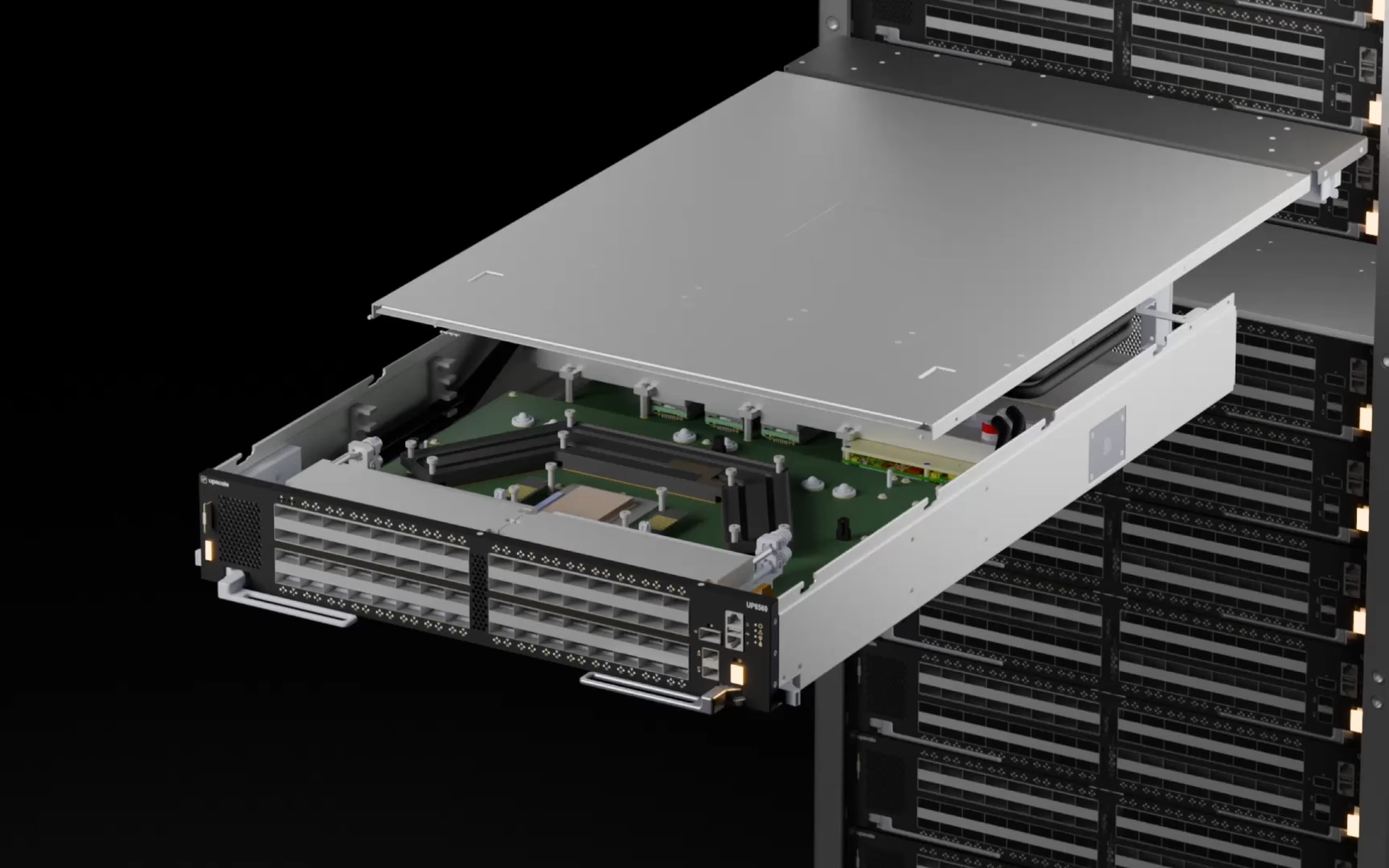
3D render of a network switch sliding out of a server rack

From the old site to a system your team can run

01
Audit and plan

We inventory the website, content, integrations, URLs, analytics, and technical requirements. Together, we decide what stays, what changes, and how the move will work.

02
Design the new system

We map the CMS, page templates, reusable components, redirects, and integrations. If the project includes design changes, we resolve those before development begins.

03
Build and migrate

We develop the Webflow site and move the agreed content into its new structure. Your team can review the site as the work progresses.

04
Test and launch

Before launch, we test pages, forms, analytics, integrations, redirects, responsive behavior, and browser compatibility. We plan the cutover around the requirements of your existing site.

05
Monitor and improve

We provide two months of hands-on support after launch to check the live transition, resolve migration issues, and help your team get comfortable with the new system. Ongoing retainers are available for continued campaigns, maintenance, and improvements.

Proven impact across complex B2B migrations

SAAS & AI

Sites for product-led and sales-led software teams, from Series A through enterprise.

60+
FINTECH & ENTEPRISE

Regulated, review-heavy builds where legal, brand, and security all sign off.

25+
HEALTHCARE & HR TECH

Buyer committees with clinical, procurement, and people-ops stakeholders in the room.

20+

A website your team and its AI tools can work with.

Use the move to give marketing a clearer way to publish, update, and improve the site, with a foundation its AI tools can understand. Reusable components, organized CMS content, and documented brand and publishing rules give everyday work a reliable starting point.

Amply can also set up agreed AI workflows for content updates, publishing, and reporting. Your team stays in control of what goes live, with Amply available when a new page, integration, or larger change needs an expert.

Explore ongoing website support

Plan the move before you touch the site.

Tell us what you are moving from, what the website needs to keep doing, and what you want to improve. We will review the current site and help you work out the right migration approach.

Plan your migration

Speak with the Amply team about your current platform, website scope, integrations, and launch requirements.

Webflow Premium Partner, Enterprise

5.0

5.0 star rating

Clutch & DesignRush

150+

B2B brands served

100%

Revenue Influenced

Questions teams usually ask about Webflow migrations

Can't find your answer? Book a call and let's talk.

Get in Touch
01

Will a Webflow migration affect our SEO?

Any platform migration can affect search performance. We reduce that risk by inventorying existing URLs, mapping redirects, transferring metadata, preserving important content and internal links, and checking the site after launch. We will flag risks and tradeoffs before the migration begins.

02

Will the website go down during the migration?

Your current website normally remains live while we build and test the Webflow site separately. We plan the final cutover to minimize disruption and confirm the launch process with your team in advance.

03

How long does a Webflow migration take?

A standard Webflow migration takes around 4–5 weeks. Larger content libraries, complex integrations, design changes, or additional review stages can extend that timeline. We confirm the schedule after reviewing your current site and agreeing on the scope.

04

Can we redesign the website during the migration?

Yes. We can recreate the existing design, improve selected parts of it, or combine the migration with a complete website redesign.

05

Can you migrate a custom-built website?

Yes, after we review its functionality and dependencies. Some custom features can be rebuilt in Webflow, some require integrations or custom development, and others may need to remain outside Webflow. We identify those requirements during planning.

06

Can you migrate our blog and CMS content?

Yes. We map the existing content types and fields to a new Webflow CMS structure, then migrate the content included in the agreed scope. Large or complex content libraries may require a staged or automated migration.

07

What happens to our forms, analytics, and CRM integrations?

We document the systems the current site uses and include the required rebuilds in the migration plan. Before launch, we test form delivery, analytics, campaign tracking, consent behavior, and agreed integrations.

08

Will our marketing team be able to manage the new site?

That is one of the main reasons we build in Webflow. We create reusable components and CMS structures your team can use, then provide training and documentation for the workflows included in the project.

09

How much does a Webflow migration cost?

Cost depends on the size of the site, content volume, CMS structure, design work, custom functionality, integrations, and launch requirements. After an initial review, we will recommend an approach and provide a clear scope and price.

10

What support is available after launch?

Every migration includes two months of hands-on support after the new site launches. We help resolve migration issues, answer questions, and get your team comfortable running the site. For continued maintenance, campaigns, new pages, and improvements, we can agree on an ongoing website retainer.